jQuery Plugin For Windows 8 Style Loading Spinner - SPIN
| File Size: | 7.36 KB |
|---|---|
| Views Total: | 3238 |
| Last Update: | |
| Publish Date: | |
| Official Website: | Go to website |
| License: | MIT |
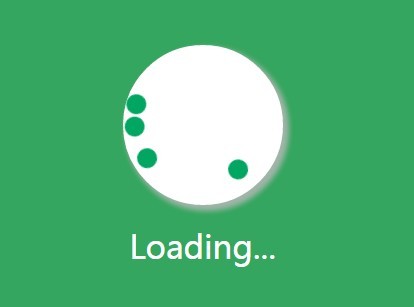
A simple lightweight jQuery loading spinner plugin that display a CSS3 animated, Windows 8 style loading indicator on the top of the whole page or only part of the page. Helpful in AJAX project to indicate the loading status.
How to use it:
1. Load the jquery-spin.js script after jQuery library.
<link href="jquery-spin.css" rel="stylesheet">

<script src="//code.jquery.com/jquery-2.1.3.min.js"></script>
<script src="jquery-spin.js"></script>
2. Or load the ui-spin.js script after jQuery & jQuery UI libraries.
<link href="jquery-spin.css" rel="stylesheet">

<script src="//code.jquery.com/jquery-2.1.3.min.js"></script>
<script src="jquery-ui.min.js"></script>
<script src="ui-spin.js"></script>
3. Call the plugin on the body tag to generate a fullpage loading spinner.
$('body').spin();
4. Call the plugin on a selector to generate a loading spinner for a specified contaner.
$('SELECTOR').spin();
5. Customize the loading spinner.
$('SELECTOR').spin({

  //Options - max,med,min
  size: 'med',

  //Custom message can be declared here
  message: '',

  //Array or HEX values do display color changes.
  colors: ['#625EA0','#F52724','#00A662','#FFE01D']

});
6. Destroy the loading spinner.
$('SELECTOR').spin('destroy');
This awesome jQuery plugin is developed by sandeepk01. For more Advanced Usages, please check the demo page or visit the official website.