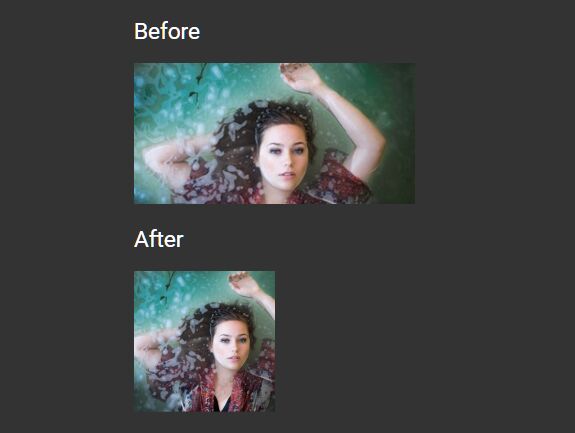
Auto Center Image To Fill Its Container Using jQuery
| File Size: | 4.04 KB |
|---|---|
| Views Total: | 407 |
| Last Update: | |
| Publish Date: | |
| Official Website: | Go to website |
| License: | MIT |

A very small jQuery plugin that automatically resizes, crops, stretches and re-positions your images to make them always be centered within the container.
See also:
- Keep A Specific Area Of Your Images Always Be Centered - FocalPoint
- jQuery Plugin To Make Images Behavior Like Backgrounds - coverimage
- Making IMG Elements Responsive Like Background Images - Sizee.js
How to use it:
1. Inside your image into a container element as this:
<div class="asdh-center_image_inside_me my-container">
  <img src="1.jpg" alt="my image">
</div>
2. Set the width/height of the container element and make the image absolutely positioned in the CSS:
.asdh-center_image_inside_me {
  width: 200px;
  height: 200px;
  position: relative;
  overflow: hidden;
  display: block;
}

.asdh-center_image_inside_me img {
  position: absolute;
  width: 100%;
}
3. Load jQuery library and the main JavaScript file in the webpage. That's it.
<script src="/path/to/jquery.min.js"></script>
<script src="/path/to/.js"></script>
This awesome jQuery plugin is developed by AshishDhamala. For more Advanced Usages, please check the demo page or visit the official website.