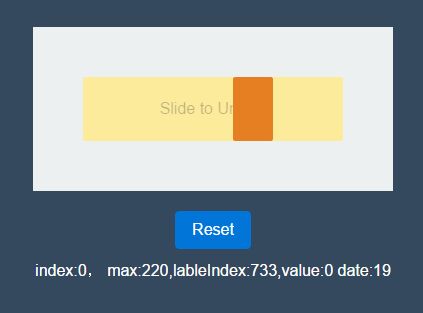
Configurable Slide To Activate/Unlock Plugin With jQuery - unlock.js
| File Size: | 6.57 KB |
|---|---|
| Views Total: | 1936 |
| Last Update: | |
| Publish Date: | |
| Official Website: | Go to website |
| License: | MIT |
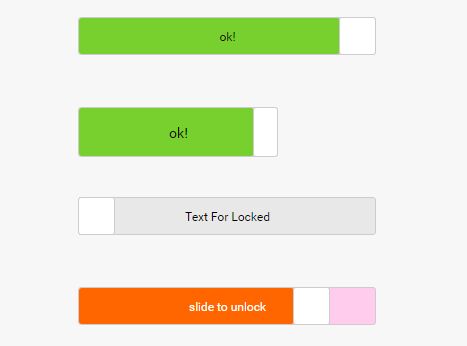
Just another jQuery 'Slide To Unlock' plugin that allows to trigger a success callback function when the user slides the slider to the right.
How to use it:
1. Add jQuery library and the jQuery unlock.js plugin's files to the html page.
<link rel="stylesheet" href="unlock.css">
<script src="jquery.min.js"></script>
<script src="unlock.js"></script>
2. Create a DIV container for the slide to unlock control.
<div class="demo"></div>
3. Initialize the plugin with default options.
$('.demo').slideToUnlock();
4. Here's a list of default options to config the slide to unlock control.
$('.demo').slideToUnlock({
  width: this.$container.width() - 2,
  height: this.$container.height() - 2,
  bgColor: '#E8E8E8',
  progressColor: '#FFE97F',
  handleColor: '#fff',
  succColor: '#78D02E',
  text: 'slide to unlock',
  succText: 'ok!',
  textColor: '#000',
  succTextColor: '#000',
});
5. Perform a custom function when unlocked:
$('.demo').slideToUnlock({
  successFunc: function() {
    // do something
  }
});
This awesome jQuery plugin is developed by menthe. For more Advanced Usages, please check the demo page or visit the official website.