Dynamic jQuery Image Carousel Slider Plugin - slider.js
| File Size: | 4.14 KB |
|---|---|
| Views Total: | 3748 |
| Last Update: | |
| Publish Date: | |
| Official Website: | Go to website |
| License: | MIT |

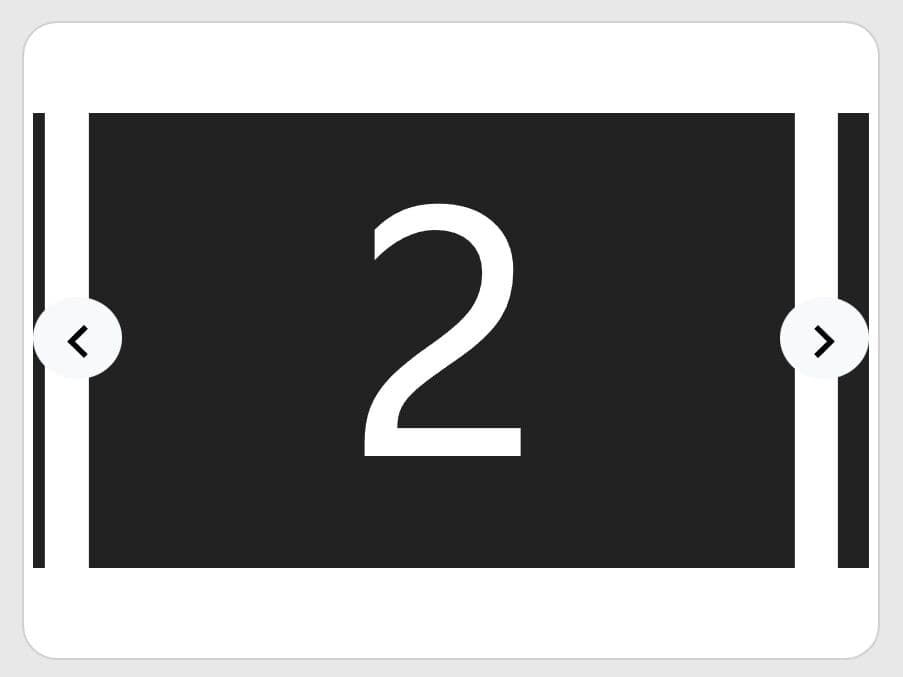
slider.js is a really simple jQuery slider script used to generate a dynamic, responsive carousel from an array of data objects containing image paths, descriptions and links.
How to use it:
1. The slider.js requires Font Awesome 4 icons for the navigation & pagination controls.
<link rel="stylesheet" href="font-awesome.min.css">
2. Put jQuery library and the slide.js script at the bottom of your html page.
<script src="//code.jquery.com/jquery.min.js"></script>
<script src="slider.js"></script>
3. Create the placeholder elements for the carousel slider.
<div class="slider" id="slider">
  <button type="button" class="button button-prev">
    <i class="fa fa-chevron-left" aria-hidden="true"></i>
  </button>
  <button type="button" class="button button-next">
    <i class="fa fa-chevron-right" aria-hidden="true"></i>
  </button>
</div>
4. The primary CSS styles for the carousel slider.
.slider {
  width: 100%;
  overflow: hidden;
  height: 500px;
  position: relative;
}

.sliderList {
  position: absolute;
  top: 0;
  width: 300%;
  height: 100%;
  list-style: none;
}

.sliderList li {
  position: absolute;
  top: 0;
  bottom: 0;
  overflow: hidden;
  width: 33.333333%;
  height: 100%;
  padding: 0;
  margin: 0;
}

.sliderList li img {
  width: 100%;
  min-height: 100%;
  border: none;
}

.bulletList {
  position: absolute;
  bottom: 15px;
  width: 100%;
  margin: 0 auto;
  list-style: none;
}

.bulletList li {
  display: inline-block;
  width: 12px;
  height: 12px;
  margin: 0 5px;
  -webkit-border-radius: 50%;
  -moz-border-radius: 50%;
  -ms-border-radius: 50%;
  border-radius: 50%;
  background-color: #fff;
  cursor: pointer;
}

.bulletList .bulletActive { background-color: #0b0d18; }

.content {
  position: absolute;
  top: 0;
  left: 0;
  right: 0;
  background-color: rgba(0, 0, 0, 0.3);
  font-size: 48px;
  color: #fff;
}

.button {
  position: absolute;
  bottom: 15px;
  z-index: 2;
  display: block;
  width: 40px;
  height: 40px;
  box-sizing: border-box;
  margin: 0;
  padding: 0;
  border: none;
  -webkit-border-radius: 5px;
  -moz-border-radius: 5px;
  -ms-border-radius: 5px;
  border-radius: 5px;
  background-color: rgba(5, 0, 36, 0.6);
  color: #fff;
}

.button-prev { left: 15px; }

.button-next { right: 15px; }
5. Override the default image data in the JavaScript.
sliderJSON = [
  {
    "imagePath": "1.jpg",
    "order": "2",
    "url": "#",
    "slideText": "Image Caption"
  },
  {
    "imagePath": "2.jpg",
    "order": "3",
    "url": "#",
    "slideText": "Image Caption"
  },
  {
    "imagePath": "3.jpg",
    "order": "1",
    "url": "#",
    "slideText": "Image Caption"
  },
  {
    "imagePath": "4.jpg",
    "order": "4",
    "url": "#",
    "slideText": "Image Caption"
  }
This awesome jQuery plugin is developed by eryasov. For more Advanced Usages, please check the demo page or visit the official website.