Minimal Responsive jQuery Image Slider Plugin - Skate
| File Size: | 9.55 KB |
|---|---|
| Views Total: | 4909 |
| Last Update: | |
| Publish Date: | |
| Official Website: | Go to website |
| License: | MIT |
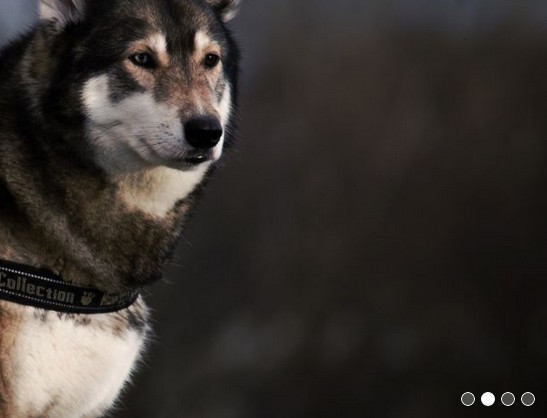
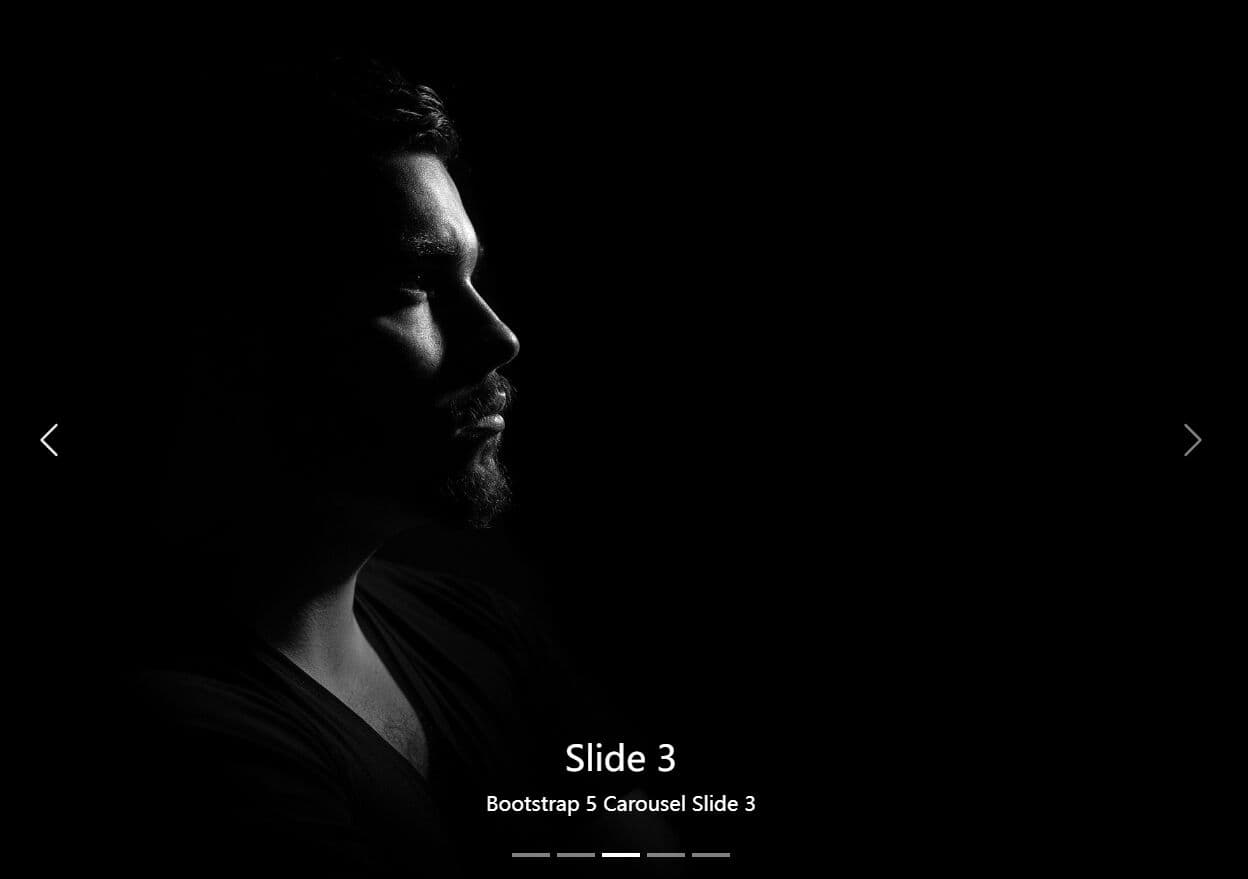
Just another jQuery/CSS3 based, lightweight, responsive, automatic image slider which can be used as a banner carousel/rotator/slider for presenting your featured content.
How to use it:
1. Load the skate.min.css in the head section, and the skate.js in the footer but after loading jQuery library.
<link href="path/to/skate.min.css" rel="stylesheet">
<script src="//code.jquery.com/jquery-1.11.2.min.js"></script>
<script src="path/to/skate.js"></script>
2. Add the images & bullet navigation into the slider.
<div class="banner-slider">
  <div class="banner-slider-inner">

    <!-- slider content -->
    <div class="banner-slider-contents">
      <!-- Place your images here -->
      <img src="1.jpg">
      <img src="2.jpg">
      <img src="3.jpg">
      <img src="4.jpg">
      <img src="5.jpg">
    </div>

    <!-- bullet navigation -->
    <ul class="banner-slider-blobs">
    </ul>

  </div>
</div>
3. That's it. The plugin will automatically initialize & start the image slider on document ready.
This awesome jQuery plugin is developed by ahosgood. For more Advanced Usages, please check the demo page or visit the official website.