Responsive Auto Content Carousel Plugin For jQuery - mkslider
| File Size: | 6.49 KB |
|---|---|
| Views Total: | 1845 |
| Last Update: | |
| Publish Date: | |
| Official Website: | Go to website |
| License: | MIT |

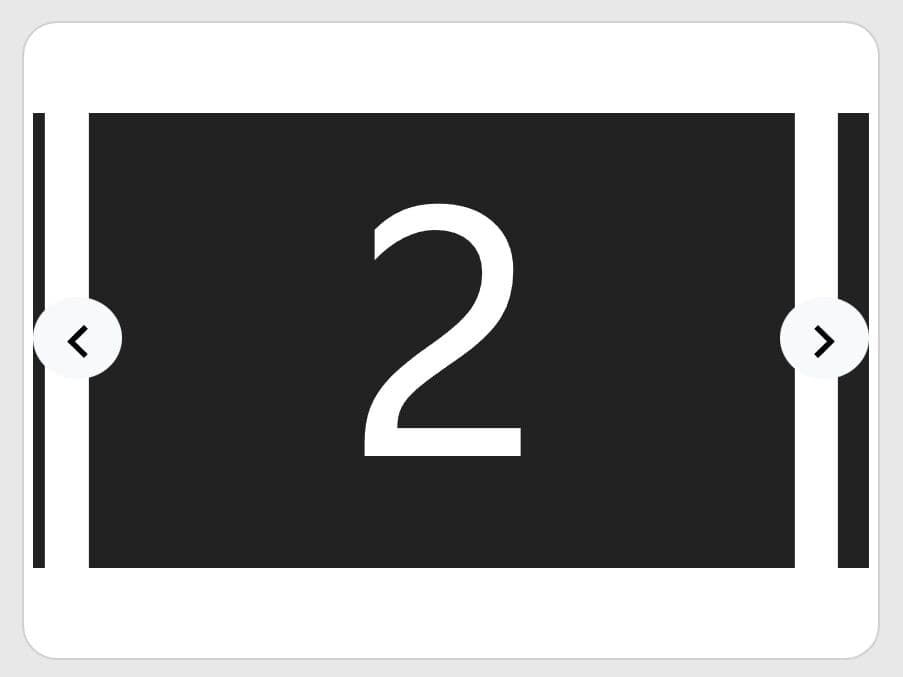
Just another content carousel slider plugin for jQuery that scrolls automatically and infinitely through all different kinds of content with CSS3 animations and useful controls.
Basic usage:
1. Include jQuery library together with the jQuery mkslider plugin's JS and CSS files on the webpage.
<link rel="stylesheet" href="path/to/jquery.mkslider.css">
<script src="//code.jquery.com/jquery-1.11.3.min.js"></script>
<script src="path/to/jquery.mkslider.js"></script>
2. Add a set of html content to the carousel slider.
<div id="slider">
  <div class="slide">1</div>
  <div class="slide">2</div>
  <div class="slide">3</div>
  <div class="slide">4</div>
  <div class="slide">5</div>
</div>
3. Create a pagination for the carousel slider.
<nav id="additional-menu">
  <div>1</div>
  <div>2</div>
  <div>3</div>
  <div>4</div>
  <div>5</div>
</nav>
4. Initialize the carousel slider with default options.
$('#slider').mkslider({
  externalNavigator: '#additional-menu'
});
5. Full plugin options to customize your carousel slider.
$('#slider').mkslider({

  // autoplay
  auto: true,

  // autoplay interval
  autoTimeout: 2000,

  // display play / pause icons
  autoIcon: true,
  autoIconPlay: '►',
  autoIconPause: '▮▮',

  // animation speed
  animationTime: 1000,
  animationPerSlide: true,

  // display arrows navigation
  arrows: true,
  arrowNext: '→',
  arrowPrev: '←',

  // display bottom navigation
  navigator: true,
  navigatorItemText: '●',
  externalNavigator: '',

});
This awesome jQuery plugin is developed by charger88. For more Advanced Usages, please check the demo page or visit the official website.