jQuery Generic Content Slider Plugin - qbslider
| File Size: | 59.8 KB |
|---|---|
| Views Total: | 1037 |
| Last Update: | |
| Publish Date: | |
| Official Website: | Go to website |
| License: | MIT |
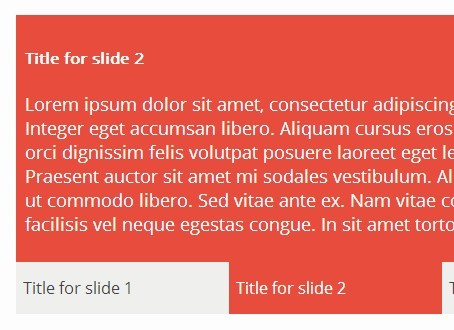
qbslider is a simple jQuery slider plugin which allows you to scroll through any different kinds of content with multiple navigation controls.
Features:
- Lightweight and responsive.
- Custom prev/next navigation text.
- Custom start slide.
- Mouse wheel control.
- Automatic scrolling.
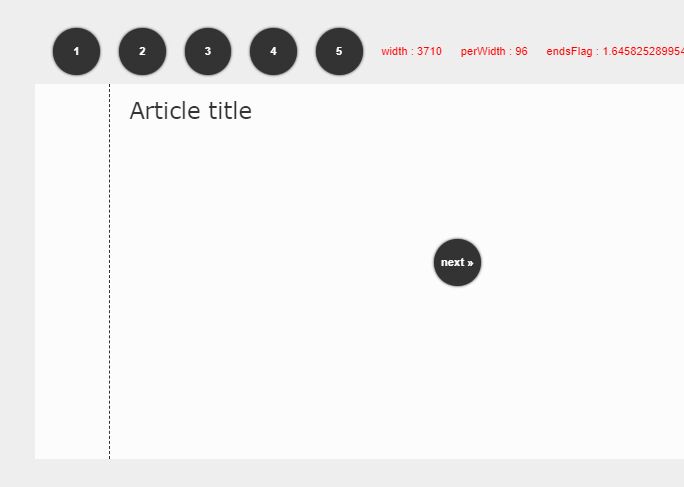
- Numeric pagination.
- Tabbed navigation.
Basic Usage:
1. Wrap your content into an Html unordered list.
<ul class="slide-list">
  <li class="slide">Slide 1</li>
  <li class="slide">Slide 2</li>
  <li class="slide">Slide 3</li>
  ...
</ul>
2. Include jQuery library and the jQuery qbslider plugin at the bottom of your web page.
<script src="//code.jquery.com/jquery-2.1.1.min.js"></script>
<script src="jquery.qbslider.min.js"></script>
3. Initialize the plugin to create a basic content slider.
$('.slide-list').qbslider();
4. Add your own CSS styles to fit your needs.
5. Options and defaults.
$('.slide-list').qbslider({

/* Index of slide to show after initialization */
start: 0,

/* Animation speed */
speed: 500,

/* Number of slides that will be visible at once, current slide is always centered */
slidesVisible: 1,

/* Autoresizing of slides after window resizing */
responsive: true,

/* Generate navigation links */
nav: true,

/* Text of the navigation links - receives index and slide element */
navText: function (i, el) {
  return (i + 1);
},

mousewheel: true,

/* Generate next and previous slide buttons */
controls: true,

/* Text of the next slide button */
next: '●',

/* Text of the previous slide button */
prev: '●'

});
Change log:
2014-10-30
- added Transition support
This awesome jQuery plugin is developed by autioch. For more Advanced Usages, please check the demo page or visit the official website.