Bootstrap Compatible Sticky Table Header Plugin - Table Fixed Head
| File Size: | 9.07 KB |
|---|---|
| Views Total: | 13459 |
| Last Update: | |
| Publish Date: | |
| Official Website: | Go to website |
| License: | MIT |
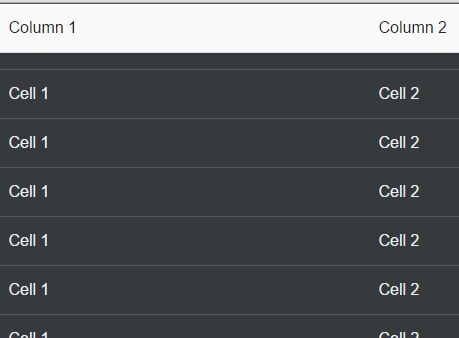
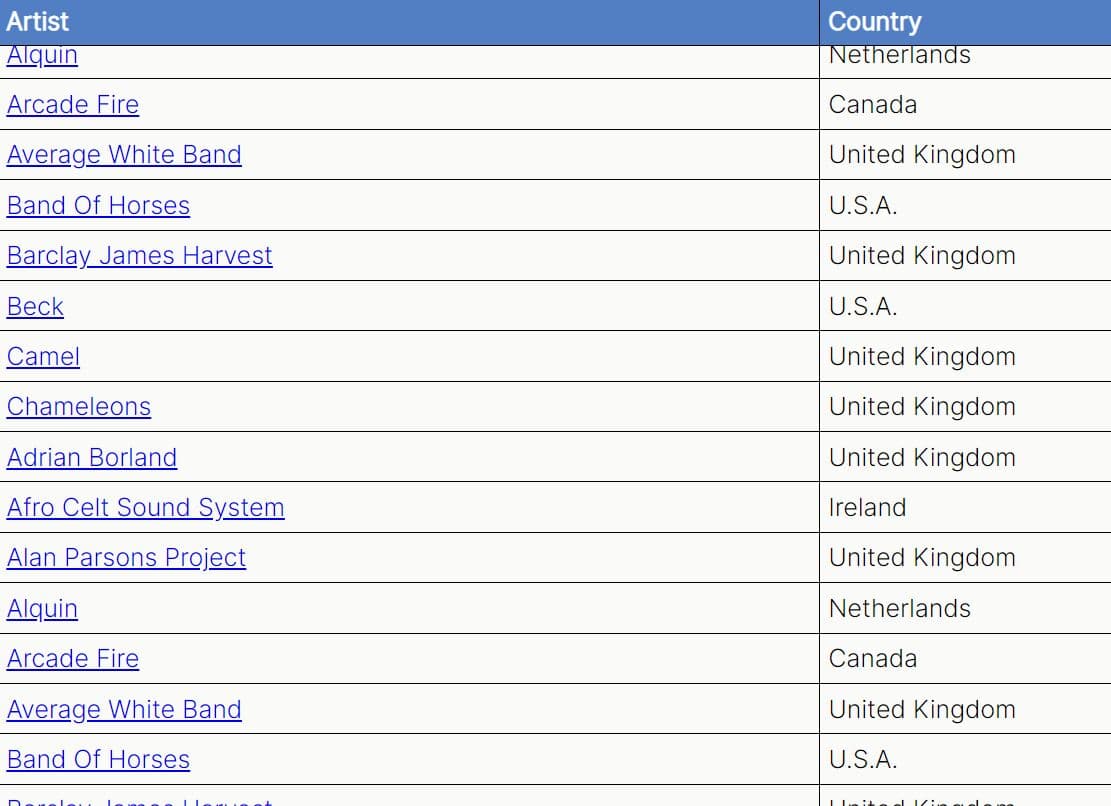
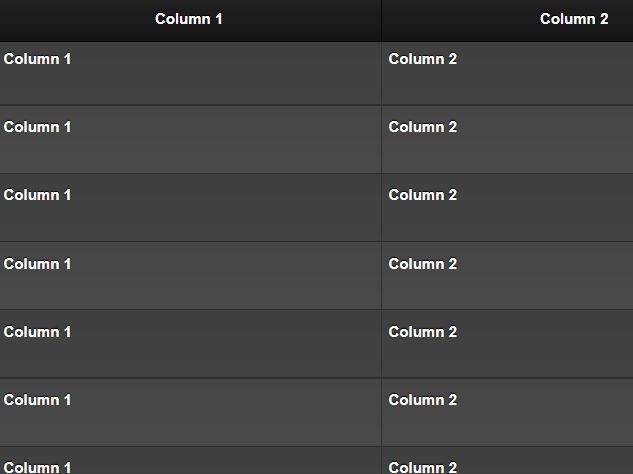
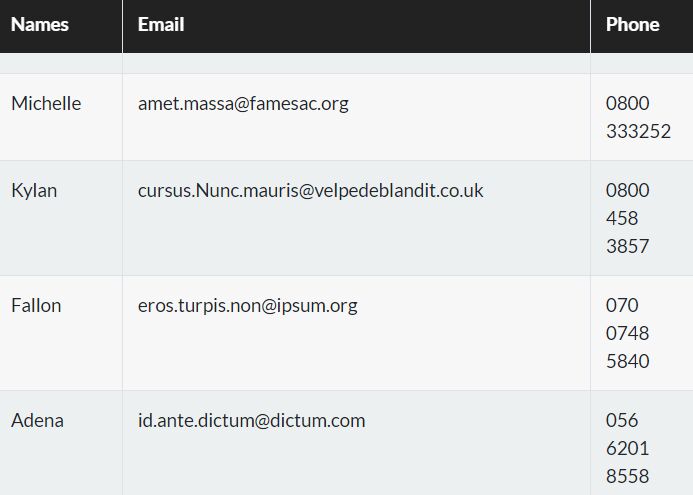
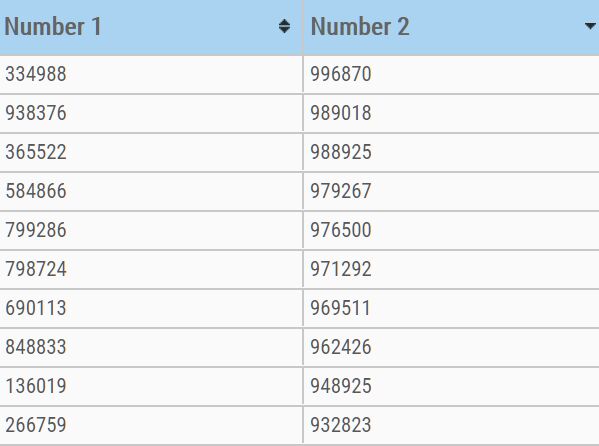
Table Fixed Head is a really simple jQuery plugin that makes your long table able to vertically fix the thead when scrolling down.
How to use it:
1. Load jQuery library and the jQuery table fixed head plugin at the end of the document to improve the page load speed.
<script src="//code.jquery.com/jquery-1.12.1.min.js"></script>
<script src="jquery.michiweber.table-head-fixed.js"></script>
2. Add the 'table-fixed-head' class to your html table. Note that the html table must have thead and tbody elements.
<table class="table table-fixed-head">
3. Style the sticky table header in the CSS.
table.table-fixed-head .table-fixed-head-thead {
  border-bottom: 1px solid #dddddd;
  background: #fafafa;
  color: #222;
}
4. Config the plugin via html5 data attributes on table element.
- data-table-fixed-head-trigger: top offset to trigger the plugin
- data-table-fixed-head-top: top position to place the sticky header
<table class="table table-fixed-head"
       data-table-fixed-head-trigger="0"
       data-table-fixed-head-top="0"
>
5. You can also pass the options as an object on init.
$('table').tfh({
  trigger: 0,
  top: 0
});
Change log:
- Bugfix: Too much calls of resize event killed browser
This awesome jQuery plugin is developed by michiweber. For more Advanced Usages, please check the demo page or visit the official website.