Make Characters Fly Out While Typing - jQuery airChars
| File Size: | 7.3 KB |
|---|---|
| Views Total: | 1036 |
| Last Update: | |
| Publish Date: | |
| Official Website: | Go to website |
| License: | MIT |
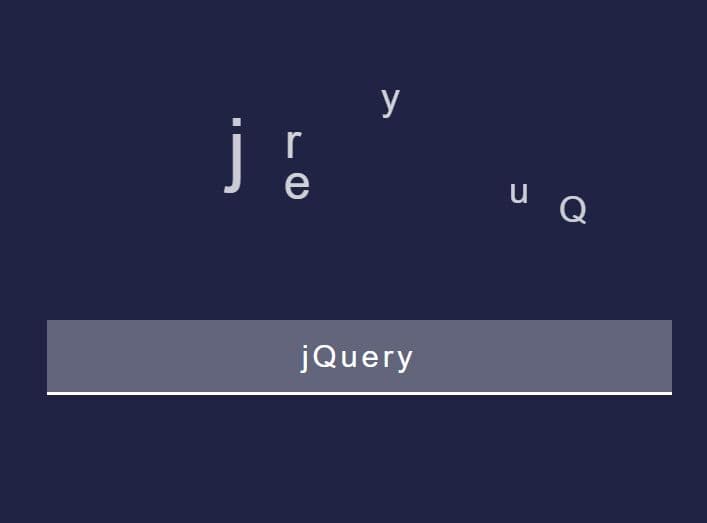
airChars is a tiny jQuery plugin for creating a fancy typing animation in a text field. It makes the characters fly out while typing. each letter will then fade out above the input field.
See Also:
How to use it:
1. Code the HTML for the fancy input field.
<div class="input_wrap">
  <input type="text" placeholder="Please type" />
  <div class="after"></div>
</div>
2. Load the airChars plugin after jQuery.
<script src="/path/to/cdn/jquery.min.js"></script>
<script src="/path/to/airchars.js"></script>
3. Call the function on the input field and done.
$(document).ready( function () {
  $("input").airChars( {
   // options
  });
});
4. Available options to customize the animation.
$(document).ready( function () {
  $("input").airChars( {
    duration: 1,
    upperLimit: 150,
    sizeInterval: [15, 80]
  });
});
This awesome jQuery plugin is developed by multum. For more Advanced Usages, please check the demo page or visit the official website.