10 Best JavaScript & jQuery Gauge Libraries for Dashboards (2026)
Gauge charts are a compact way to show a value against a defined range. They work well for dashboards, monitoring panels, speedometers, and KPI displays.
A simple HTML gauge can use the native <meter> element for a basic value range. More detailed dashboards often need circular or linear gauges, animated needles, color bands, and live value updates. Those requirements usually call for JavaScript.
JavaScript gauge libraries package these behaviors into reusable components built with Canvas, SVG, or HTML/CSS. Some legacy projects also need a jQuery gauge plugin that works with an existing codebase.
The 10 JavaScript libraries below cover the main gauge styles used in dashboards and web applications in 2026.
Originally Published May 18 2019, updated Sep 19 2026
Table of Contents
- JavaScript Gauge Libraries: Quick Comparison
- HTML Gauge With the <meter> Element
- Best JavaScript Gauge Libraries
- Best jQuery Gauge Plugins
- Pure CSS Gauge Alternative
- FAQs
- Related Gauge Resources
JavaScript Gauge Libraries: Quick Comparison
| Library | Details |
|---|---|
| Gauge.js | Canvas; radial, donut, needle; zero dependencies. |
| Canvas Gauges | Canvas; radial and linear gauges; zero dependencies. |
| JustGage | SVG; arc, donut, differential, pointer; zero dependencies. |
| SimpleGauge | HTML/CSS; arc gauge; zero dependencies. |
| Neo Charts | DOM/CSS; circular gauge plus 12 other chart types; zero dependencies. |
| Dial Gauge | SVG Web Component; dial gauge; zero dependencies. |
| SVG Gauge | SVG; arc and full-circle gauges; zero dependencies. |
| GaugeMeter.js | Canvas; full, semi, and arch dials. |
| simplegauge.js | SVG; analog and digital gauges; jQuery. |
| cmGauge | HTML/CSS; percentage dial. |
HTML Gauge With the <meter> Element
For a single scalar value inside a known minimum and maximum, HTML already has the <meter> element. Browsers usually render it as a horizontal meter. Circular dials, needles, custom sectors, animated transitions, and custom chart geometry require additional CSS or JavaScript.
<label for="disk-usage">Disk usage:</label> <meter id="disk-usage" min="0" max="100" low="60" high="85" value="68">68%</meter>Task completion belongs in <progress>. The <meter> element represents a measurement within a known range.
Best JavaScript Gauge Libraries
Gauge.js
Gauge.js is a focused Canvas library for animated radial gauges and donut-style indicators. Its API includes pointer styling, arc angles, major and minor ticks, colored zones, high-DPI rendering, and animated value changes.

Canvas Gauges
Canvas Gauges has dedicated radial and linear gauge builds with no external dependency. Configuration covers needles, major and minor ticks, highlighted ranges, titles, units, value boxes, animations, and data attributes for instrument-style displays.

JustGage
JustGage 2.x renders gauges with native SVG and no RaphaelJS dependency. Gauge styles include arc, donut, and differential layouts, with pointers, target lines, sector colors, responsive sizing, number formatting, and animated value refresh.
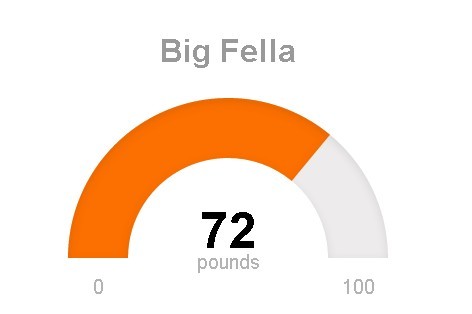
SimpleGauge
SimpleGauge draws a clean arc gauge with regular HTML, CSS, and JavaScript. Minimum, maximum, and initial values use data attributes, and the API exposes set() and reset() for value changes.

Neo Charts
Neo Charts is a zero-dependency DOM/CSS chart library with a circular gauge type alongside bar, line, area, heatmap, pie, donut, bullet, and funnel charts. Gauge data uses current, minimum, and maximum values, with controls for ring thickness, value text size, updates, and cleanup.

Dial Gauge Web Component
<dial-gauge> is a Web Component that renders a compact SVG dial from a custom HTML element. Scale bounds, value, titles, arc width, colors, and sizing are controlled through attributes and CSS custom properties.

SVG Gauge
SVG Gauge is a dependency-free library for animated arc and full-circle gauges. Configuration includes start and end angles, minimum and maximum values, labels, center text, CSS classes, and value-based color logic.

Best jQuery Gauge Plugins
GaugeMeter.js
GaugeMeter.js is a Canvas-based jQuery plugin for full-circle, semi-circle, and arch dials. It includes built-in themes, labels, color controls, sizing options, and data-attribute configuration.
The jQuery repository was archived on April 11, 2025. Mictronics also publishes GaugeMeter.ts, a non-jQuery TypeScript version that keeps the existing CSS and HTML structure with minor JavaScript changes.
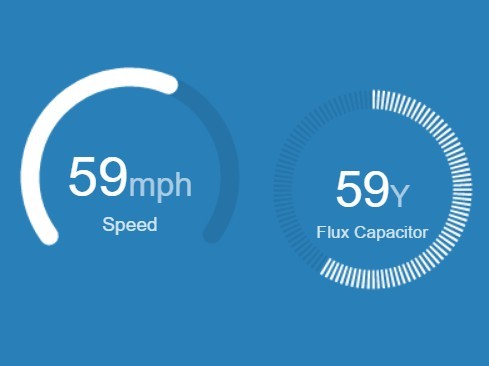
jQuery simplegauge.js
simplegauge.js renders analog and digital gauges with jQuery, JavaScript, and SVG. It includes configurable ticks, angles, pointer styling, color bands, text templates, and public methods for reading or changing the value.
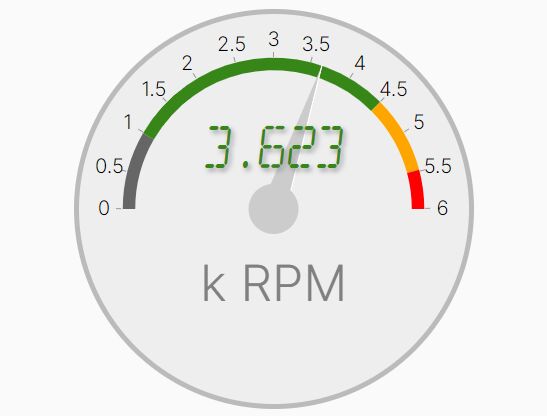
cmGauge
cmGauge is a small jQuery and CSS gauge for percentage values. CSS transforms draw the dial and pointer, and an updateGauge event changes the displayed value after initialization.
Pure CSS Gauge Alternative
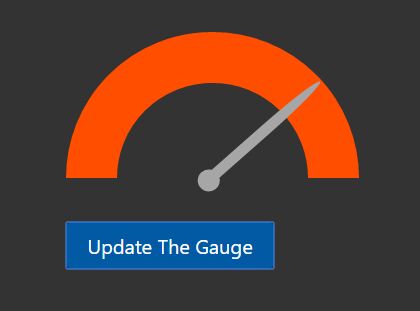
Minimal Gauge Meter In Pure CSS
This CSS-only gauge uses custom properties for the gauge value and display value, with tick marks, a needle, labels, and an optional heat-scale variant. It is a useful alternative when the page only needs a styled gauge component and does not require a JavaScript chart API.

FAQs
Can HTML create a gauge without JavaScript?
Yes. The HTML <meter> element represents a scalar measurement inside a known range. Browsers usually render it as a horizontal meter. A custom dial, needle, circular ring, or animated dashboard gauge needs additional CSS or JavaScript.
What is the difference between a radial gauge and a linear gauge?
A radial gauge maps the value to an arc or circular dial. A linear gauge maps the value along a horizontal or vertical scale. Canvas Gauges includes dedicated implementations for both forms.
How do Canvas, SVG, and HTML/CSS gauges differ?
Canvas paints the gauge into a bitmap drawing surface. SVG represents the gauge as vector elements in the DOM. HTML/CSS gauges use regular elements with CSS layout, transforms, gradients, or custom properties. Renderer choice depends on styling, interaction, gauge count, and update frequency. Benchmark the actual dashboard when frequent updates or many gauges make rendering cost important.
Do JavaScript gauge libraries require jQuery?
No. Seven of the 10 libraries above run without jQuery. GaugeMeter.js, simplegauge.js, and cmGauge are the three jQuery-specific options in this list.
Related Gauge Resources
- Discover More jQuery Gauge Plugins
- Find More Vanilla JavaScript & CSS Gauge Libraries
- 10 Best Circular/Radial Progress Bar JavaScript Plugins





