10 Best Number Input (Input Spinner) Plugins In JavaScript (2026 Update)
What Is Number Input?
Number input is an input component where the users can enter/select a numeric value with incrementer and decrementer buttons. Also known as an input spinner.
The Best Number Input Plugin
Want to have a JavaScript plugin to enhance and beautify the native browser number input?
In this article, you will find the 10 best jQuery and Vanilla JavaScript plugins that help developers create highly customizable and user-friendly input spinners to enhance the number input experience.
Originally Published Jul 31 2019, updated Jan 12 2026
Table of contents:
jQuery Input Spinner Plugins:
Easy Input Spinner Plugin For Bootstrap 5/4 - InputSpinner.js
An easy yet customizable input spinner plugin for Bootstrap 5/4 framework that enables users to increment/decrement a number by using +/- buttons.
Features:
- is mobile friendly and responsive,
- automatically changes the value when holding a button,
- has internationalized number formatting,
- allows setting a prefix or a suffix text in the input,
- handles val() like the native element,
- dynamically handles changing attribute values like disabled or class,
- supports templates and custom editors, (new!)
- dispatches change and input events on value change like the native element and
- works without extra css, only Bootstrap 5 is needed.
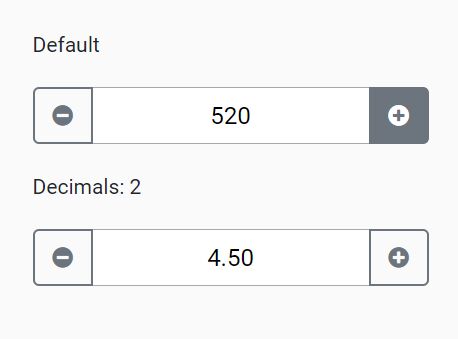
jQuery Plugin To Create Increment / Decrement Input Spinners - handleCounter
A simple plain jQuery input spinner plugin which enables plus and minus buttons to increment and decrement the input's numeric value.
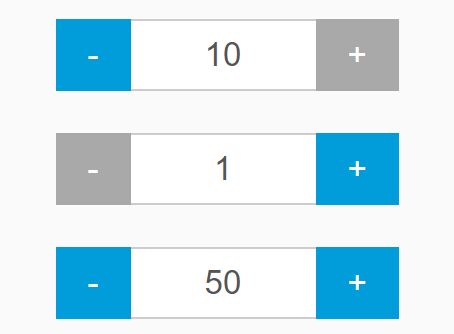
Spin Numbers With Plus/Minus Buttons - jQuery Number Spinner
Just another jQuery based number spinner plugin that enables your users to spin numbers with plus and minus buttons.
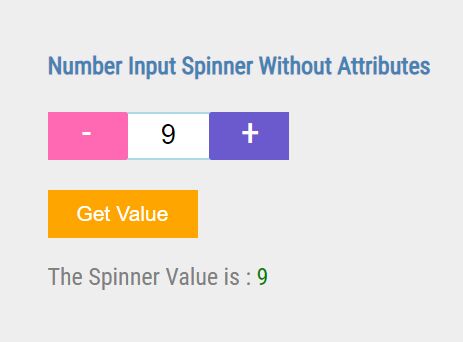
Number Input Spinner With jQuery - Nice Number
The Nice Number jQuery plugin turns the regular number input into a handy input spinner that allows the user to pick numbers by using increment/decrement buttons.
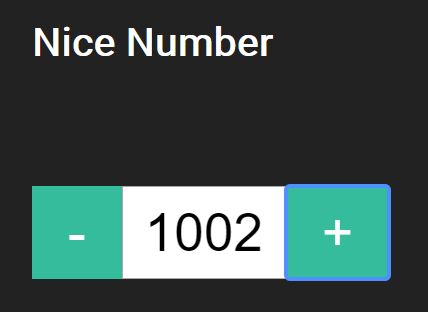
Touch-enabled jQuery Input Spinner Plugin For Bootstrap - TouchSpin
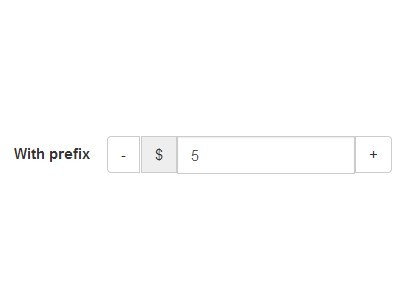
A mobile-friendly numeric input spinner library for the Bootstrap framework that adds increment and decrement controls to standard HTML input fields.
Features:
- Touch-Optimized Controls: Mobile-friendly increment and decrement buttons that respond to both click and touch events.
- Fully Customizable: Supports minimum and maximum boundaries, custom step intervals, decimal precision, and prefix/postfix labels for units.
- Accelerated Input: Built-in "booster" mode that increases the step value when holding down buttons for faster value changes.
- Mouse Wheel Support: Allows users to change values by scrolling over the input field with their mouse wheel.
- Vertical Button Mode: Optional traditional up/down button layout instead of the default horizontal minus/plus arrangement.
- Data Attribute Configuration: All options can be set via HTML5 data attributes for markup-driven initialization.
- Event-Driven API: Exposes custom events for programmatic control and dynamic setting updates after initialization.
Vanilla JS Input Spinner Plugins:
Beautiful Number Spinner In Pure JavaScript – Quantity Input
The Quantity Input library helps you create a beautiful number input spinner to spin quantities with increase and decrease buttons.

Increment/Decrement A Number Input With Up/Down Buttons – ispinjs
ispinjs is a small, customizable, extendable JavaScript input spinner library that enables the user to increment/decrement a number input with up/down buttons.

Animated Input Spinner With Pure JavaScript and CSS/CSS3
An animated input spinner with rolling numbers built using pure JavaScript and CSS3 animations.

Easy Input Spinner For Number Input – input-numspin
An easy-to-use number input spinner plugin created for the latest Bootstrap 5 framework.

Lightweight & Mobile-friendly Input Spinner – input-touchspin
A lightweight, framework-agnostic, and touch-enabled input spinner component written in Vanilla JavaScript.

Conclusion:
Looking for more jQuery plugins or JavaScript libraries to create awesome Input Spinner on the web & mobile? See jQuery Input Spinner and JavaScript Input Spinner sections for more details.





