Simple Handy jQuery Popup Box Plugin - tinyLayer
| File Size: | 16.4 KB |
|---|---|
| Views Total: | 813 |
| Last Update: | |
| Publish Date: | |
| Official Website: | Go to website |
| License: | MIT |
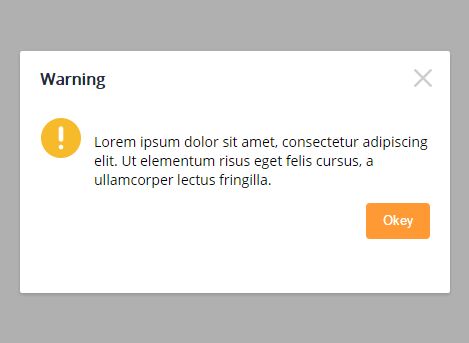
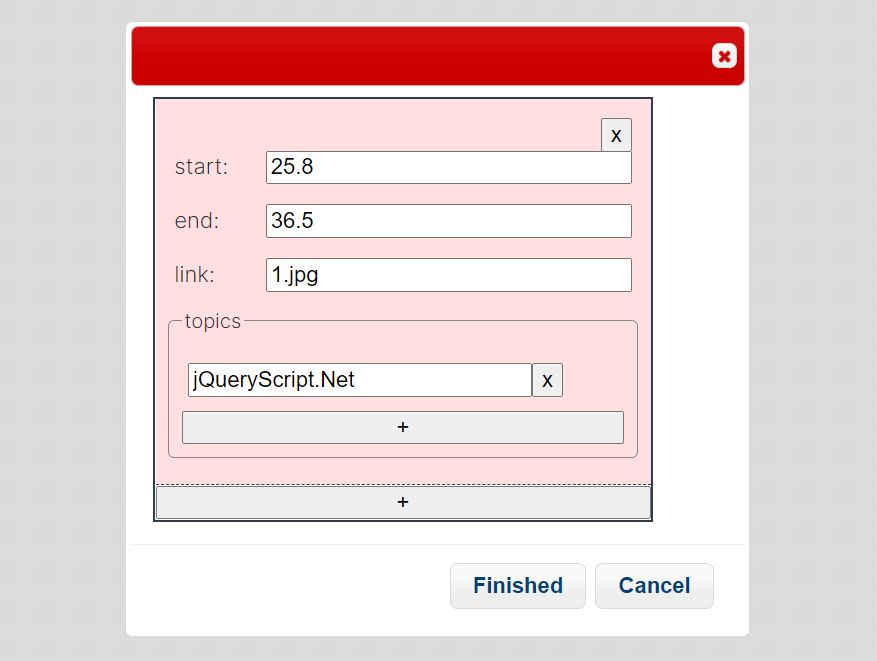
tinyLayer is a lightweight and convenient jQuery popup plugin that helps you create modal-style dialog boxes with custom HTML content and lots of configuration options.
How to use it:
1. Import the tinyLayer plugin's JavaScript and CSS files into the webpage as shown below.
<link href="tinyLayer.css" rel="stylesheet">
<script src="//code.jquery.com/jquery.min.js"></script>
<script src="tinyLayer.js"></script>
2. Shows a popup box with predefined template on the webpage.
window.tinyLayer.open({
  title: 'Success',
  icon: 'succ',
  content: 'Your content goes here'
});
3. Auto close the popup box after 2 seconds.
window.tinyLayer.open({
  title: 'Success',
  icon: 'succ',
  content: 'Your content goes here',
  time: 2000
});
4. Change the default icon.
window.tinyLayer.open({
  title: 'Warning',
  icon: 'warn', // 'warn', 'succ', 'error', 'info'
  content: 'Your content goes here',
  time: 2000
});
5. Customize the actions buttons (great for confirmation dialog).
window.tinyLayer.open({
  title: 'Success',
  icon: 'succ',
  content: 'Your content goes here',
  btn: ['Okey', 'Cancel'],
  yes: function(){}, // callback for okey button
});
6. Adjust the size of the popup box.
window.tinyLayer.open({
  title: 'Success',
  icon: 'succ',
  content: 'Your content goes here',
  area: ['400px', '250px']
});
7. Custom HTML template.
var popupHtml = ['YOUR','HTML','TEMPLATE','HERE'].join("");

window.tinyLayer.open({
  title: 'Success',
  icon: 'succ',
  content: popupHtml
});
8. Show / hide the close icon.
window.tinyLayer.open({
  title: 'Success',
  icon: 'succ',
  content: popupHtml,
  closeBtn: 1 // 0 = hidden
});
9. If you want to close the popup box by clicking on the blank area of the background overlay.
window.tinyLayer.open({
  title: 'Success',
  icon: 'succ',
  content: popupHtml,
  shadeClose: true
});
10. More callbacks.
window.tinyLayer.open({
  title: 'Success',
  icon: 'succ',
  content: popupHtml,
  success: function(){}, // when opened
  cancel: function(){}, // when click on close icon
  end: function(){}, // when destroyed
});
11. Close the popup box manually.
tinyLayer.close()
Change log:
2016-11-16
- bugfix
This awesome jQuery plugin is developed by harrydengchao. For more Advanced Usages, please check the demo page or visit the official website.