Protect Email Address In Source Code - jQuery mailIt
| File Size: | 6.75 KB |
|---|---|
| Views Total: | 695 |
| Last Update: | |
| Publish Date: | |
| Official Website: | Go to website |
| License: | MIT |
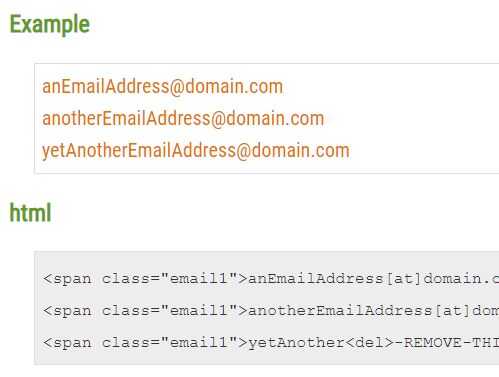
mailIt is a jQuery plugin to prevent spambots and email harvesters that have the ability to convert the obfuscated strings into REAL email addresses on the webpage.
How to use it:
1. Load the minified version of the mailIt jQuery plugin after loading jQuery.
<script src="https://code.jquery.com/jquery-1.12.4.min.js"
        integrity="sha384-nvAa0+6Qg9clwYCGGPpDQLVpLNn0fRaROjHqs13t4Ggj3Ez50XnGQqc/r8MhnRDZ"
        crossorigin="anonymous">
</script>
<script src="src/jquery.mailIt.min.js"></script>
2. Use obfuscated strings (dummy/at/dot characters) to encrypt your email addresses.
<span class="email">anEmailAddress[at]domain.com</span>
<span class="email">anotherEmailAddress[at]domain[dot]com</span>
<span class="email">yetAnother<del>-REMOVE-THIS-</del>EmailAddress[at]domain[dot]com</span>
3. Attach the function mailIt to the email addresses. That's it.
$(function () {
  $('.email').mailIt();
});
4. Customize the dummy/at/dot characters.
$(function () {
  $('.email').mailIt({
    dummy: '-REMOVE-THIS-',
    at: '\\[at\\]',
    dot: '\\[dot\\]'
  });
});
This awesome jQuery plugin is developed by gar-cad. For more Advanced Usages, please check the demo page or visit the official website.