Fullwidth Seamless Content Carousel Plugin With jQuery
| File Size: | 18.5 KB |
|---|---|
| Views Total: | 1577 |
| Last Update: | |
| Publish Date: | |
| Official Website: | Go to website |
| License: | MIT |

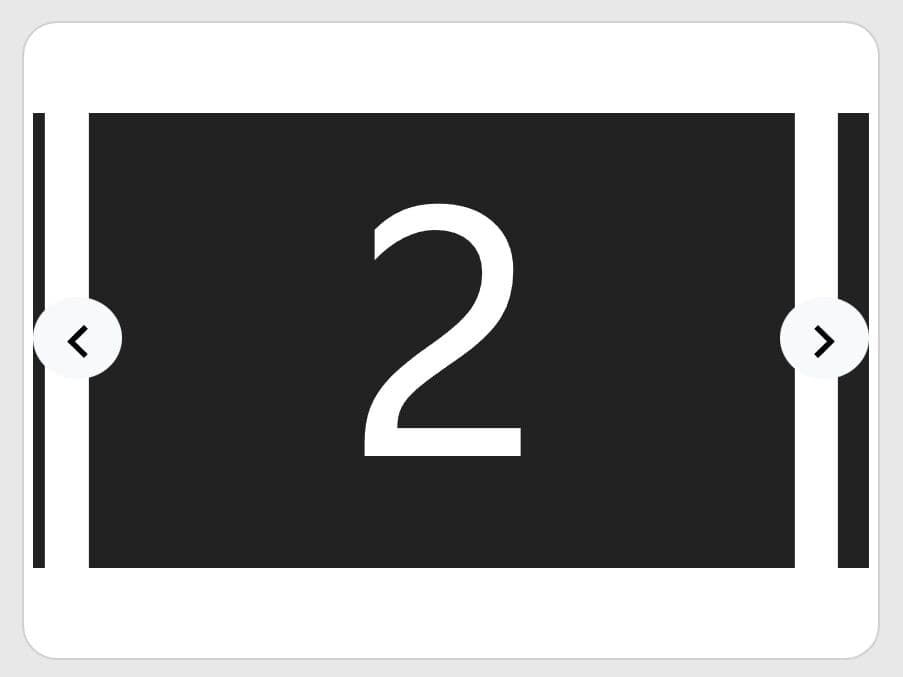
A simple, flexible, beautiful, fullwidth, endless content carousel/slider plugin which allows you to set different slide in animations for each inner item of a slide.
How to use it:
1. First you need to load jQuery library and other required resources into the html page.
<link rel="stylesheet" href="css/slide.css">
<script src="js/jquery.min.js"></script>
<script src="js/slide.js"></script>
2. The basic markup structure for the carousel. Add your main slide images as backgrounds together with navigation arrows into the 'slides' element.
<div class="slides">
  <div class="slideInner">
    <a href="#" style="background: url(1.jpg) no-repeat;">
      ...
    </a>
    <a href="#" style="background: url(2.jpg) no-repeat">
      ...
    </a>
    <a href="#" class="slide3" style="background: url(3.jpg) no-repeat;">
      ...
    </a>
  </div>
  <div class="nav">
    <a class="prev" href="#"></a>
    <a class="next" href="#"></a>
  </div>
</div>
3. Add child elements into slides and specify the slide duration and animation type in the 'rel' attribute as follows.
<a href="#" style="background: url(1.jpg) no-repeat;">
  <div class="moveElem" rel="0,easeInOutExpo">
    Element 1
  </div>
  <div class="moveElem" rel="150,easeInOutExpo">
    Element 2
  </div>
</a>
4. Call the function on the 'slideInner' element to initialize the carousel.
$(".slideInner").slide();
5. All available options with default values.
$(".slideInner").slide({
  slideContainer: $('.slideInner a'),
  effect: 'easeInQuint',
  imgEffectOut: 'easeInExpo',
  autoRunTime: 3000,
  slideSpeed: 1000,
  imgSlideSpeed: 800,
  imgDelay: 50,
  nav: true,
  autoRun: true,
  prevBtn: $('a.prev'),
  nextBtn: $('a.next')
});
This awesome jQuery plugin is developed by Gavin-js. For more Advanced Usages, please check the demo page or visit the official website.