Fullscreen Lightbox-style Image Viewer For jQuery - imageView
| File Size: | 14.5 KB |
|---|---|
| Views Total: | 6745 |
| Last Update: | |
| Publish Date: | |
| Official Website: | Go to website |
| License: | MIT |

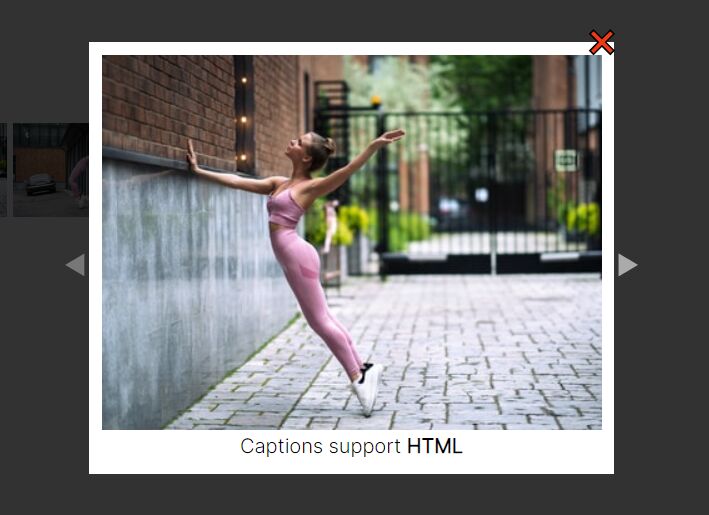
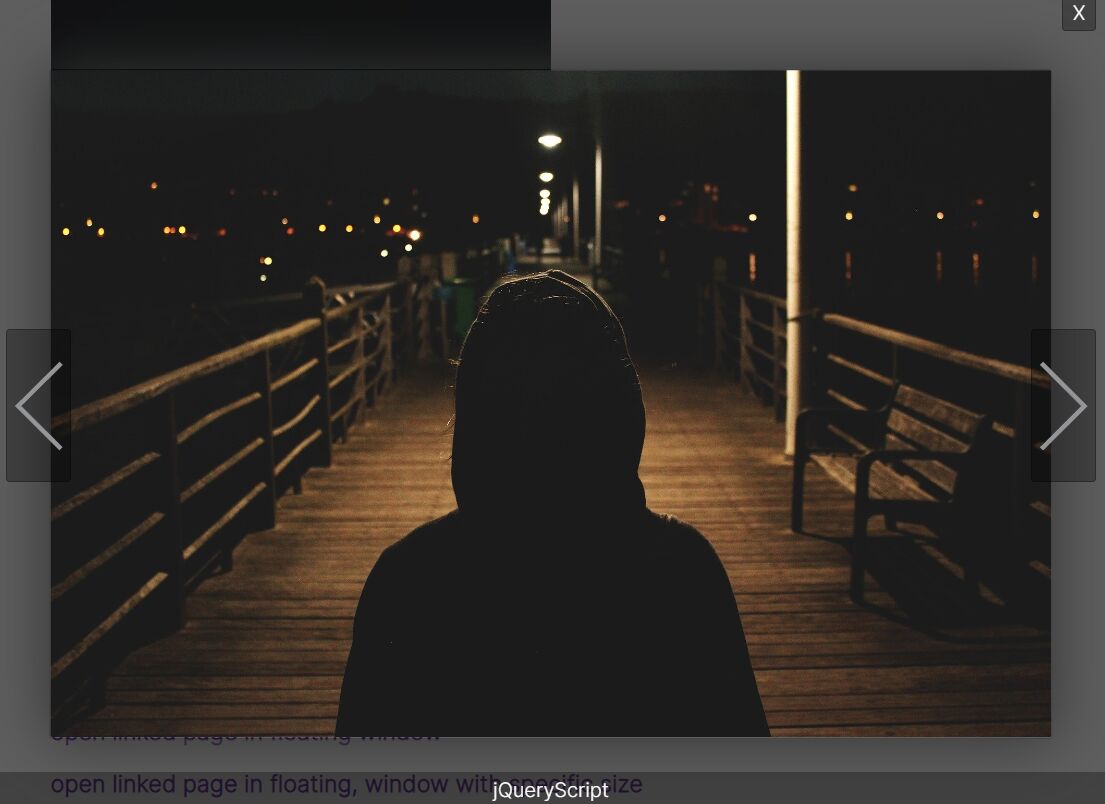
A dead simple jQuery based image viewer to display all the images in a navigatable, lightbox-style gallery popup that auto resizes when the screen size changes.
How to use it:
1. Load the latest version of jQuery library and the jQuery imageView plugin's script at the end of the html document.
<script src="//code.jquery.com/jquery.min.js"></script>
<script src="js/jquery.imageview.js"></script>
2. Wrap the images and their corresponding links into a container as this:
<div id="iv">
  <a href="large-1.jpg"><img src="small-1.jpg"></a>
  <a href="large-2.jpg"><img src="small-2.jpg"></a>
  <a href="large-3.jpg"><img src="small-3.jpg"></a>
  ...
</div>
3. To enable image captions, just add your own content to the title attribute of the a tags:
<div id="iv">
  <a href="large-1.jpg" title="This is image 1">
    <img src="small-1.jpg">
  </a>
  <a href="large-2.jpg" title="This is image 2">
    <img src="small-2.jpg">
  </a>
  <a href="large-3.jpg" title="This is image 3">
    <img src="small-3.jpg">
  </a>
  ...
</div>
4. Active the image viewer by calling the function on the top container:
$('#iv').imageview();
5. Some useful options to customize the image viewer.
$('#iv').imageview({
  targetSelector: 'a',
  srcAttr: 'href',
  titleAttr: 'title'
});
This awesome jQuery plugin is developed by dmfov. For more Advanced Usages, please check the demo page or visit the official website.