Accordion-style Tab Slider Plugin with jQuery - accordionToggle
| File Size: | 4.3 KB |
|---|---|
| Views Total: | 5411 |
| Last Update: | |
| Publish Date: | |
| Official Website: | Go to website |
| License: | MIT |
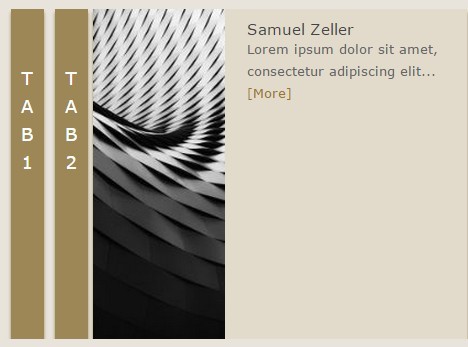
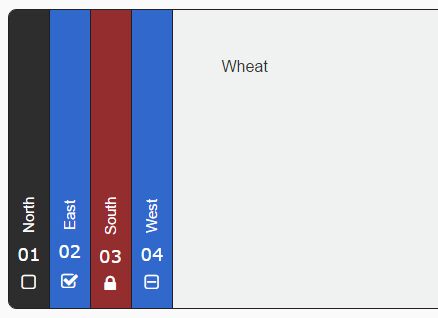
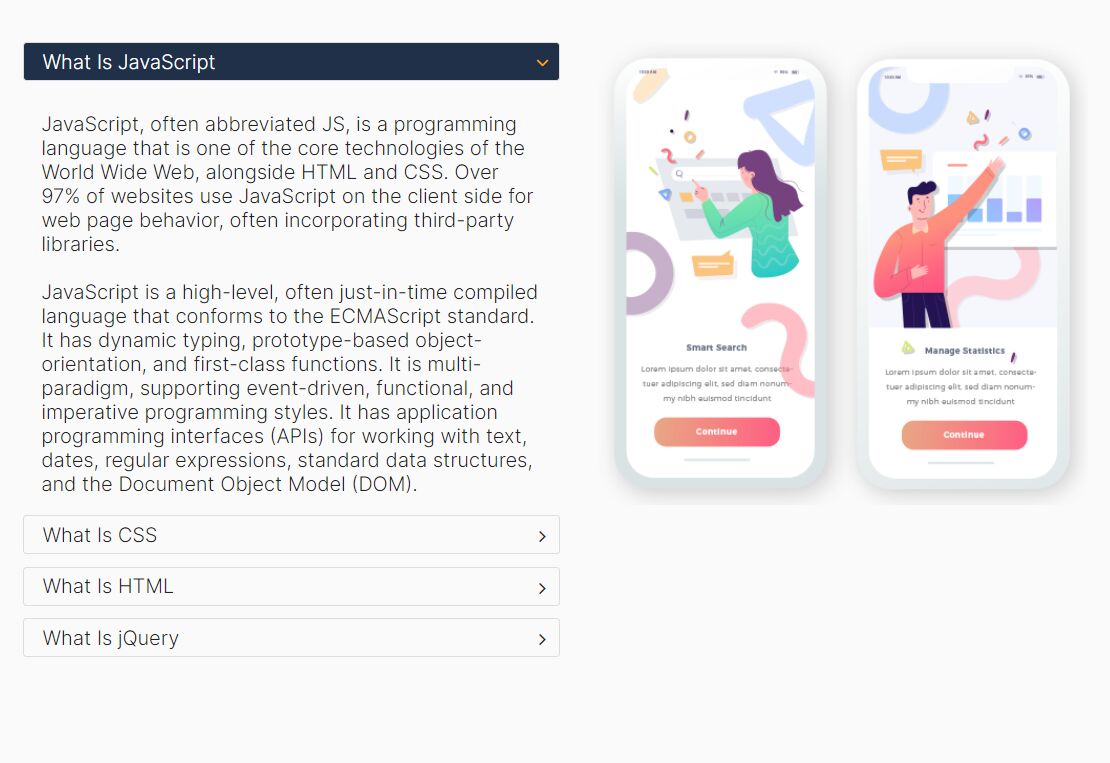
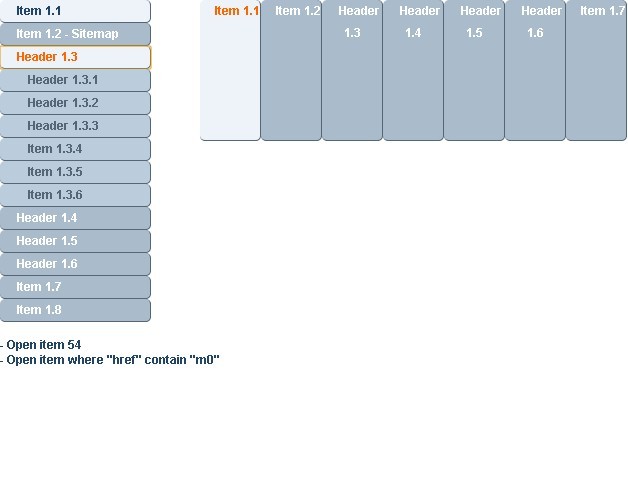
A lightweight, fast jQuery accordion toggle plugin which enables you to smoothly and horizontally expand / shrink accordion panels / slides by clicking on the tabs.
How to use it:
1. Include jQuery library and the jQuery accordionToggle plugin on the webpage when needed.
<script src="//code.jquery.com/jquery-1.11.3.min.js"></script>
<script src="js/jquery.accordion.js"></script>
2. Add tabs and content to the accordion.
<div class="accordion_content">
  <div class="same_open same_offset" data="tab-1">Tab 1</div>
  <div id="tab-1" class="same_open_content same_offset open_content">
    <img src="1.jpg" alt="Paula Porto">
    <div class="open_article">
      <h1>Paula Porto</h1>
      <p>Lorem ipsum dolor ... <a class="more_info" href="#">[More]</a></p>
    </div>
  </div>
  <div class="same_open same_offset" data="tab-2">Tab 2</div>
  <div id="tab-2" class="same_open_content same_offset open_content">
    <img src="2.jpg" alt="Paula Porto">
    <div class="open_article">
      <h1>Paula Porto</h1>
      <p>Lorem ipsum dolor ... <a class="more_info" href="#">[More]</a></p>
    </div>
  </div>
  <div class="same_open same_offset" data="tab-3">Tab 3</div>
  <div id="tab-3" class="same_open_content same_offset open_content">
    <img src="3.jpg" alt="Paula Porto">
    <div class="open_article">
      <h1>Paula Porto</h1>
      <p>Lorem ipsum dolor ... <a class="more_info" href="#">[More]</a></p>
    </div>
  </div>
</div>
3. Initialize the plugin.
$('.tab_container').accordion();
4. Style the accordion toggle whatever you like.
.accordion_content {
  height: 300px;
  width: 500px;
  overflow: hidden;
  zoom: 1;
  margin: 50px;
}

.same_offset {
  float: left;
  overflow: hidden;
  zoom: 1;
  box-shadow: 0px 3px 3px #9d8757;
}

.same_open {
  padding-top: 50px;
  height: 300px;
  width: 30px;
  color: #fff;
  cursor: pointer;
  background-color: #9d8757;
  line-height: 26px;
  text-align:center;
  font-size: 16px;
  margin: 0 5px;
}

.same_open_content {
  width: 0;
  height: 300px;
  background-color: #e2dbcc;
  background-color: #e2dbcc;
}

.open_content { width: 340px; }

.same_open_content img {
  width: 120px;
  height: 100%;
  float: left;
}

.open_article { margin: 10px 20px 10px 140px; }

.open_article h1 {
  font-size: 14px;
  font-weight: normal;
  color: #444444;
}

.open_article p {
  font-size: 12px;
  line-height: 20px;
  color: #666666;
}

.more_info { color: #9b7627; }
5. Plugin's default options.
// JS selector for tabs
clickItem : $('.same_open'),

// JS selector for content
contentItem : $('.same_open_content'),

// width of your content
contentWidth : '340px',

// animation speed in ms
closeTime : 500,
openTime : 500,

// background color of tabs
clickItemBgColor : '#9d8757',

// background color of content
contentItemBgColor : '#e2dbcc'
This awesome jQuery plugin is developed by xuyongsky123. For more Advanced Usages, please check the demo page or visit the official website.