10 Best Sticky Sidebar Plugins In JavaScript (2026 Update)
When you are running a website or blog, you might need to make a sidebar widget (like featured content, big sales, subscription form, social like box, and ads) stick to the side of your page.
In most cases, you can use CSS position: fixed or position: sticky property to make the whole sidebar stick to the side when the users scroll down or up the webpage:
Sticky Sidebar With Pure CSS:
See the Pen Sticky Sidebar With Pure CSS by iqq800 (@iqq800) on CodePen.
However, when you only need a block element in the sidebar to be fixed to the side of your page, the situation is a bit more complicated.
You might need JavaScript to keep track of the scroll event and fix a given element to the top while keeping the element stay within the sidebar until it reaches the bottom of the page.
This is why I decide to write this blog post and list here the 10 Best jQuery and Vanilla JavaScript solutions to help beginners quickly implement a sticky sidebar on the webpage.
Originally Published Aug 19 2020, updated Feb 18 2026
10 Best Sticky Sidebar Plugins:
Table of contents:
Best jQuery Sticky Sidebar Plugins
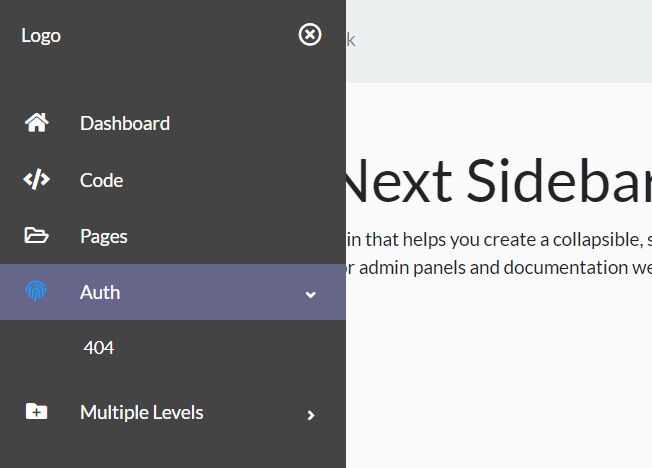
Collapsible Sticky Sidebar Navigation In jQuery - Next Sidebar
A simple jQuery plugin that helps you create a collapsible, sticky, multi-level sidebar navigation for admin panels and documentation websites.
jQuery Plugin For Intelligent Sticky Sidebars - Theia Sticky Sidebar
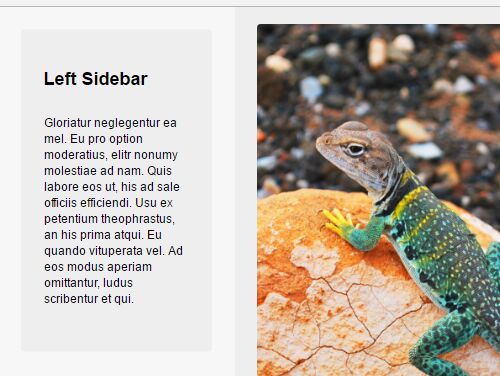
The Theia Sticky Sidebar jQuery plugin allows to make your sidebar widgets be fixed on the top (or bottom) when you scroll past them.
Creating A Fixed Position Sidebar With jQuery Sticky Sidebar Plugin
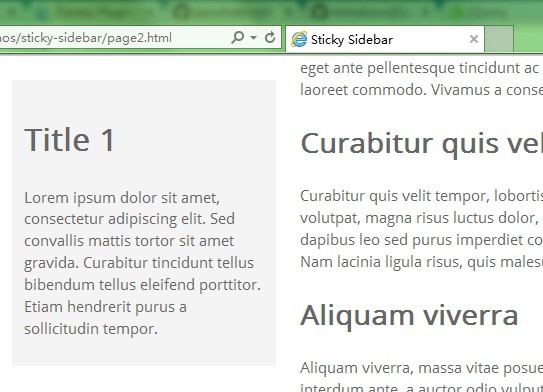
A lightweight and super simple jQuery plugin for creating a sticky sidebar that always follows the user on page scroll and auto stops when reaching the bottom.
Fix Element Within Parent Container On Scroll - sticky.jquery.js
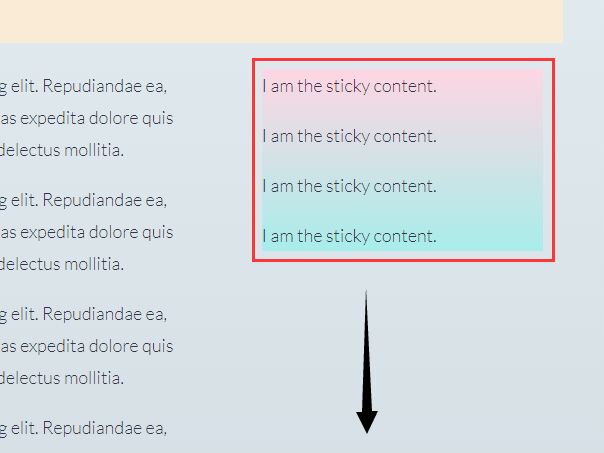
A small jQuery plugin for making an element always be fixed within its parent container when scrolling down.
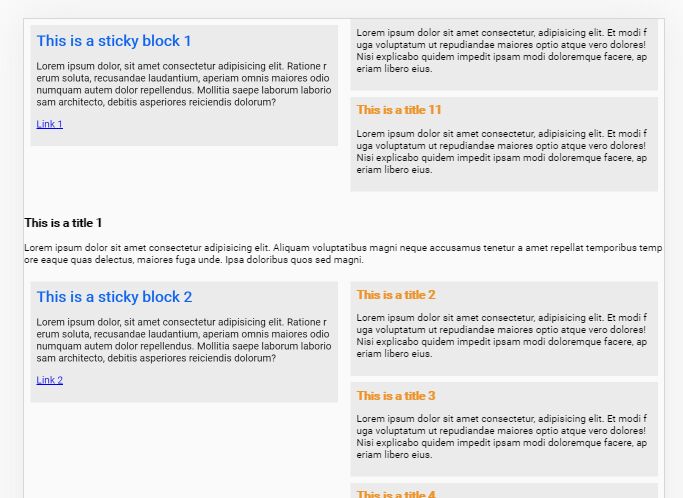
Create Sticky Sidebars In Two-Column Layout - Sticky Block
A lightweight and responsive jQuery plugin to create a two-column layout with sticky sidebars in the document.
The sticky sidebar sticks to the top of the page within its parent section when scrolling until it reaches the next one.
The plugin has the ability to automatically disable the Sticky behavior on small screens (like mobile) and display the sticky sidebars as normal content blocks on the top of their respective sections.
Best Vanilla JS Sticky Sidebar Plugins
High Performance Sticky Sidebar In Pure JavaScript
This is the vanilla JavaScript version of the sticky-sidebar plugin which provides the smart, high-performance sticky sidebars for your cross-browser websites.

Fast And Flexible Sticky Block JavaScript Library – Vanilla-Sticky
A dependency-free Vanilla JavaScript sticky library that makes any blocks (e.g. sidebars) stick to the top (or bottom) while scrolling.

Small Sticky Sidebar In Vanilla JavaScript – FloatSidebar.js
A small vanilla JavaScript plugin used to create a floating sidebar that is sticky relative to any specific element on page scroll.

Cross-browser Sticky Element Plugin With Pure JavaScript – HC-Sticky
JavaScript library that makes any element on your page visible while you scroll.

Make Multiple Elements Sticky When User Scrolls – Stuck.js
A small JavaScript plugin that has the ability to make multiple stacked and sticky on page scroll.

More Resources:
Want more jQuery plugins or JavaScript libraries to create sticky sidebars on the web & mobile? Check out the jQuery Sticky and JavaScript Sticky sections.
Related Resources:
- 10 Best Sticky Header Navigation Systems In JavaScript
- 10 Best JavaScript Plugins For Sticky Table Header





