Guide Your Users Around The Web Application - jQuery Tour.js
| File Size: | 9.9 KB |
|---|---|
| Views Total: | 4236 |
| Last Update: | |
| Publish Date: | |
| Official Website: | Go to website |
| License: | MIT |
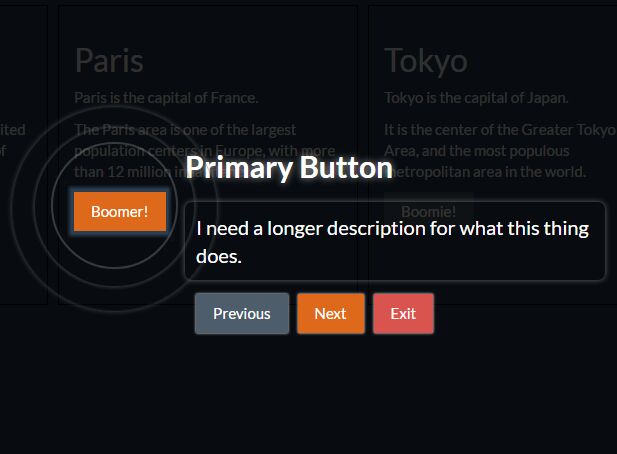
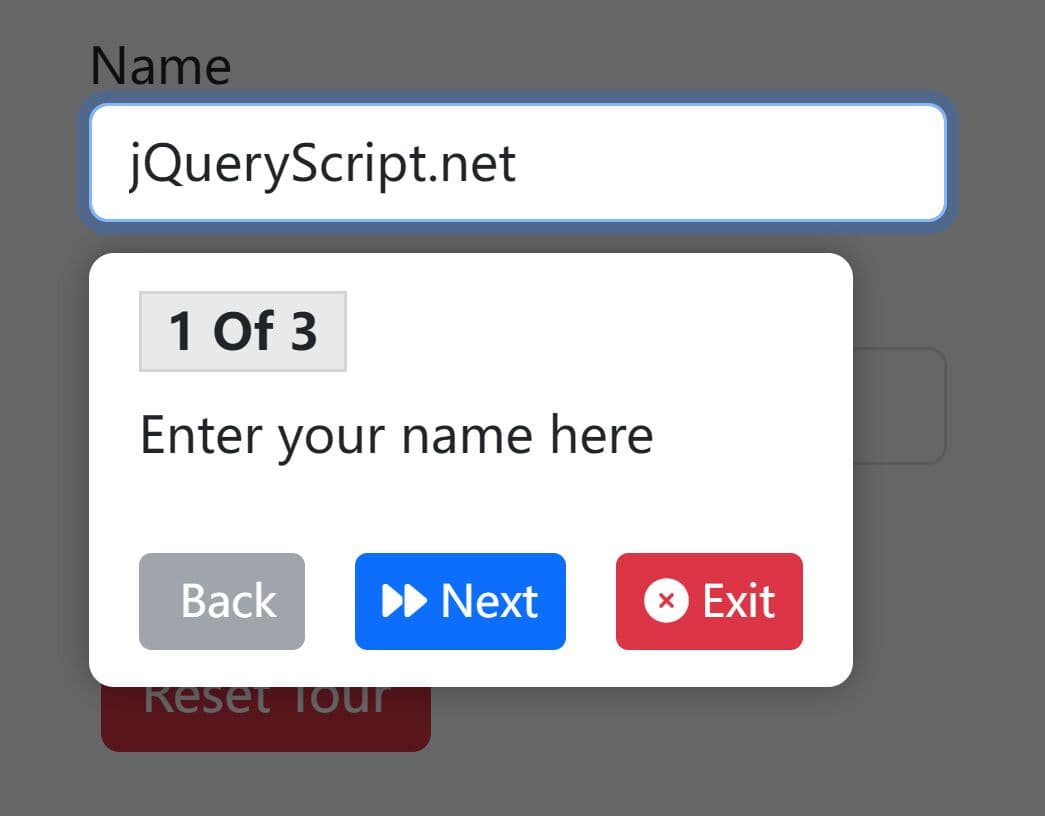
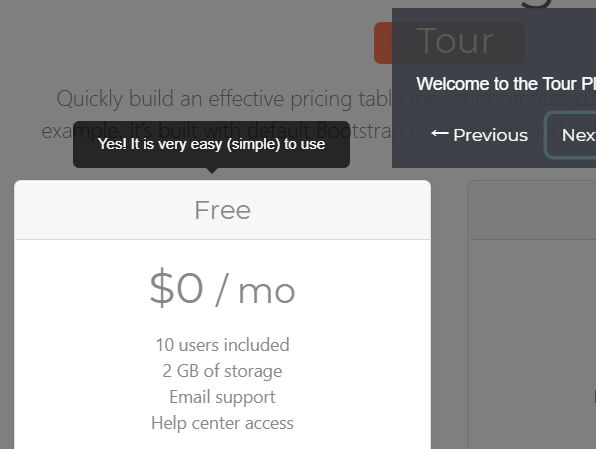
Tour.js is a jQuery plugin that provides your users a configurable, navigatable, step-by-step, guided tour around your web application. The plugin has the ability to highlight a given element with a fullscreen overlay to introduce the new features or functions on the webpage.
How to use it:
1. Include the jQuery Tour.js plugin with its basic stylesheet on the webpage.
<link href="css/tour.css" rel="stylesheet">
<script src="//code.jquery.com/jquery-3.2.1.min.js"></script>
<script src="js/tour.js"></script>
2. Specify the element you want to highlight and set the tour title using 'data-tour-title' attribute as this:
<button data-tour-title="Button To Highlight">Element</button>
3. If you want to add more details about the tour step.
<button data-tour-title="Button To Highlight"
        data-tour-description="More Description Here">
        Element
</button>
4. Initialize the plugin to start the tour.
PageTour.open
5. Possible plugin options to config the guided tour.
{
  prefix : 'tour',
  horizontalPadding : 20,
  verticalPadding : 5,
  generalPadding : 5,
  nextText : 'Next',
  prevText : 'Previous',
  exitText : 'Exit',
  thisControl : 'PageTour'
}
Change log:
2017-08-08
- Tour functionality update
2017-06-22
- Update tour.js
2017-06-16
- Moved the discovery to the 'open' method.
2017-06-14
- Fixed the direction buttons (assigned to correct buttons)
This awesome jQuery plugin is developed by crash83k. For more Advanced Usages, please check the demo page or visit the official website.