jQuery Info & Error Alert Plugin - Bootstrap Message
| File Size: | 34.7 KB |
|---|---|
| Views Total: | 16 |
| Last Update: | |
| Publish Date: | |
| Official Website: | Go to website |
| License: | MIT |
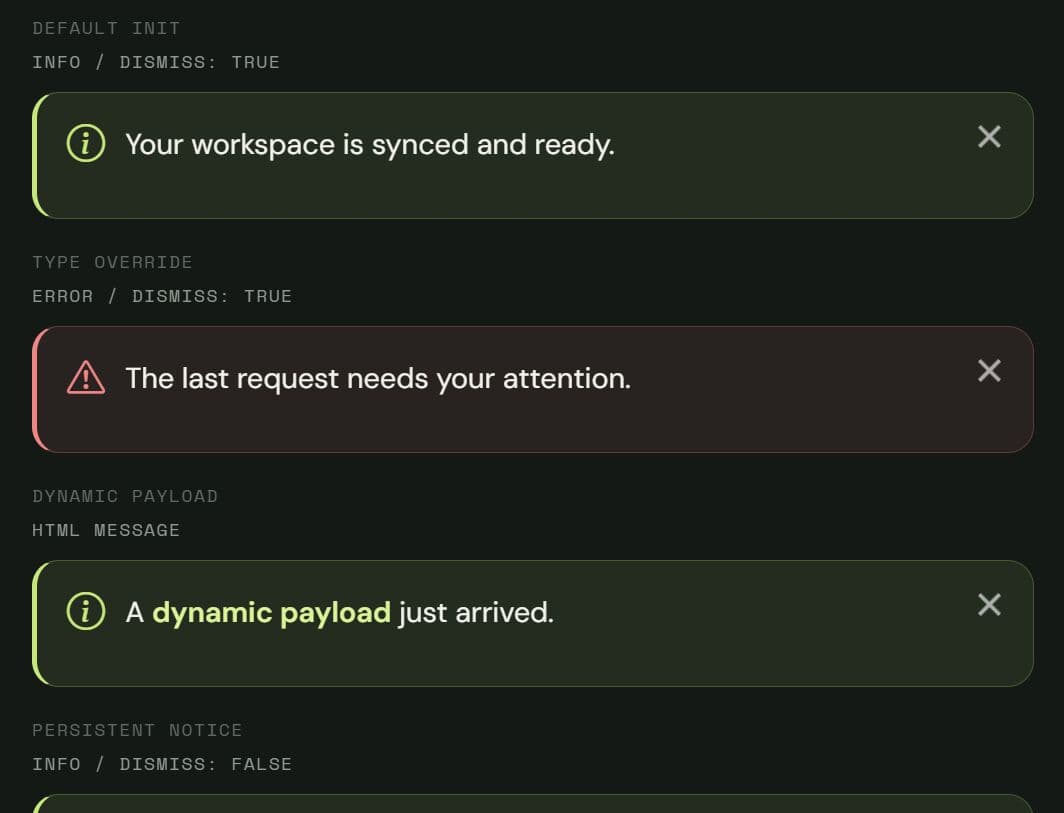
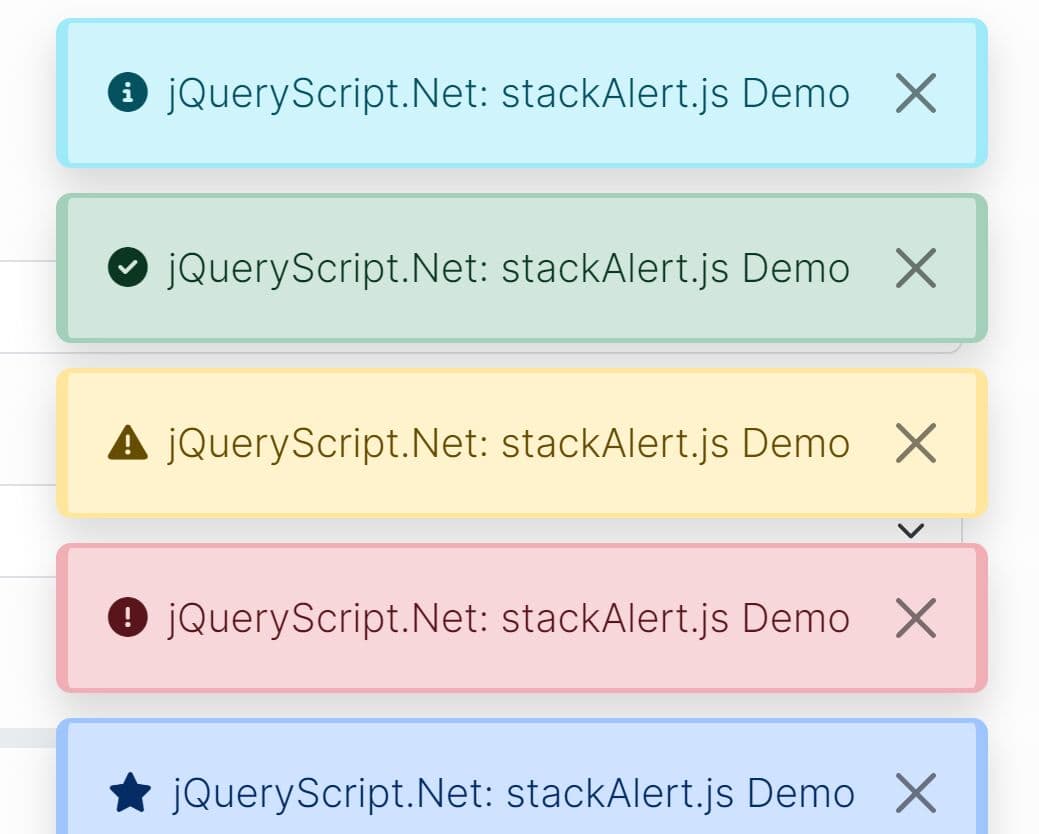
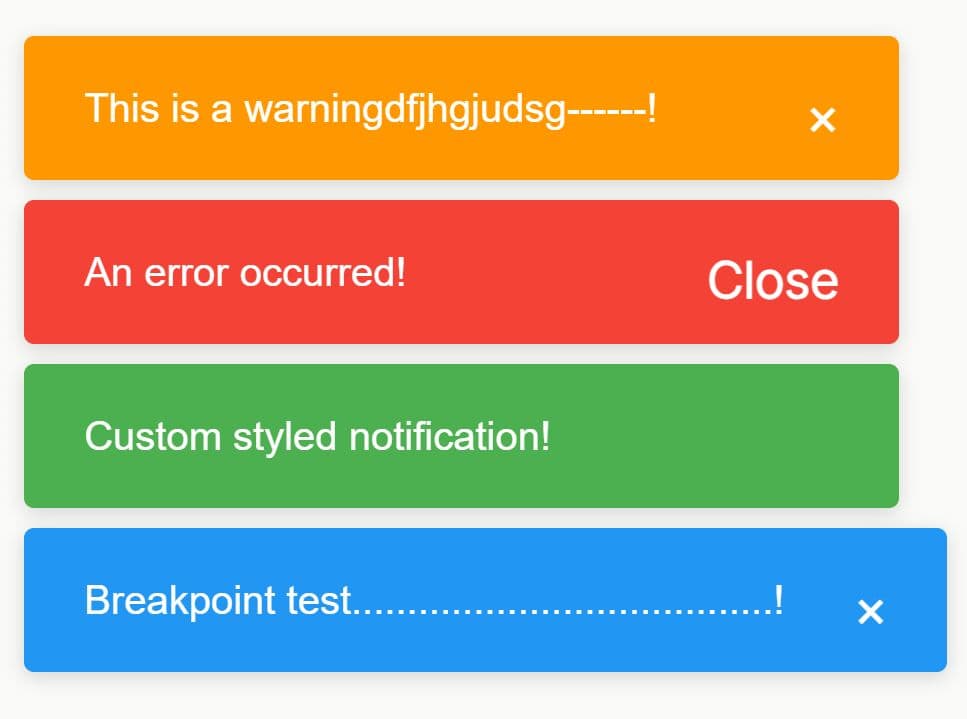
bootstrap.message is a jQuery plugin that creates Bootstrap 5 info and error messages inside any container element.
You can use it for form feedback, AJAX status messages, account notices, and inline errors through a single $(selector).message() call.
Features
- Plain text or HTML message content.
- Bootstrap Icons for status feedback.
- Optional close button for dismissible messages.
- Updates message content and status after initialization.
- Manual show and hide control.
- Reads initial message content from the matched element.
- Supports delayed initial display.
How To Use It
Install And Load The Required Files
The plugin requires jQuery, Bootstrap 5 CSS and JavaScript, and Bootstrap Icons. Load jQuery before bootstrap.message.js, and load the Bootstrap bundle when you use dismissible messages.
<!-- Bootstrap 5 -->
<link rel="stylesheet" href="/path/to/bootstrap.min.css">

<!-- Bootstrap Icons -->
<link rel="stylesheet" href="/path/to/bootstrap-icons.min.css">

<!-- jQuery -->
<script src="/path/to/jquery.min.js"></script>

<!-- Bootstrap 5 JavaScript -->
<script src="/path/to/bootstrap.bundle.min.js"></script>

<!-- bootstrap.message -->
<script src="/path/to/bootstrap.message.min.js"></script>
Basic Usage
Create a DIV element for the message:
<div id="account-status">
  Your account settings were saved.
</div>
Initialize the plugin after the dependencies have loaded. The plugin reads the existing HTML from #account-status when you omit the message option. It replaces that content with Bootstrap alert markup and displays the message immediately by default. The default info type uses Bootstrap's alert-success class and an info-circle icon. The error type uses alert-danger and an exclamation-triangle icon.
$(function () {
  $("#account-status").message();
});
All Plugin Configuration Options
message(String): Sets the text or HTML inside the message. The default is an empty string. An empty value reads the matched element's existing HTML during initialization.type(String): Sets the message status. Supported values are"info"and"error". The default is"info". The implementation maps"info"to Bootstrap's success alert style and other values to the danger style.dismiss(Boolean): Adds a Bootstrap close button when set totrue. The default istrue.autoShow(Boolean): Shows the matched element during initialization when set totrue. The default istrue. Afalsevalue leaves the element's current display state unchanged.
API Methods
// Show a message container that was hidden through the plugin.
$("#account-status").message("show");

// Hide the message container.
$("#account-status").message("hide");

// Rebuild the message with new options.
$("#account-status").message("options", {
  type: "error",
  message: "We could not save your account settings."
});

// Remove generated message markup, restore the stored message option,
// hide the matched element, and clear the plugin data.
$("#account-status").message("destroy");
Advanced Examples
Show Form Submission Feedback
<form id="profile-form">
  <label for="display-name">Display name</label>
  <input id="display-name" name="displayName" type="text">

  <button type="submit">Save Profile</button>
</form>

<div id="profile-status" style="display:none"></div>

<script>
var $profileStatus = $("#profile-status").message({
  autoShow: false,
  dismiss: true,
  message: ""
});

$("#profile-form").on("submit", function (event) {
  event.preventDefault();

  var $form = $(this);

  $.ajax({
    url: "/account/profile",
    type: "POST",
    data: $form.serialize()
  }).done(function () {
    // Rebuild the notice with a success-style info message.
    $profileStatus.message("options", {
      type: "info",
      message: "Profile changes saved."
    });

    $profileStatus.message("show");
  }).fail(function () {
    // Switch the message to the error style.
    $profileStatus.message("options", {
      type: "error",
      message: "The profile update failed. Check the form and try again."
    });

    $profileStatus.message("show");
  });
});
</script>
Create A Persistent Validation Message
<div id="checkout-error"></div>

<script>
$("#checkout-error").message({
  type: "error",
  dismiss: false,
  message:
    "<strong>Payment could not be submitted.</strong><br>" +
    "Check the card number and billing ZIP code."
});
</script>
The message option accepts HTML. Keep dynamic values escaped or sanitized before they reach this option.
Update A Message From Dynamic Data
<div id="import-status" style="display:none"></div>

<button id="check-import" type="button">
  Check Import Status
</button>

<script>
var $importStatus = $("#import-status").message({
  autoShow: false,
  dismiss: false,
  message: ""
});

function escapeMessage(value) {
  // Convert text into HTML-safe content.
  return $("<div>").text(value).html();
}

$("#check-import").on("click", function () {
  $.getJSON("/api/import-status")
    .done(function (response) {
      var isSuccessful = response.status === "complete";

      $importStatus.message("options", {
        type: isSuccessful ? "info" : "error",
        message: escapeMessage(response.message)
      });

      $importStatus.message("show");
    })
    .fail(function () {
      $importStatus.message("options", {
        type: "error",
        message: "The import status request failed."
      });

      $importStatus.message("show");
    });
});
</script>
Alternatives And Related Resources
- Bootstrap 5 Notify: Adds growl-style Bootstrap 5 notifications with placement controls, progress bars, callbacks, and animation options.
- BootstrapAlert: Creates Bootstrap 5 notification bars with multiple alert styles, icons, timed dismissal, and callbacks.
- BS-Alerts: Uses jQuery events and HTML data attributes for Bootstrap warning, error, info, and success messages.
This awesome jQuery plugin is developed by jrummell. For more Advanced Usages, please check the demo page or visit the official website.
- Prev: Interactive Leaflet Map Viewer and Editor for jQuery - Waymark JS
- Next: None