jQuery Plugin For Animated Scroll Progress Bar - scrollProgress.js
| File Size: | 31.6 KB |
|---|---|
| Views Total: | 4943 |
| Last Update: | |
| Publish Date: | |
| Official Website: | Go to website |
| License: | MIT |
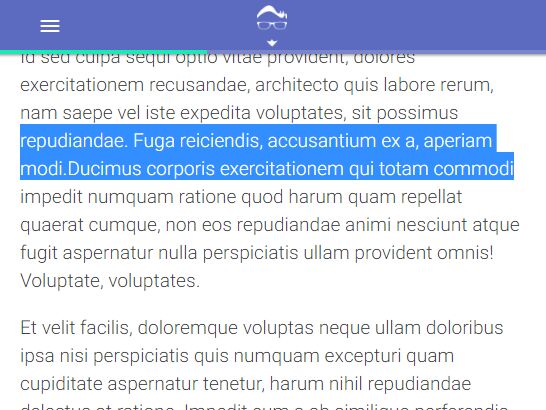
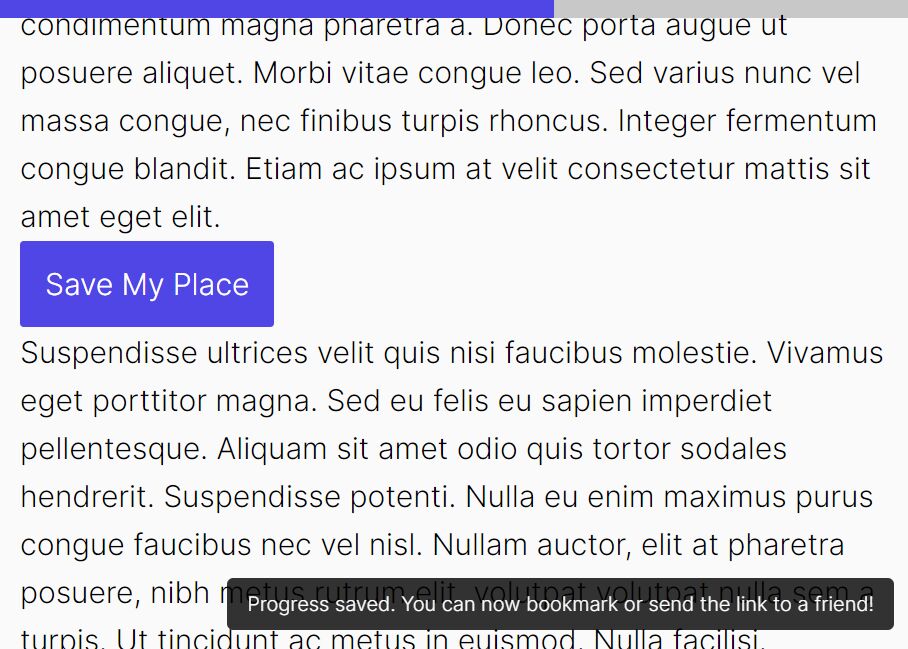
Just another jQuery plugin for generating a top progress bar that auto fills up as the user scrolls to indicate the current scroll / reading position.
How to use it:
1. Download and load the jQuery scrollProgress.js script after loading jQuery library like this:
<script src="/path/to/jquery.min.js"></script>
<script src="/path/to/scrollProgress.js"></script>
2. Call the function on the target container where you'd like to track the scroll / reading progress.
$('article').scrollProgress();
3. Apply your own CSS styles to the scroll progress bar.
$('#track-progress').scrollProgress({
  customCss: true
});
.progress-bar {
  display: block;
  position: absolute;
  height: 4px;
  width: 100%;
  margin: -4px 0 0 0;
  border-radius: 0;
  background-color: #7986cb;
  z-index: 1000;
  opacity: 0;
  transition: opacity .25s ease;
}

.progress-amt {
  position: absolute;
  top: 0;
  left: 0;
  bottom: 0;
  background-color: #1de9b6;
  transition: width .3s linear;
}
4. More configuration options to customize the scroll progress bar.
$('#track-progress').scrollProgress({

  // Optional selector for progress bar
  barSelector: '',

  // Override all default styles with custom CSS
  customCss: false,

  // Color of progress bar
  barColor: '#9e9e9e',

  // Thickness of progress bar
  thickness: 4,

  // Color of progress percentage
  progressColor: '#42a5f5',

  // Where progress is calculated within viewport (middle, top, bottom, int)
  offset: 'middle',

  // Min-height of element for progress bar to be added
  minHeight: 0,

  // Fade in or out depending on whether progress is being calculated
  fadeInOut: true

});
This awesome jQuery plugin is developed by sschoepke. For more Advanced Usages, please check the demo page or visit the official website.