Minimalist jQuery Pagination Plugin For Bootstrap Tables
| File Size: | 3.7 KB |
|---|---|
| Views Total: | 2662 |
| Last Update: | |
| Publish Date: | |
| Official Website: | Go to website |
| License: | MIT |
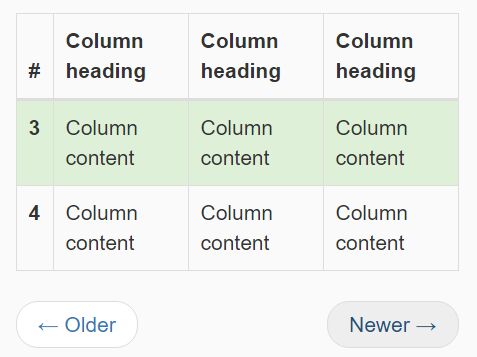
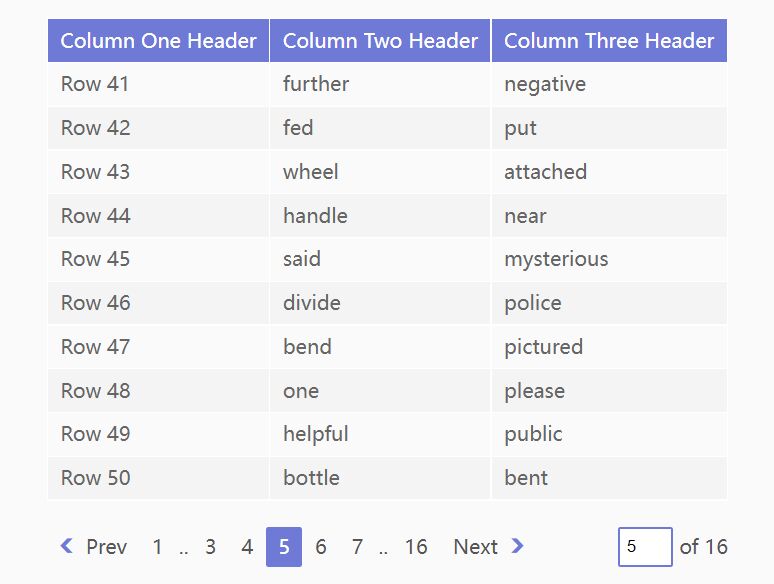
Bootstrap Paginator is a super lightweight jQuery plugin that split your Bootstrap table into multiple pages with next / previous pagination buttons, similar to the Wordpress' default post pagination.
How to use it:
1. Download and load the simple-bootstrap-paginator.js in the Bootstrap project. Make sure you first have jQuery library installed.
<script src="jquery.min.js"></script>
<script src="simple-bootstrap-paginator.js"></script>
2. Add the required CSS class 'with-pager' to the table.
<table class="table with-pager">
  ...
</table>
3. Add a next / prev pagination to the table.
<nav>
<ul class="pager">
<li class="previous">
<a href="#">
<span aria-hidden="true">←</span>
Older
</a>
</li>
<li class="next">
<a href="#">
Newer
<span aria-hidden="true">→</span>
</a>
</li>
</ul>
</nav>
4. Modify the numPerPage variable in the JavaScript to specify how many table rows displayed per page.
var numPerPage = 5;
This awesome jQuery plugin is developed by mlanin. For more Advanced Usages, please check the demo page or visit the official website.