jQuery Plugin For In-place Editing Of Any Element - inputEditable
| File Size: | 12.6 KB |
|---|---|
| Views Total: | 1908 |
| Last Update: | |
| Publish Date: | |
| Official Website: | Go to website |
| License: | MIT |
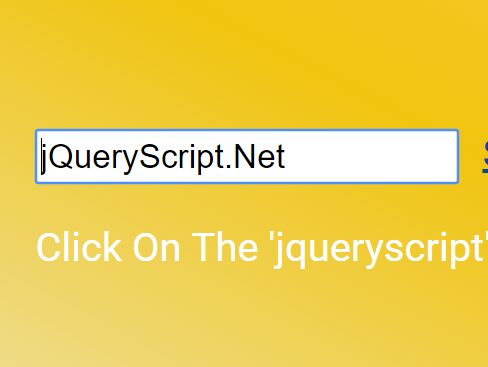
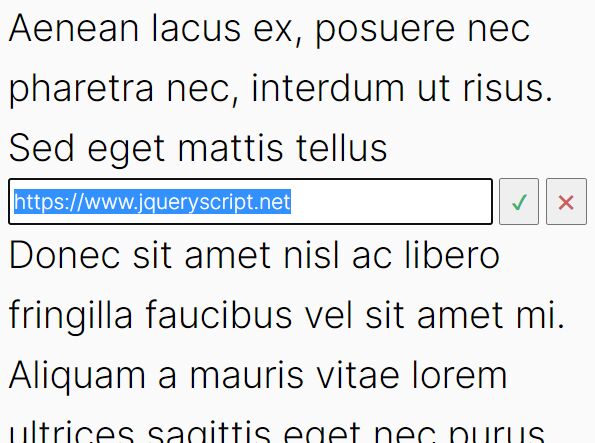
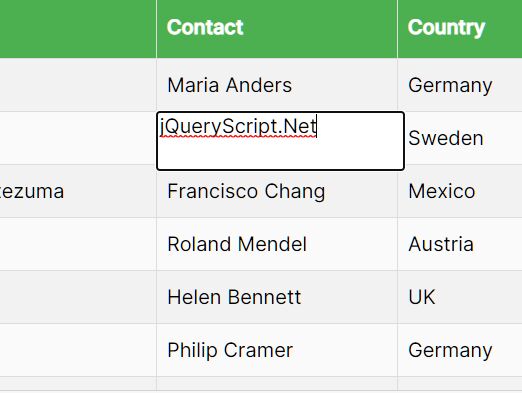
inputEditable is a lightweight jQuery plugin that turns any DOM element into an AJAX in-place editor with an input field when clicked. Clicking on the editable element will switch between 'view-mode' and 'edit-mode'. The plugin allows to customize the way to set and get the input value, which is useful when the input value is handled by another jQuery plugin. It also provides a function that handles the Ajax call (just like a promise).
How to use it:
1. Load the stylesheet inputEditable.css in the header that will provide the primary CSS styles for the edit input.
<link rel="stylesheet" href="inputEditable.css">
2. Load both jQuery library and the JavaScript file inputEditable.js right before the </body> tag.
<script src="//code.jquery.com/jquery.min.js"></script>
<script src="inputEditable.js"></script>
3. The JavaScript to make the article element editable:
$('article').inputEditable();
4. Options and defaults available.
$('article').inputEditable({

  // Customize the way to set the input value
  // (this is usefull when the input element is handled by another jQuery plugin).
  set: function (value) {
    $(this).val(value);
  },

  // Customize the way to get the input value.
  get: function () {
    return $(this).val();
  },

  // Custom input validation on client-side (before submit).
  // Return the error message as string if the input value is invalid
  // (otherwise an empty string).
  customValidity: function (/* value */) {
    return '';
  },

  // Handle the Ajax request (it's like a promise).
  // You should invoke either the `resolve` or `reject` parameter
  // (according to the server response).
  submit: function (value, resolve/* , reject */) {
    resolve();
  },

  // UI actions (use text or html).
  action: {
    edit: 'Edit',
    cancel: 'Cancel',
    submit: 'Submit',
  },

  // Position of the 'edit' and 'cancel' links
  // (note that the 'submit' button is always at the right).
  toggleAtRight: false,

  // Input placeholder.
  placeholder: '',

  // Input description (displayed after the text value in view-mode).
  description: '',

  // Native input validation using type attribute (ie: email, number, ...)
  type: false,

  // Native input validation using constraints
  constraints: {
    required: false,
    pattern: false,
    min: false,
    max: false,
    step: false,
    maxlength: false,
  },

});
Change log:
2017-04-06
- Add `toggleAtRight` option
2017-04-04
- Trigger cancel when input is unmodified and dispatch good error
2017-04-03
- Add type attribute support and handle form submit
- Handle constraints
This awesome jQuery plugin is developed by avine. For more Advanced Usages, please check the demo page or visit the official website.