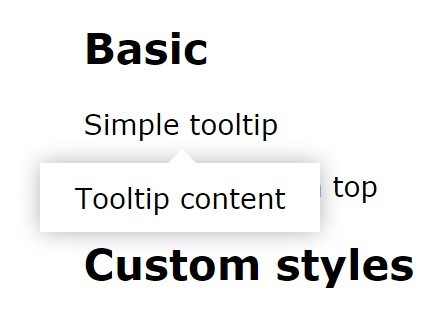
jQuery Plugin To Create Rich Content Tooltips
| File Size: | 2.35 KB |
|---|---|
| Views Total: | 705 |
| Last Update: | |
| Publish Date: | |
| Official Website: | Go to website |
| License: | MIT |

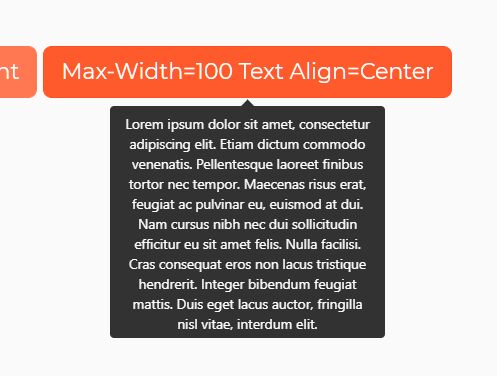
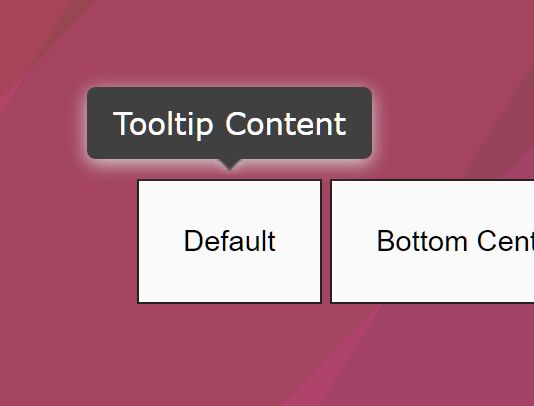
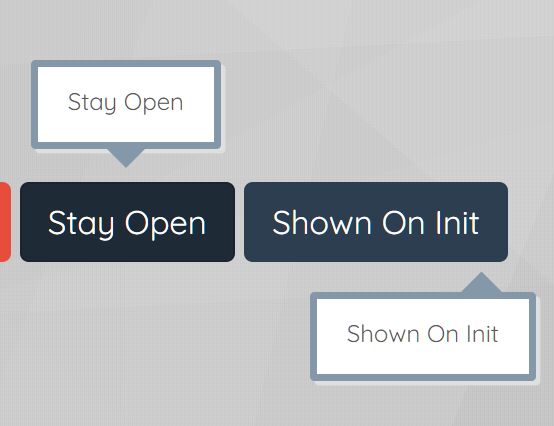
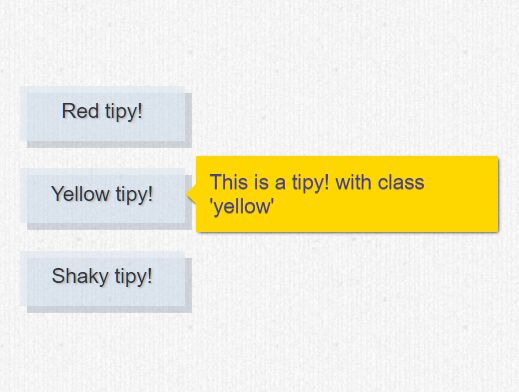
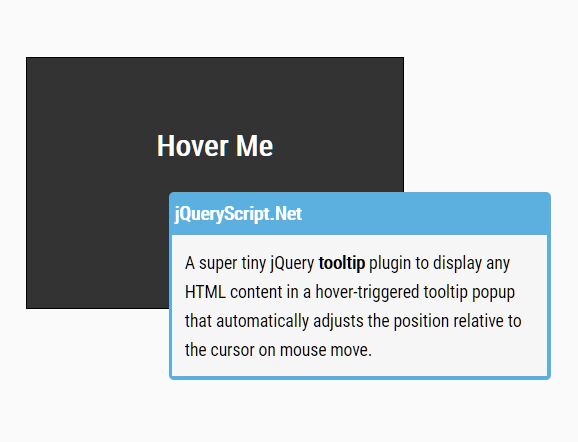
A lightweight and easily stylable jQuery tooltip plugin that provides a possible to embed any Html content into your tooltips using Html5 data-* attribute.
Basic Usage:
1. Include the latest version of jQuery JavaScript library and the jQuery tooltip plugin in the document.
<script src="//code.jquery.com/jquery-1.11.1.min.js"></script>
<script src="jquery.tooltip.js"></script>
2. Attach a tooltip into an element using data-tooltip attribute. You can embed any Html markups into the data-tooltip attribute such as images, videos, iframe, etc.
<span data-tooltip="<img src='1.jpg'>" class="demo">Hover me</span>
3. Call the plugin to active the rich content tooltip.
$(".demo").tooltip({

// tooltip margin
'margin' : 5,

// auto center
'center' : true

});
4. Add your own styles to the tooltip whatever you like in the CSS.
.tooltip {
  background: #1abc9c;
  border-radius: 3px;
  padding: 7px;
  position: absolute;
}

.tooltip:before {
  border: 7px solid transparent;
  content: "";
  height: 0;
  position: absolute;
  width: 0;
}

.top:before {
  border-top: 7px solid #16a085;
  bottom: -14px;
}

.bottom:before {
  border-bottom: 7px solid #16a085;
  top: -14px;
}

.right:before { right: 5px; }
This awesome jQuery plugin is developed by thais-molica. For more Advanced Usages, please check the demo page or visit the official website.