jQuery Plugin For Smooth Collapsible Content - collapsible.js
| File Size: | 25.6 KB |
|---|---|
| Views Total: | 2599 |
| Last Update: | |
| Publish Date: | |
| Official Website: | Go to website |
| License: | MIT |
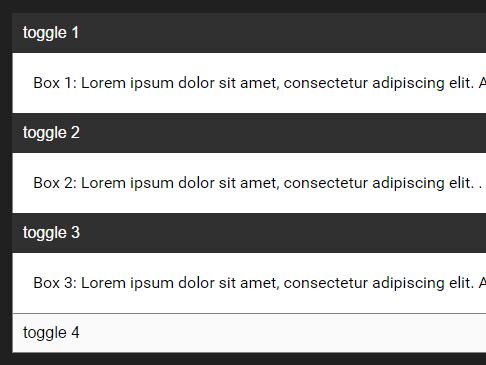
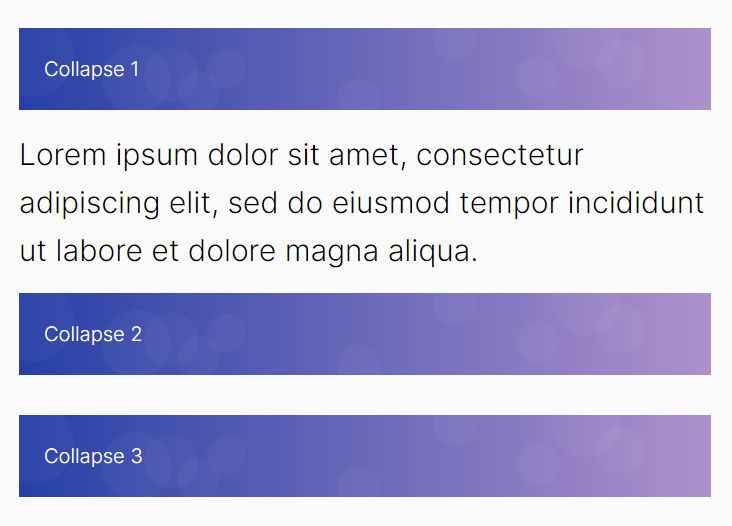
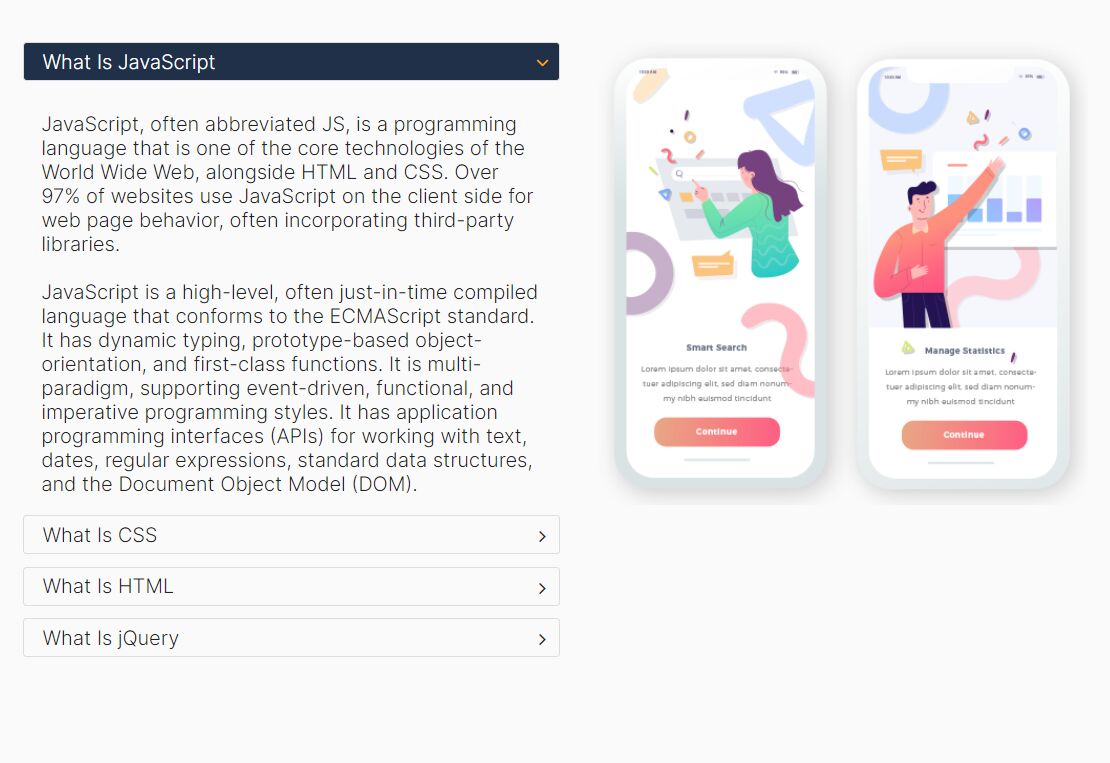
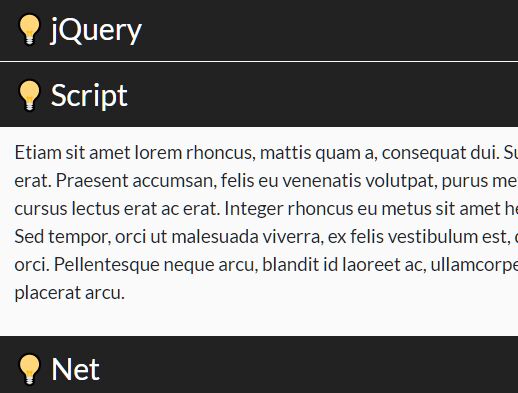
collapsible.js is a lightweight jQuery plugin which allows you to programmatically collapse/expand single or multiple content nodes with smooth animations based on CSS3 transitions. Ideal for accordion or content toggle components.
How to use it:
1. Create content panels and trigger buttons as follows:
<div>
  <button data-toggle="collapse" data-target="#box1" data-group="toggles" aria-expanded="true">
    toggle 1
  </button>
  <div class="box" id="box1" aria-expanded="true">
    <p>
      Box 1
    </p>
  </div>
</div>

<div>
  <button data-toggle="collapse" data-target="#box2" data-group="toggles" aria-expanded="true">
    toggle 2
  </button>
  <div class="box" id="box1" aria-expanded="true">
    <p>
      Box 2
    </p>
  </div>
</div>

...
2. Include both jQuery JavaScript library and the jQuery collapsible.js script at the bottom of the webpage.
<script src="//code.jquery.com/jquery-3.2.1.min.js"></script>
<script src="js/jquery.collapsible.js"></script>
3. The example CSS to style & animate the collapsible Content.
[data-toggle="collapse"] {
  cursor: pointer;
  width: 100%;
  text-align: left;
  padding: 10px;
  background-color: white;
  border: 1px solid grey;
  margin-bottom: -1px;
  outline: none;
  -webkit-transition: all .5s ease-in-out;
  transition: all .5s ease-in-out;
}

[data-toggle="collapse"]:hover { background-color: #DCDCDC; }

[data-toggle="collapse"][aria-expanded="true"] {
  background-color: #303030;
  color: white;
  border: 1px solid #303030;
}

[data-toggle="collapse"][aria-expanded="true"]:after {
  content: "-";
  margin-right: 2px;
  float: right;
}

[data-toggle="collapse"][aria-expanded="false"]:after {
  content: "+";
  float: right;
}
4. Config the plugin with the following options.
$('[data-toggle="collapse"]').collapsible({

  // allows multiple content to be opened at a time
  allowMultiple: true,

  // expand all content on init
  expanded: false,

  // group string
  group: null,

  // true or false
  init: false,

  // animation speed
  speed: 250,

  // target container
  target: null,

  // temp storage object
  temp: {}

});
5. API methods.
// set options
$('[data-toggle="collapse"]').collapsible('set', OPTION, VALUE);

// toggle a specific content section
$('[data-target="#box2"]')collapsible('toggle');

// open a specific content section
$('[data-target="#box2"]')collapsible('open');

// close a specific content section
$('[data-target="#box2"]')collapsible('close');
This awesome jQuery plugin is developed by camdagr8. For more Advanced Usages, please check the demo page or visit the official website.