Stylish jQuery Accordion / Content Toggle Plugin - ziehharmonika
| File Size: | 5.5 KB |
|---|---|
| Views Total: | 11551 |
| Last Update: | |
| Publish Date: | |
| Official Website: | Go to website |
| License: | MIT |
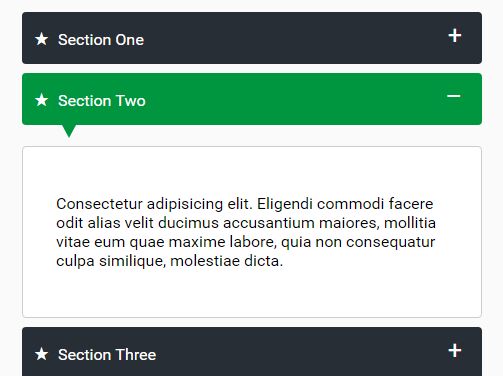
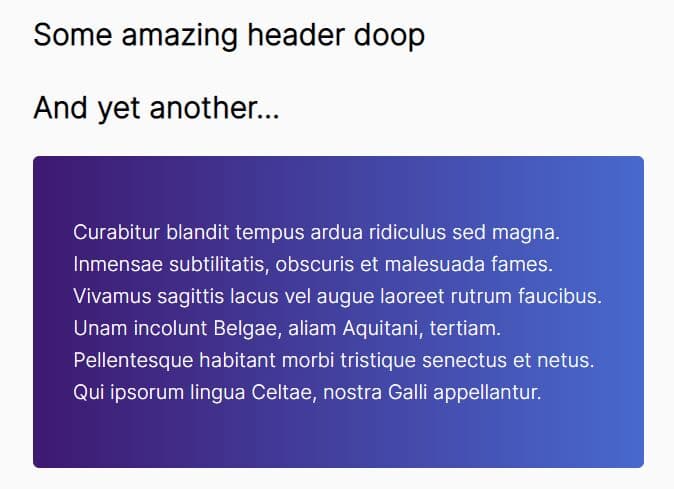
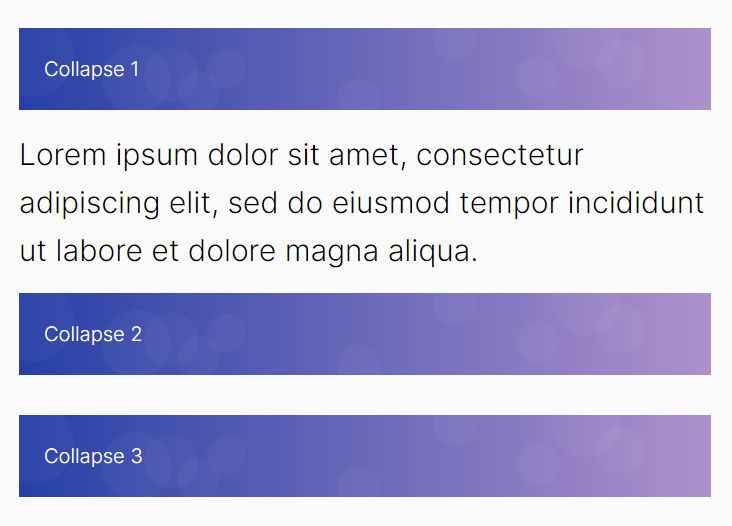
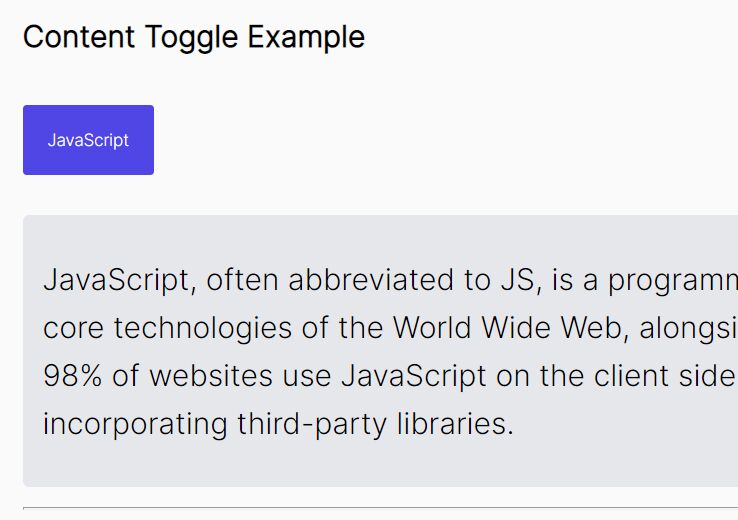
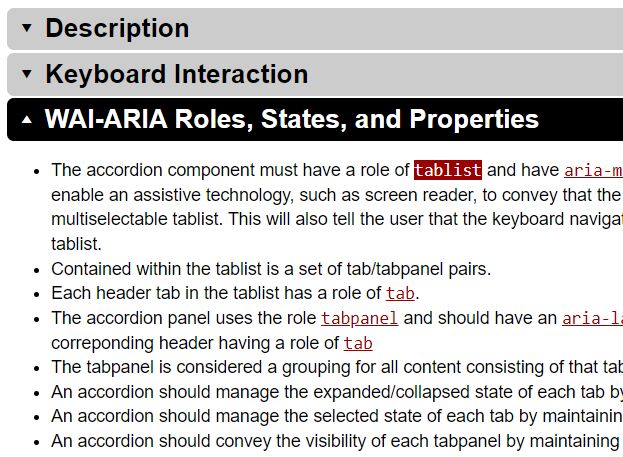
ziehharmonika is a lightweight yet customizable jQuery plugin that helps you create responsive, stylish accordion / content toggle interfaces with ease.
How to use it:
1. Include the style sheet ziehharmonika.css in the header that will provide the primary CSS styles for the plugin.
<link href="ziehharmonika.css" rel="stylesheet">
2. Create headers and collapsible contents for the accordion.
<div class="ziehharmonika">
  <h3>Section Content 1</h3>
  <div>
    <p>More Content 1</p>
  </div>
  <h3>Section Content 2</h3>
  <div>
    <p>More Content 2</p>
  </div>
  <h3>Section Content 3</h3>
  <div>
    <p>More Content 3</p>
  </div>
</div>
3. Include jQuery library and the JavaScript file ziehharmonika.js at the bottom of the webpage.
<script src="//code.jquery.com/jquery.min.js"></script>
<script src="ziehharmonika.js"></script>
4. Initialize the accordion plugin and done.
$('.ziehharmonika').ziehharmonika();
5. Default plugin settings.
$('.ziehharmonika').ziehharmonika({

  // To use a headline tag other than h3, adjust or overwrite ziehharmonika.css as well
  headline: 'h3',

  // Give headlines a certain prefix, e.g. "♫ My headline"
  prefix: false,

  // Only 1 accordion can be open at any given time
  highlander: true,

  // Allow or disallow last open accordion to be closed
  collapsible: false,

  // Arrow down under headline
  arrow: true,

  // Opened/closed icon on the right hand side of the headline (either false or JSON containing symbols or image paths)
  collapseIcons: {
    opened: '–',
    closed: '+'
  },

  // alignment of collapse icon
  // 'left' or 'right'
  collapseIconsAlign: 'right',

  // Scroll to opened accordion element
  scroll: true

});
Changelog:
2021-04-29
- JS updated
2017-04-11
- Added auto scrolling (Scroll to opened accordion element)
2017-03-08
- New option: collapseIconsAlign
This awesome jQuery plugin is developed by Arcwise. For more Advanced Usages, please check the demo page or visit the official website.