10 Best JavaScript & jQuery Progress Bar (Linear) Components (2026)
Progress bars appear in uploads, background requests, multi-step forms, and page transitions when a web app needs to show that work is underway. The native HTML <progress> element handles straightforward percentages, but JavaScript libraries are useful when the bar must react to AJAX activity, application state, step changes, or custom animation.
Here are 10 linear progress bar components for jQuery, vanilla JavaScript, and TypeScript projects. They extend the basic percentage meter with application-driven behavior, and every entry includes a demo and download link.
Originally Published Nov 14 2017, updated Oct 06 2026
Quick Comparison
| Library | Technology | Progress Behavior |
|---|---|---|
| Gradient Progress Bar | jQuery | Percentage + counter |
| Multibar.js | jQuery | Segments + markers |
| easy-progress | jQuery | Multi-step checkpoints |
| Absolute | jQuery | Percentage + viewport trigger |
| rProgressbar | jQuery | Animated percentage |
| Pace.js | Vanilla JS | Automatic page/AJAX tracking |
| Step Progress Bar | Vanilla JS | Multi-step checkpoints |
| ProgressBar.js | Vanilla JS | SVG line animation |
| NProgress | Vanilla JS | Slim top loading bar |
| BProgress | TypeScript | Application loading states |
Best jQuery Progress Bar Plugins
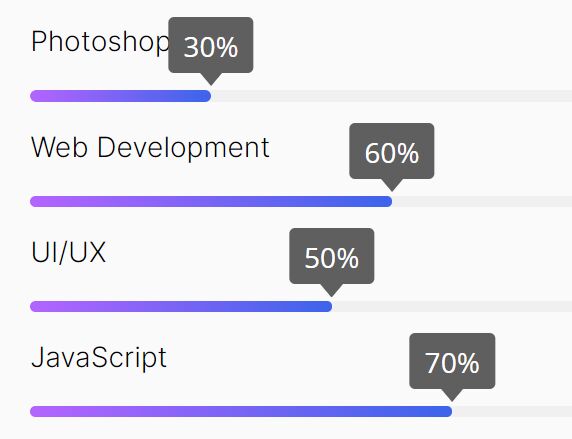
Animated Gradient Progress Bar With Counter
A compact jQuery plugin for determinate progress. It animates a horizontal fill and keeps a percentage counter in sync with the bar.
Multicolor Progress Bar Plugin - jQuery Multibar.js
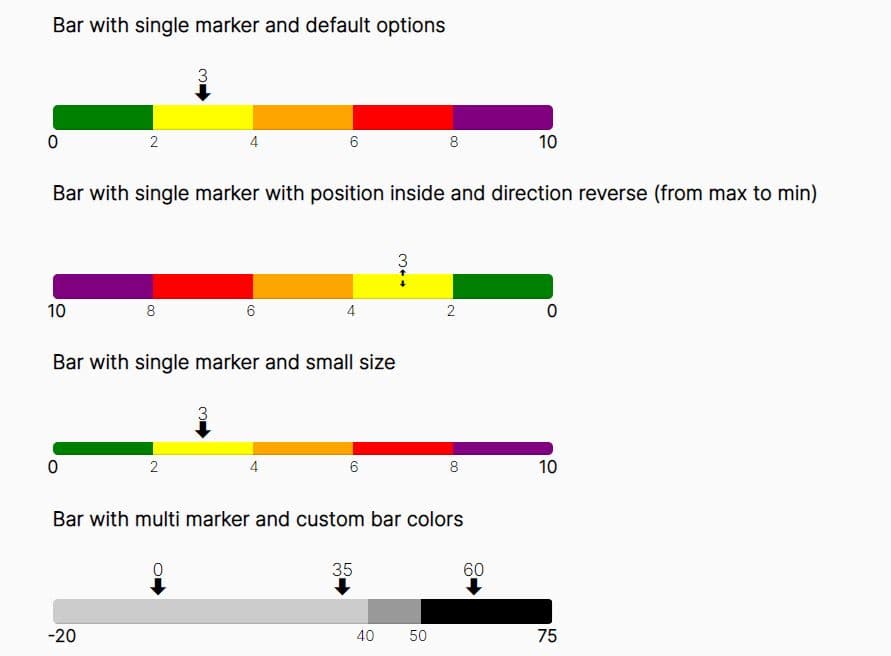
Multibar.js divides a horizontal bar into colored segments and places markers at defined values. It also generates legends for the configured ranges.
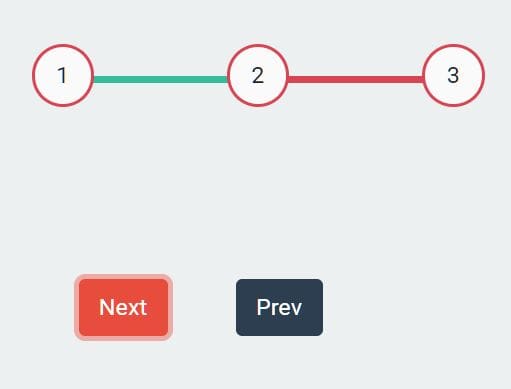
Dynamic Multi-step Progress Bar In jQuery - easy-progress
easy-progress builds a numbered step bar for checkout flows, wizards, and other staged tasks. The plugin controls the step count, active position, and bar width.
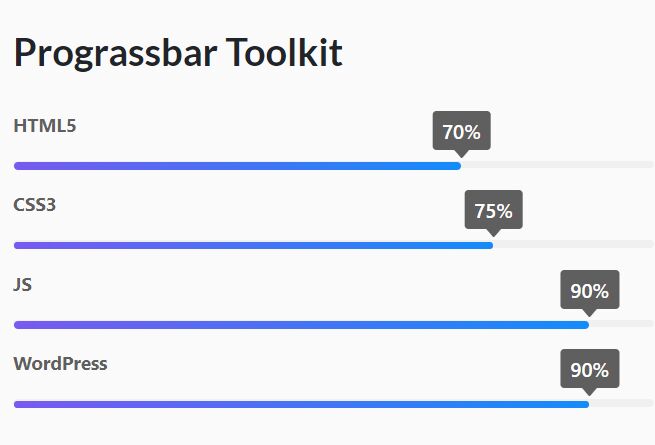
Customizable Progressbars That Fill Up When Visible - Absolute
Absolute reads percentage values from data attributes and animates each bar when it enters the viewport. Titles, tooltips, RTL layout, easing, and duration are configurable.
- Percentage values from
data-value. - Optional titles and animated tooltips.
- RTL layout.
- Custom easing and animation duration.
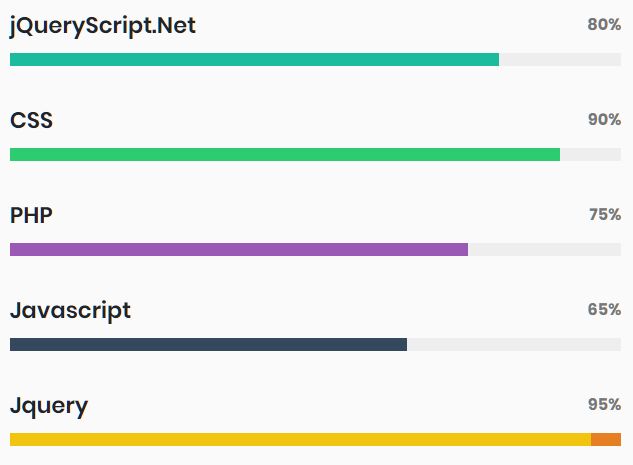
Linear Progress Indicator In jQuery - rProgressbar
rProgressbar renders an animated horizontal percentage bar with configurable colors, radius, dimensions, counter display, and duration. An optional Waypoints integration starts the animation when the bar enters the viewport.
Best JavaScript & TypeScript Progress Bar Libraries
Automatic Page Load & Ajax Request Progress Bar - Pace.js
Pace estimates page-load progress from AJAX requests, document ready state, event-loop lag, and selected elements. It can restart for AJAX navigation and pushState changes.
Animated Step Progress Bar In Pure JavaScript
This dependency-free component creates labeled checkpoints for multi-step forms and staged flows. Initialization accepts the step labels, active step, container ID, and animation timing.

Animated Progress Indicator With JavaScript And SVG Paths - ProgressBar.js
ProgressBar.js uses SVG for animated line progress indicators. Its Line API handles programmatic values, animation timing, text labels, easing, and teardown.

Google Like Slim Progress Bar Plugin - NProgress
NProgress creates a slim loading bar at the top of a page. Its API exposes start(), done(), set(), and inc(), plus configurable trickle behavior and animation timing.
Modern TypeScript Progress Bar Library - BProgress
BProgress is a TypeScript reimplementation of NProgress with a framework-agnostic core. It handles determinate and indeterminate loading states and has packages for React, Next.js, Remix, and Vue.
- TypeScript core package.
- React, Next.js, Remix, and Vue packages.
- Determinate and indeterminate progress.
- Promise-based progress handling.
- CSS custom properties for styling.

When Native HTML <progress> Is Enough
For a simple known percentage, the native <progress> element is often sufficient. Set value and max for determinate progress; omit value when the duration is unknown.
<label for="upload-progress">Upload progress</label> <progress id="upload-progress" value="70" max="100">70%</progress>Related Progress Bar Resources
- 10 Best Circular/Radial Progress Bar JavaScript Plugins
- 10 Best Reading Progress Indicators In JavaScript & CSS
- 7 Best Youtube Like Top Slim Loading Bar Plugins
- 10 Best JavaScript & CSS Progress Bar Components
- 40+ Best Free Progress Bars In Pure JavaScript And CSS