jQuery Plugin For Diagonal Grid Layout - nnmgrid
| File Size: | 5.35 KB |
|---|---|
| Views Total: | 5789 |
| Last Update: | |
| Publish Date: | |
| Official Website: | Go to website |
| License: | MIT |

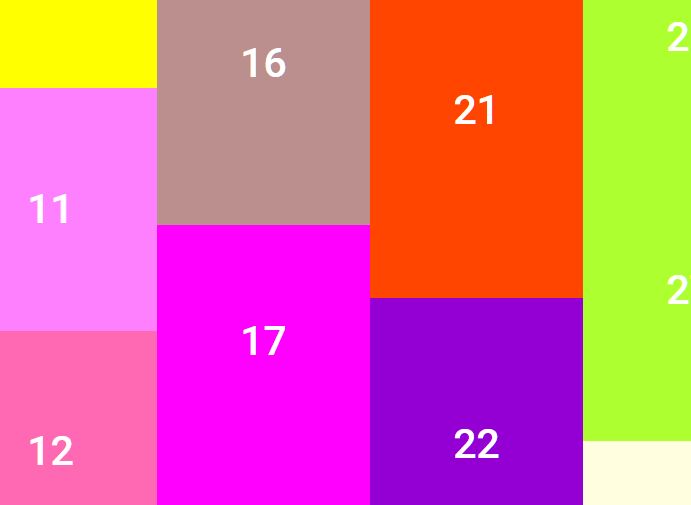
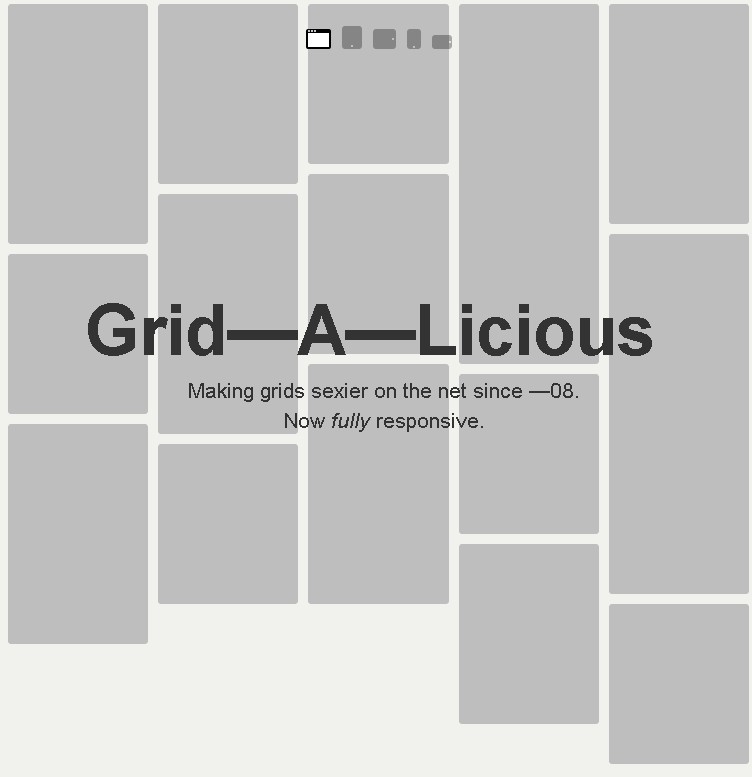
nnmgrid is an interesting jQuery layout plugin for creating a diagonal grid layout with hover effects based on CSS3 transitions and transforms.
You might also be interested in:
- Fancy & Responsive jQuery Diamond Layout Plugin - diamonds.js
- jQuery Plugin For Responsive Hexagon Grid Layout - Honeycombs
How to use it:
1. Create the html for the grid layout.
<ul id="container">
<li class="item"><a href="#01"><img src="btn01.png" alt=""></a></li>
<li class="item"><a href="#02"><img src="btn02.png" alt=""></a></li>
<li class="item"><a href="#03"><img src="btn03.png" alt=""></a></li>
<li class="item"><a href="#04"><img src="btn04.png" alt=""></a></li>
<li class="item"><a href="#05"><img src="btn05.png" alt=""></a></li>
<li class="item"><a href="#06"><img src="btn06.png" alt=""></a></li>
<li class="item"><a href="#07"><img src="btn07.png" alt=""></a></li>
</ul>
2. The CSS to style the grid layout.
.item {
float: left;
transition: 100ms ease-out;
-moz-transition: 100ms ease-out;
-webkit-transition: 100ms ease-out;
-o-transition: 100ms ease-out;
-ms-transition: 100ms ease-out;
}
.is-hover {
transform: scale(1.1);
-moz-transform: scale(1.1);
-webkit-transform: scale(1.1);
-o-transform: scale(1.1);
-ms-transform: scale(1.1);
}
3. Load the latest jQuery javascript library and jQuery nnmGrid's javascript in the page.
<script src="http://ajax.googleapis.com/ajax/libs/jquery/1.11.0/jquery.min.js"></script>
<script src="jquery.nnmgrid.js"></script>
4. Initialize the grid layout with default options.
<script>
jQuery( function( $ ) {
$('#container').nnmGrid();
});
</script>
5. Available options.
<script>
jQuery( function( $ ) {
$('#container').nnmGrid({
gap: 5, // the space between items
isHover: 'is-hover', // the CSS class of hover effect
itemWidth: 150,
itemHeight: 150,
itemSelector: '.item',
onHover: function() {}, // hover callback
onClick: function() {}}); // click callback
});
</script>
Change log:
2014-04-19
- bug fix.
This awesome jQuery plugin is developed by nbnote. For more Advanced Usages, please check the demo page or visit the official website.