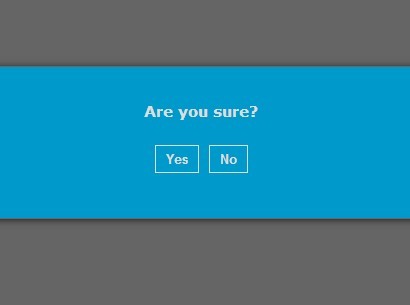
Ajax-enabled Animated Modal Plugin with jQuery - IPtools Modal
| File Size: | 38 KB |
|---|---|
| Views Total: | 2704 |
| Last Update: | |
| Publish Date: | |
| Official Website: | Go to website |
| License: | MIT |
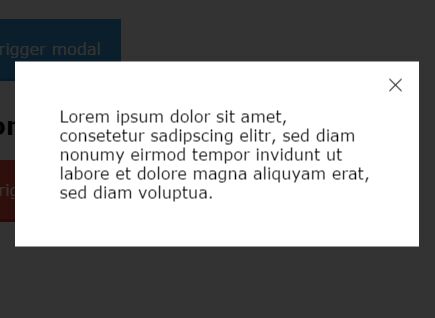
IPtools Modal is a tiny and simple-to-use jQuery plugin that lets you create highly customizable and responsive modal windows with fancy CSS3 animations.
Features:
- Supports both static and AJAX content.
- Auto resizes based on your screen size.
- Content loading indicator.
- 3 cool animations based on CSS3 transitions and transforms.
- Can be closed via ESC key, close button and click outside.
How to use it:
1. Load the stylesheet iptools-jquery-modal.css in the head section, and the JavaScript iptools-jquery-modal.min.js just after jQuery library but before the closing body tag.
<link href="dist/iptools-jquery-modal.css" rel="stylesheet">
<script src="//code.jquery.com/jquery-1.11.3.min.js"></script>
<script src="dist/iptools-jquery-modal.min.js"></script>
2. Create a link to trigger a modal window that loads data from a specific DOM element within the document. The data-modal-effect attribute is used to specify the CSS3 animation you want to use.
<a href="#container-id" class="js_trigger-modal"
   data-modal-effect="scale">
   Trigger Modal
</a>
<div id="container-id" style="display: none;">
  Modal Content Here
</div>
$('.js_trigger-modal').iptModal();
3. Create a link to trigger a modal window that loads data from an external data source via AJAX request.
<a href="ajax.html"
   class="js_trigger-modal"
   data-modal-effect="slideinbottom">
   Trigger Modal
</a>
$('.js_trigger-modal').iptModal();
4. All CSS3 animations.
- scale
- slideinbottom
- slideinright
5. All default configuration options.
$('.js_trigger-modal').iptModal({

  // animation duration
  animationDuration: 500,

  // close by hitting the ESC key
  closeOnESC: true, /

  // close by clicking outside / on overlay
  closeOnClickOutside: true,

  // shows close button
  closeButton: true,

  // custom CSS class for close button
  closeButtonClass: ''

  // append close button to overlay
  addCloseButtonToOverlay: false,

  // modal height
  height: 'auto',

  // Modal width
  width: '80%',

  // CSS class for the modal
  modalClass: 'modal',

  // CSS ID for the modal
  modalId: 'modal',

  // vertical alignment of the modal
  modalVAlignTopClass: 'modal--vertical-align-top',

  // vertical alignment of the modal
  modalVAlignCenterClass: 'modal--vertical-align-center',

  // Modifier classes e.g. modal--no-padding
  modifiers: '',

  // CSS class for the overlay
  overlayClass: 'overlay'

  // shows content loader
  showSpinner: true,

  // loader html
  spinnerHTML: '',

  // CSS z-index
  zIndex: 102 // CSS z-index

});
Change logs:
2016-06-11
- v1.3.1: Fix close button blocked by overlapping content
2016-06-08
- v1.3.0: Fixed: Page in background still scrollable
2016-04-26
- v1.1.0
2016-03-17
- v1.0.8: bugfix
2016-03-08
- v1.0.7
2016-02-23
- Fix original effects
- Fix EFX race condition causes flicker
2016-02-16
- Add UJS button support & instance backref feature
2016-01-29
- Add option to specify close button class
2016-01-28
- Add option for appending close button to overlay
2016-01-21
- Fix vertical alignment function
This awesome jQuery plugin is developed by interactive-pioneers. For more Advanced Usages, please check the demo page or visit the official website.