Customizable Message Box Plugin with jQuery and Bootstrap - bs.msgbox
| File Size: | 6.3 KB |
|---|---|
| Views Total: | 3726 |
| Last Update: | |
| Publish Date: | |
| Official Website: | Go to website |
| License: | MIT |
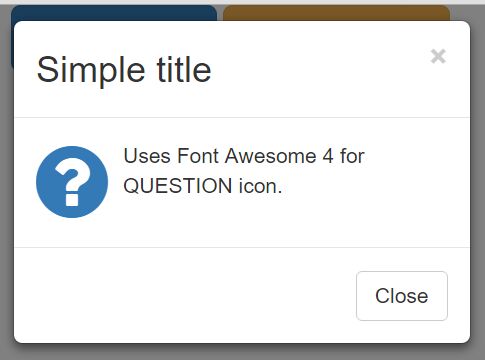
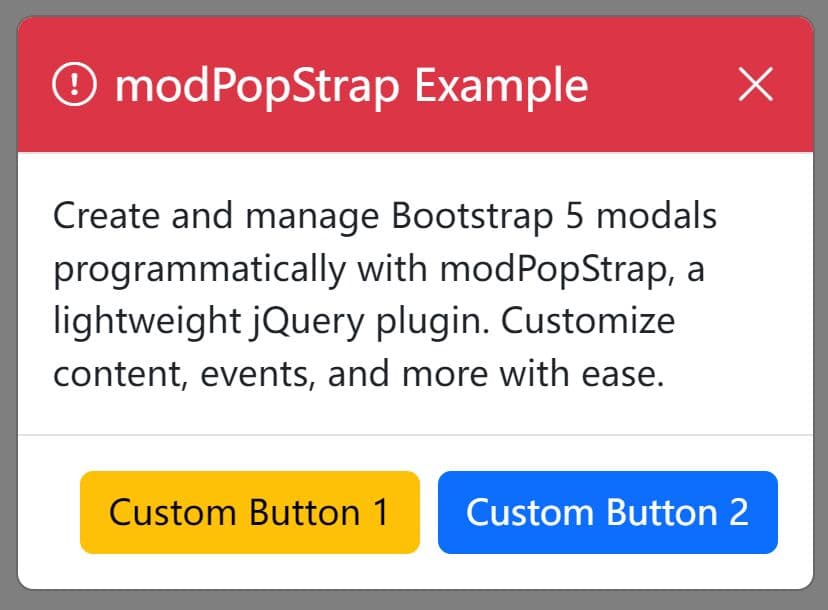
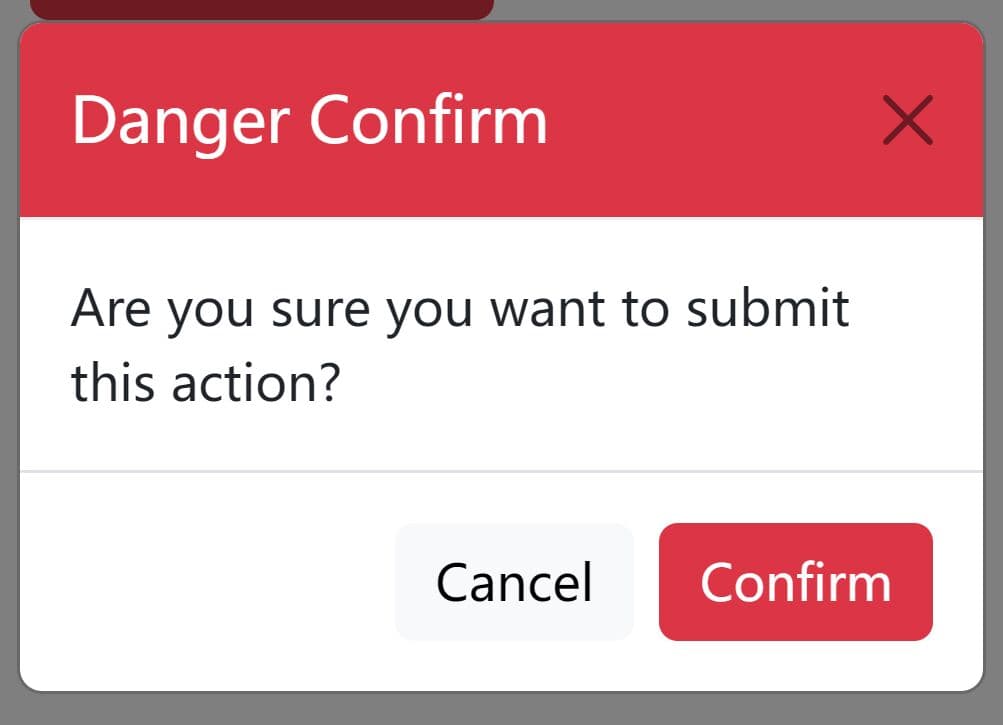
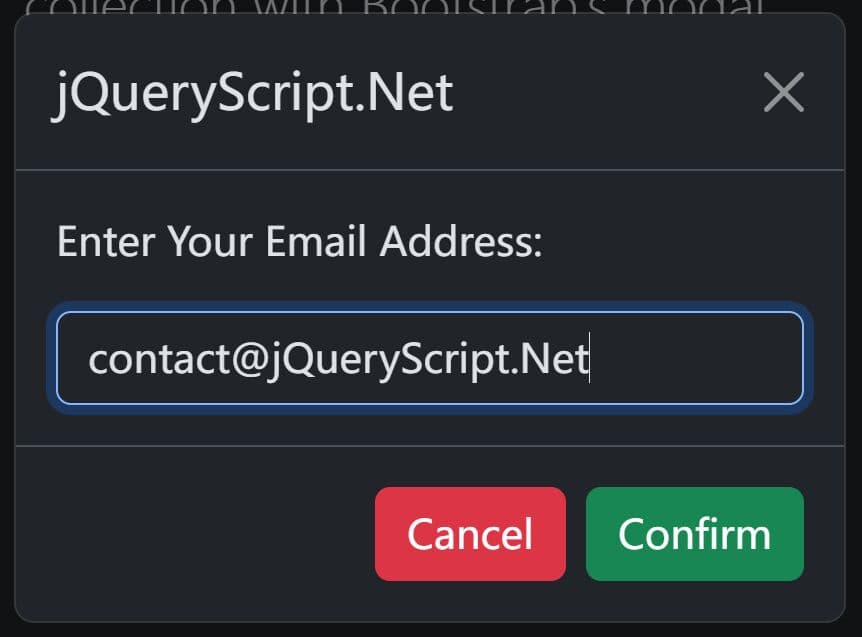
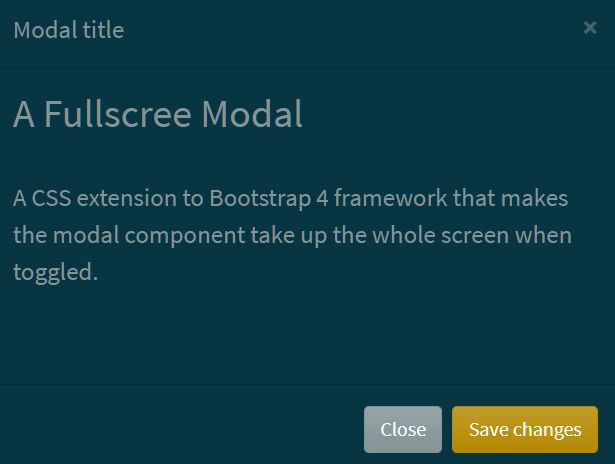
A tiny jQuery alternative to default alert() box that creates a fully customizable modal dialog box using Bootstrap styles and Glyphicons (or Font Awesome).
Features:
- Based on Bootstrap modal component.
- Custom icons based on Glyphicons or Font Awesome.
- Custom content and buttons.
How to use it:
1. Include jQuery library and Twitter Bootstrap framework on the webpage.
<link rel="stylesheet" href="bootstrap.min.css">
<script src="//code.jquery.com/jquery-1.11.3.min.js"></script>
<script src="bootstrap.min.js"></script>
2. Include the jQuery Bootstrap Message Box plugin after you've loaded jQuery library.
<script src="jquery.bs.msgbox.js"></script>
3. Show a basic modal popup with custom messages on page load.
$('body').bsMsgBox({
  title: "Simple title",
  text: "This is a text"
});
4. Customize the modal popup with the following options.
// modal title
title: 'Untitled message',

// title tag
titletag: '<h3/>',

// modal text
text: 'Text of a message...',

// modal name
name: 'msgbox',

// glyphicons or fontawesome
iconset: 'glyphicons',

// info, error, question or ok
icon: 'ok',

// custom buttons
buttons: {
  close: {
    type: "default",
    doclose: true,
    text: "Close"
  }
}
This awesome jQuery plugin is developed by mokhin-denis. For more Advanced Usages, please check the demo page or visit the official website.