Minimalist Dynamic Message Toaster For jQuery - MessageJS
| File Size: | 4.39 KB |
|---|---|
| Views Total: | 660 |
| Last Update: | |
| Publish Date: | |
| Official Website: | Go to website |
| License: | MIT |
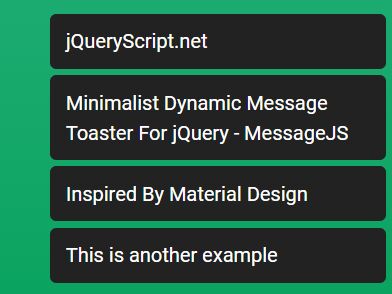
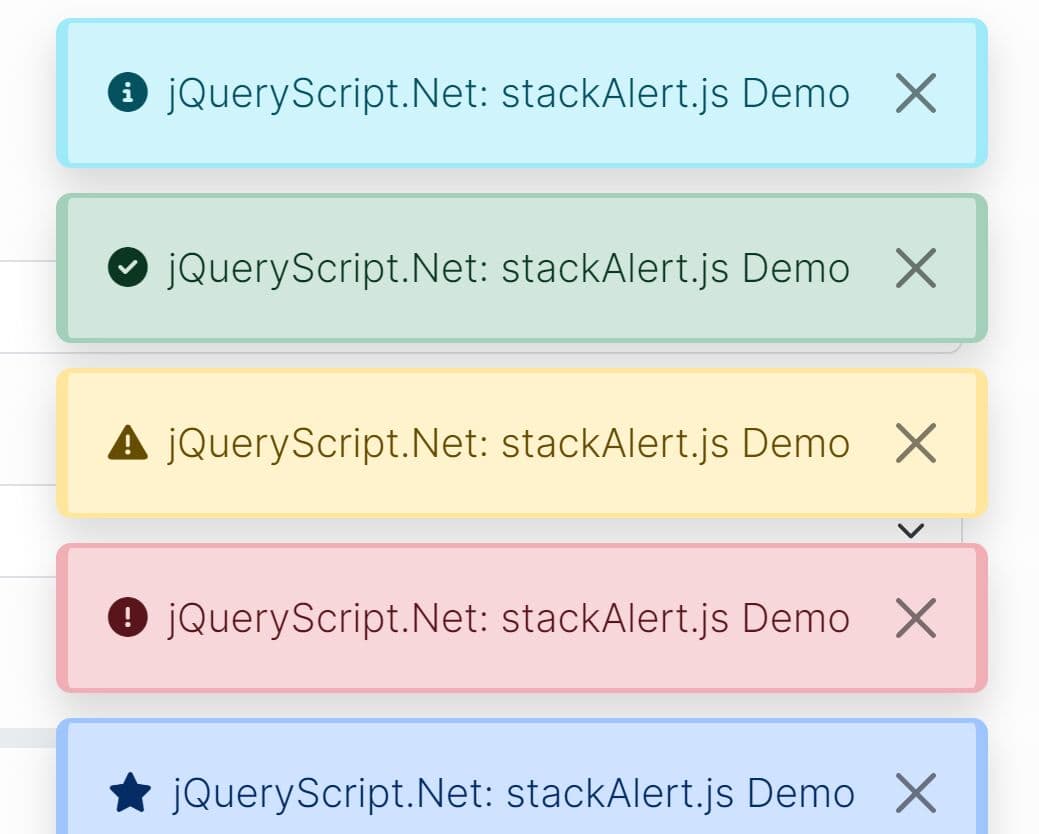
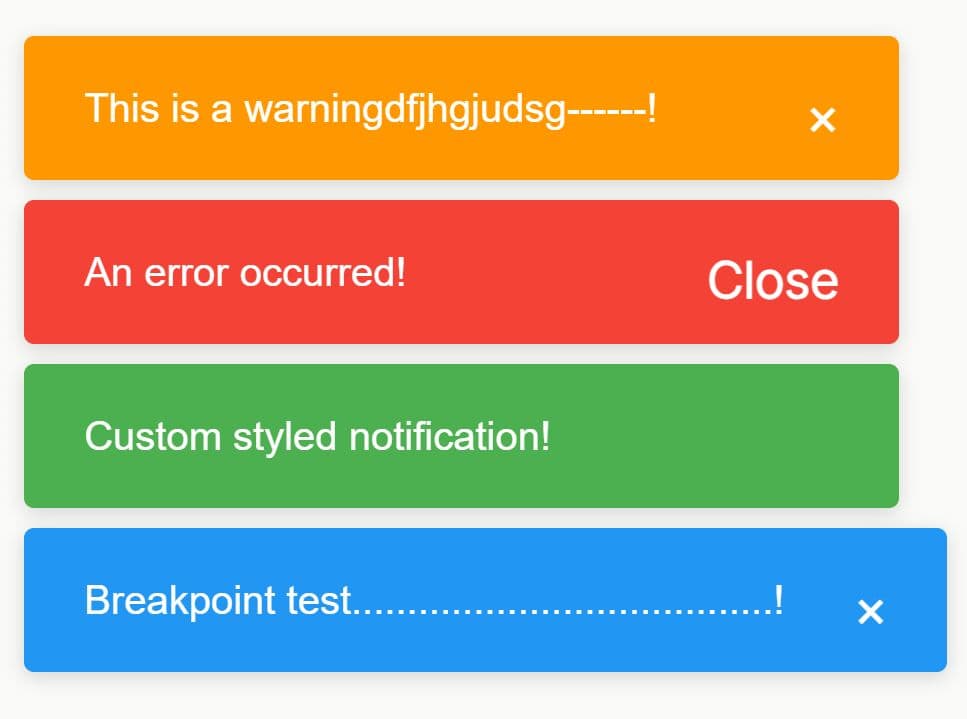
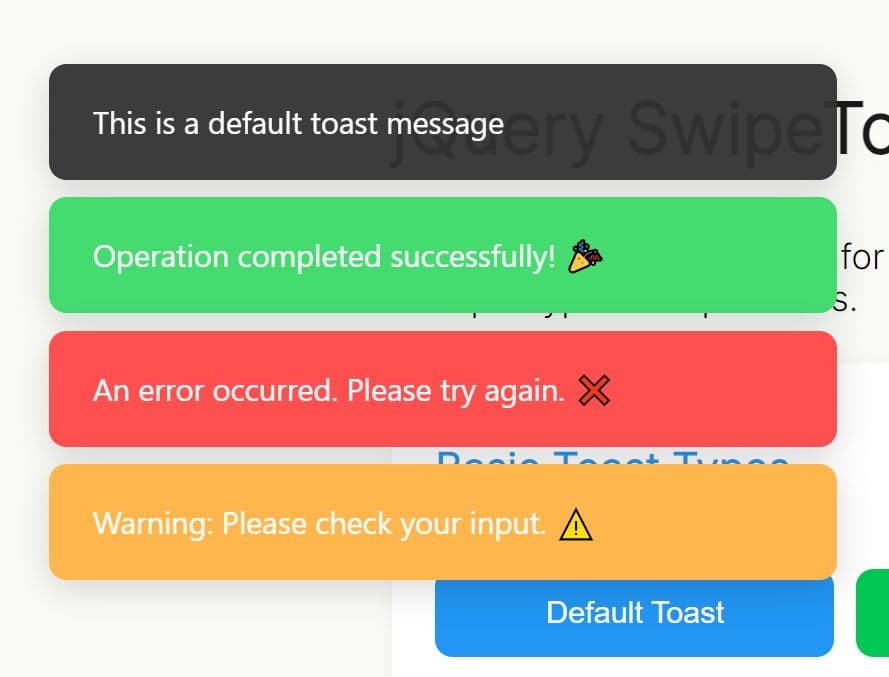
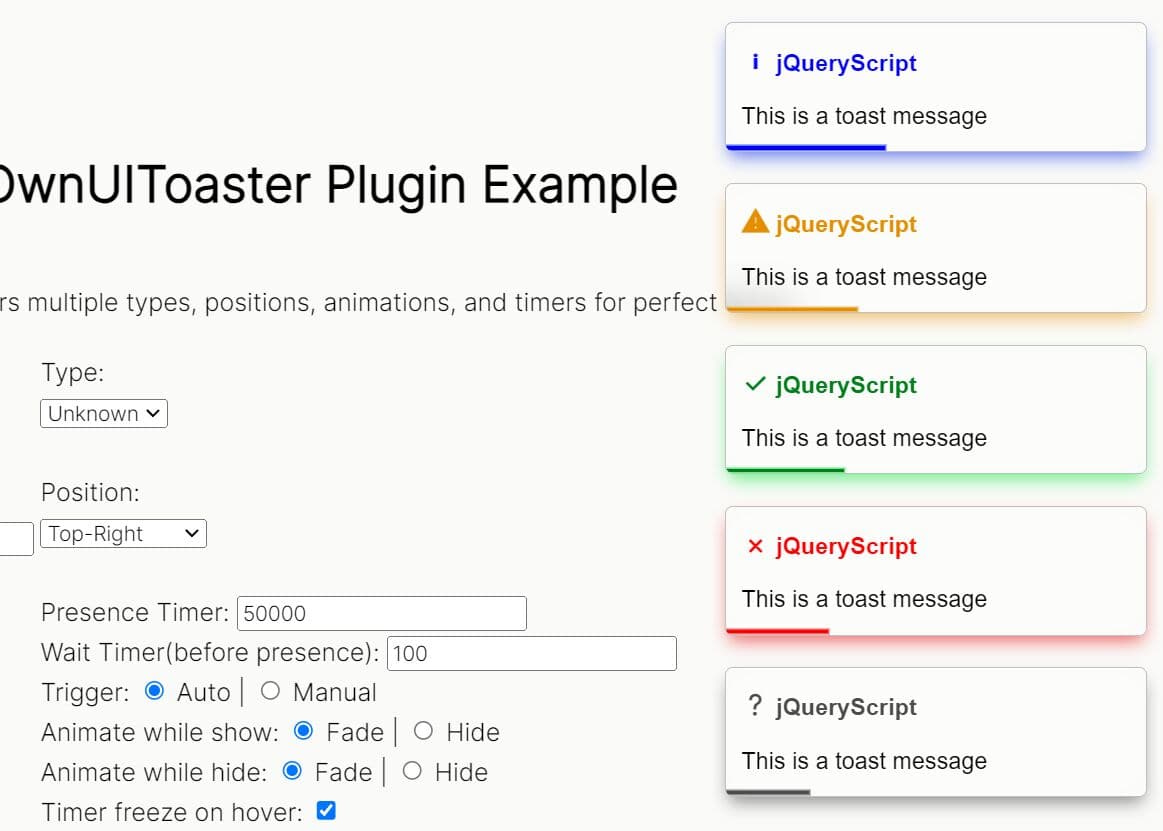
MessageJS is a super tiny and easy-to-use jQuery plugin to display dynamic, stackable, growl-style notification alerts on the webpage.
The notification alert will destroy itself in a given amount of time just like the Android's toasts.
How to use it:
1. Include the MessageJS library after you've included the latest jQuery JavaScript library.
<script src="https://code.jquery.com/jquery-3.3.1.min.js"
        integrity="sha384-tsQFqpEReu7ZLhBV2VZlAu7zcOV+rXbYlF2cqB8txI/8aZajjp4Bqd+V6D5IgvKT"
        crossorigin="anonymous">
</script>
<script src="message-js.js"></script>
2. Create a DIV container with the data-message attribute to hold your notification message. That's it.
<div data-message>
  Your Noticiation Message Here
</div>
3. Modify, override the following CSS styles and then insert them into your document.
/* user input messages, these aren't displayed */
[data-message] {
  display: none !important;
}

/* messages inside the container */
[data-loaded-message] {
  width: 100%;
  box-sizing: border-box;
  background-color: #222;
  color: #fff;
  font-family: 'Roboto';
  border-radius: 5px;
  padding: 10px 13px;
  margin-top: 5px;
}

/* message container */
[data-message-container] {
  position: fixed;
  bottom: 10px;
  right: 10px;
  padding: 0;
  min-width: 200px;
  width: 20vw;
}
4. Or directly include the stylesheet message-js.css in the header of the webpage.
<link rel="stylesheet" href="message-js.css">
5. Specify the interval time that checkes every x seconds if there has been a message element added.
// 0.1 seconds
var intervalTime = 100;
6. Specify the timeout to destroy the notification alert.
// 4 seconds
var destroyTime = 4000
This awesome jQuery plugin is developed by PurpleStripedUnicorn. For more Advanced Usages, please check the demo page or visit the official website.