jQuery Plugin To Make Element Fixed When Scrolling - nail.js
| File Size: | 4.46 KB |
|---|---|
| Views Total: | 2396 |
| Last Update: | |
| Publish Date: | |
| Official Website: | Go to website |
| License: | MIT |
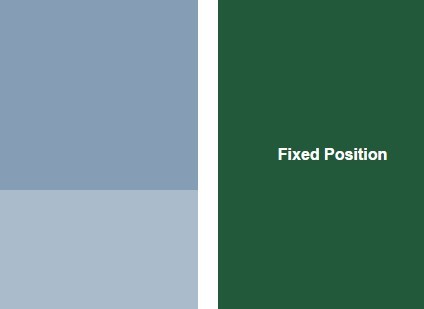
nail.js is a very small jQuery plugin that makes any element fixed positioned on page scroll until you reach the bottom of its parent container.
How to use it:
1. Create a sidebar that will get fixed positioned relative to its parent container 'wrapper'.
<div class="wrapper">
  <div class="main-content">
    ...
  </div>
  <div class="sidebar">
    <p>Sidebar</p>
  </div>
</div>
2. Load jQuery library and the jQuery nail.js plugin at the end of your document.
<script src="//code.jquery.com/jquery-1.11.3.min.js"></script>
<script src="dist/jquery.nail.min.js"></script>
3. Call the function on the sidebar element.
$('.sidebar').nail({
  lOr: 'right' // right sidebar
});
4. Configuration options.
$('.sidebar').nail({

  // sibling elements
  nailBrother: nailObj.siblings(),

  // parent element
  nailObj_wrap: nailObj.parent(),

  // left or right
  lOr: 'left',

  // top offset in pixels
  topOffset: 0,

  // true or false
  onlyTop: false,

  // bottom offset pixels
  bottomOffset: 0,

  // callbacks
  defaultCall: null,
  fixedCall: null,
  floorCall: null

});
Change log:
2016-08-16
- fixed when working on long webpage.
2016-03-29
- minor change
This awesome jQuery plugin is developed by jmjweb. For more Advanced Usages, please check the demo page or visit the official website.