Minimal Circular Range Slider with jQuery and jQuery UI
| File Size: | 2.06 KB |
|---|---|
| Views Total: | 6716 |
| Last Update: | |
| Publish Date: | |
| Official Website: | Go to website |
| License: | MIT |
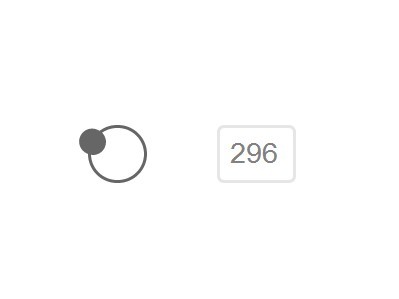
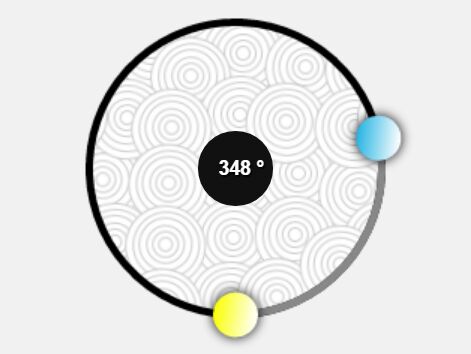
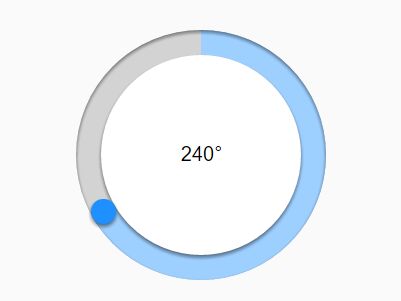
A tiny jQuery plugin that extends the jQuery UI slider component to create a stylish circular range slider from a range input.
How to use it:
1. Include jQuery library and jQuery UI into your document.
<link rel="stylesheet" href="//ajax.googleapis.com/ajax/libs/jqueryui/1.11.1/themes/smoothness/jquery-ui.css">
<script src="//ajax.googleapis.com/ajax/libs/jquery/1.11.1/jquery.min.js"></script>
<script src="//ajax.googleapis.com/ajax/libs/jqueryui/1.11.1/jquery-ui.min.js"></script>
2. Create the Html for a circular range slider.
<div id="circle">
  <div id="slider"></div>
</div>
3. Create a text input next to the circular range slider.
<input id="test" type="text" value="" class="range" data-max="360" data-min="0" data-step="1" name="angle">
4. The required CSS/CSS3 rules to style the range slider.
#circle {
  width: 30px;
  height: 30px;
  border: 2px solid #666;
  border-radius: 100%;
  float: left;
  margin-right: 40px;
}

#slider {
  position: relative;
  height: 15px;
  width: 15px;
  background: #666;
  left: 8px;
  top: -8px;
  border-radius: 100%;
  cursor: pointer;
}

input[type="text"],
input[type="email"],
input[type="password"] {
  -moz-appearance: none;
  border: 2px solid #e6e6e6;
  border-radius: 4px;
  color: #818181;
  display: block;
  font-size: 1em;
  height: 30px;
  padding: 0 6px;
  transition: border 0s ease 0s, width 0.4s ease-in-out 0s;
}

.range {
  float: left;
  width: 30px;
}
5. The Javascript to enable the circular range slider on document ready.
(function () {
  var $container = $('#circle');
  var $slider = $('#slider');
  var sliderW2 = $slider.width()/2;
  var sliderH2 = $slider.height()/2;
  var radius = 15;
  var deg = 0;
  var elP = $('#circle').offset();
  var elPos = { x: elP.left, y: elP.top};
  var X = 0, Y = 0;
  var mdown = false;
  $('#circle')
  .mousedown(function (e) { mdown = true; })
  .mouseup(function (e) { mdown = true; })
  .mousemove(function (e) {
    if (mdown) {
      var mPos = {x: e.clientX-elPos.x, y: e.clientY-elPos.y};
      var atan = Math.atan2(mPos.x-radius, mPos.y-radius);
      deg = -atan/(Math.PI/180) + 180; // final (0-360 positive) degrees from mouse position

      X = Math.round(radius* Math.sin(deg*Math.PI/180));
      Y = Math.round(radius*  -Math.cos(deg*Math.PI/180));
      $slider.css({ left: X+radius-sliderW2, top: Y+radius-sliderH2 });
      // AND FINALLY apply exact degrees to ball rotation
      $slider.css({ WebkitTransform: 'rotate(' + deg + 'deg)'});
      $slider.css({ '-moz-transform': 'rotate(' + deg + 'deg)'});
      //
      // PRINT DEGREES
      $('input[name="angle"]').val(Math.ceil(deg));
    }
  });
})();
This awesome jQuery plugin is developed by MitchJackson94. For more Advanced Usages, please check the demo page or visit the official website.