Google-Style Photo Wall Gallery Plugin For jQuery - photowall
| File Size: | 16.5 KB |
|---|---|
| Views Total: | 4931 |
| Last Update: | |
| Publish Date: | |
| Official Website: | Go to website |
| License: | MIT |

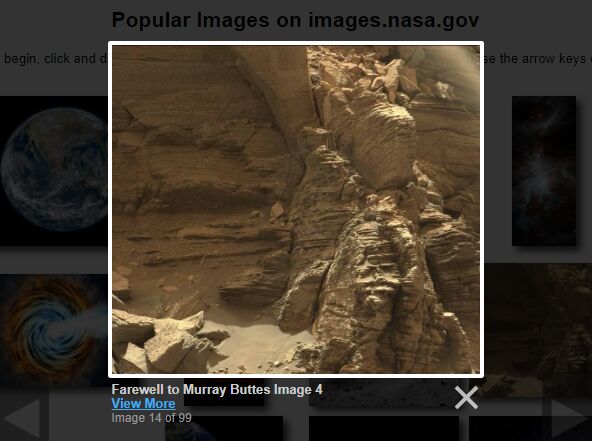
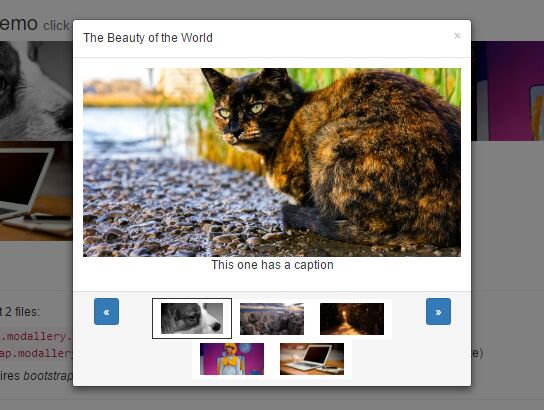
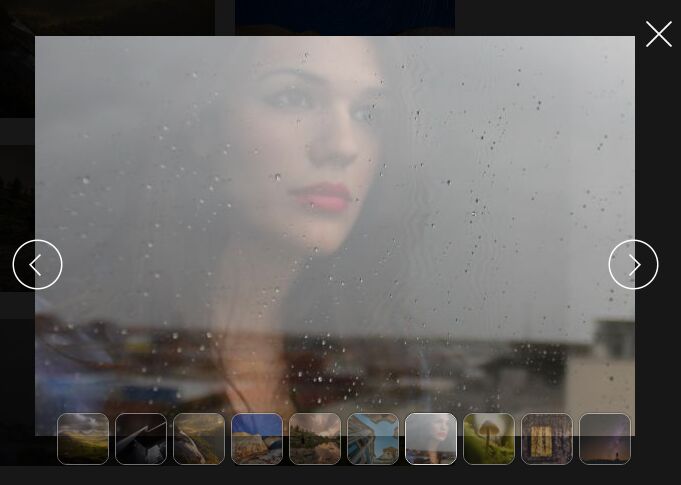
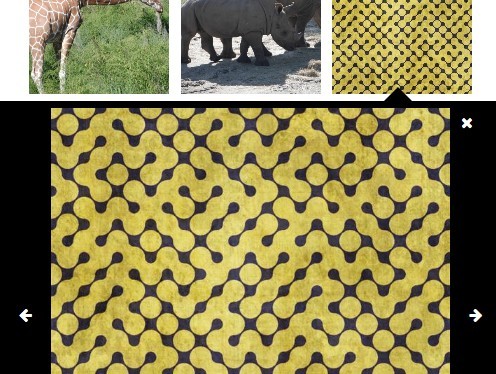
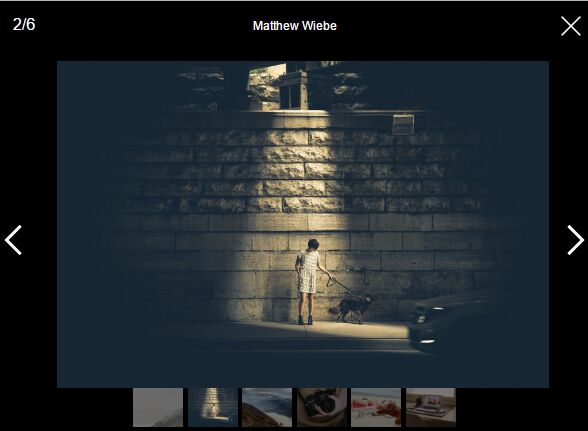
Photowall is a simple clean jQuery plugin used to showcase your images in a Google-style responsive photo wall gallery. It will open a fullscreen modal window when clicking on a thumbnail and display the large version of the image with social buttons integrated.
Related plugins:
- jQuery Plugin For Thumbnail Grid with Expanding Preview
- Lightweight jQuery Photo Wall Plugin - photowall.js
- jQuery Fullscreen Photo Wall with CSS3 Transitions
How to use it:
1. Include the jQuery javascript library together with jquery-photowall.js and jquery-photowall.css on the page.
<script type="text/javascript" src="https://ajax.googleapis.com/ajax/libs/jquery/1.11.0/jquery.min.js"></script>
<script type="text/javascript" src="jquery-photowall.js"></script>
<link rel="stylesheet" type="text/css" href="jquery-photowall.css">
2. Create a container to display the photo wall gallery.
<div id="gallery">
<div class="body"> </div>
</div>
3. Load images from a local array.
script type="text/javascript">
$(document).ready(function(){
PhotoWall.init({
el: '#gallery'   // Gallery element
,zoom:  true // Use zoom
,zoomAction:'mouseenter' // Zoom on action
,zoomTimeout:   500  // Timeout before zoom
,zoomDuration:  100  // Zoom duration time
,showBox:   true // Enavle fullscreen mode
,showBoxSocial: true // Show social buttons
,padding:   10   // padding between images in gallery
,lineMaxHeight: 150  // Max set height of pictures line
 // (may be little bigger due to resize to fit line)
});

/*

Photo object consist of:

{   // big image src,width,height and also image id
id:
,img:   //src
,width:
,height:
,th:{
src:  //normal thumbnail src
zoom_src: //zoomed normal thumbnail src
zoom_factor: // factor of image zoom
,width:   //width of normal thumbnail
,height:  //height of normal thumbnail
}
};

*/

var PhotosArray = new Array(
{id:id,img:'img_big1.jpg',width:500,height:400,
 th:{src:'img_small1.jpg',width:50,height:40,
 zoom_src:'img_zoomed1.jpg',zoom_factor:4
}
},
{id:id,img:'img_big2.jpg',width:500,height:400,
 th:{src:'img_small2.jpg',width:50,height:40,
 zoom_src:'img_zoomed2.jpg',zoom_factor:4
}
},
{id:id,img:'img_big3.jpg',width:500,height:400,
 th:{src:'img_small3.jpg',width:50,height:40,
 zoom_src:'img_zoomed3.jpg',zoom_factor:4
}
},
{id:id,img:'img_big4.jpg',width:500,height:400,
 th:{src:'img_small4.jpg',width:50,height:40,
 zoom_src:'img_zoomed4.jpg',zoom_factor:4
}
}
);

PhotoWall.load(PhotosArray);
});

</script>
4. Load images from an Ajax request
<script type="text/javascript">
$(document).ready(function(){
PhotoWall.init({
el: '#gallery'   // Gallery element
,zoom:  true // Use zoom
,zoomAction:'mouseenter' // Zoom on action
,zoomTimeout:   500  // Timeout before zoom
,zoomDuration:  100  // Zoom duration time
,showBox:   true // Enavle fullscreen mode
,showBoxSocial: true // Show social buttons
,padding:   10   // padding between images in gallery
,lineMaxHeight: 150  // Max set height of pictures line
 // (may be little bigger due to resize to fit line)
});

/*

Photo object consist of:

{   // big image src,width,height and also image id
id:
,img:   //src
,width:
,height:
,th:{
src:  //normal thumbnail src
zoom_src: //zoomed normal thumbnail src
zoom_factor: // factor of image zoom
,width:   //width of normal thumbnail
,height:  //height of normal thumbnail
}
};

*/

//For example one of my gallery at Picasa
$.ajax({
url: 'https://picasaweb.google.com/data/feed/api/user/118283508237214694671/albumid/5685978516288199793'
 +'/?alt=json&fields=entry(gphoto:id,title,media:group(media:thumbnail,media:'
 +'content))&imgmax=720',
dataType: 'jsonp',
success: function(data){
var photos = {}
if(!data.feed.entry) return;
for(var i in data.feed.entry) {
var e = data.feed.entry[i].media$group;
var id= data.feed.entry[i].gphoto$id.$t;

var t1h   = e.media$thumbnail[2].height;
var t1w   = e.media$thumbnail[2].width;
var t1src = e.media$thumbnail[2].url

var t2w   = Math.round(t1w * 1.5);
var t2h   = Math.round(t1h * 1.5);

var t2src = e.media$content[0].url+'/../../w'+t2w+'-h'+t2h+'/';

var bsrc  = e.media$content[0].url;
var bw= e.media$content[0].width;
var bh= e.media$content[0].height;


photos[id] = {id:id,img:bsrc,width:bw,height:bh,th:{src:t1src,width:t1w,height:t1h,zoom_src:t2src,zoom_factor:1.5}};

}
PhotoWall.load(photos);
}
});

</script>
Change log:
2014-12-08
- fixed Line width bug
This awesome jQuery plugin is developed by creotiv. For more Advanced Usages, please check the demo page or visit the official website.