Lightweight jQuery Notification Box Plugin - jNotify
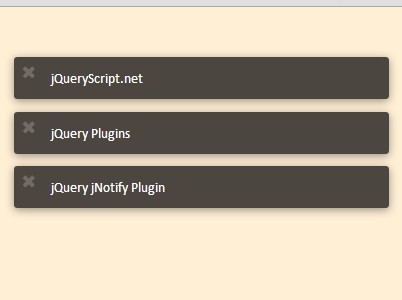
- Other - 1361 ViewsjNotify is a simple and easy to use jQuery notification plugin for creating messages bubbles that can be placed at any corner of your web page.
Latest jQuery Plugin updates are listed here. For each plugin there is a link to the download page, a link to the demo page and a preview image. Page 399 .
jNotify is a simple and easy to use jQuery notification plugin for creating messages bubbles that can be placed at any corner of your web page.
A simple and fast interactive background image parallax effect that moves in response to the mouse, built with jQuery and CSS3 transitions & transforms.
Hover Direction is a minimal jQuery & CSS3 hover effect plugin that slides in an animated overlay from the direction we are moving with the mouse.
Social stats is a tiny social media plugin used to get Facebook likes, comments and Twitter tweets from a given URL and display them as plain text on your web page.
shortify is a lightweight jQuery plugin that automatically shorten a given URL using Google URL Shortener (goo.gl) or Bitly service.
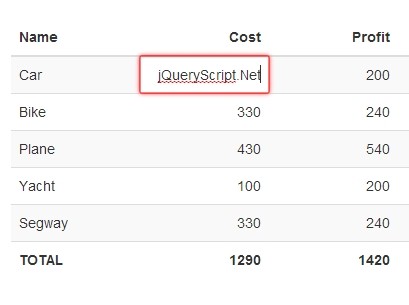
Editable Table is a table manipulation plugin that turns a standard Html table into a responsive in-place editable spreadsheet with input validation based on jQuery and bootstrap 2/3.
Background Cycle is a simple lightweight jQuery plugin that enables you to cycle through an array of background images within a given container.
A fancy jQuery plugin that makes use of jQuery rotate plugin to create leaves falling and rotating effects on your web page.
Another jQuery before/after image comparison plugin which allows you compare and find out the differences between two images by mouse move/drag.
Content Paginator is a jQuery plugin that divides/paginates long text content into several slides and displays them as a slideshow with next/prev navigation and simple fade in/out transitions.
Colorimazer is a jQuery Plugin that allows basic image color manipulations such as grayscale, inverse, polarize, opacity, hue, colorize, etc.
multifilter is a dead simple yet useful jQuery plugin that allows to filter your table columns using multiple filter inputs.
An ultra-lightweight, fully responsive, cross-browser image slideshow with autoplay functionality and simple fade transitions, built with jQuery, CSS and 10 lines of javascript codes.
anchor.js is a lightweight and easy jQuery plugin that automatically generates anchor links with unique IDs and symbols at the end of the heading elements.
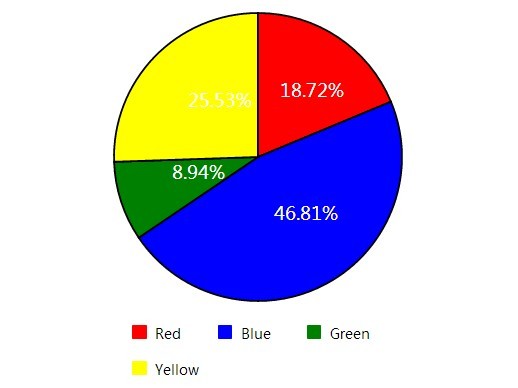
Piechart is a super tiny jQuery plugin used to create a SVG pie chart with a hover animation and percentage display.
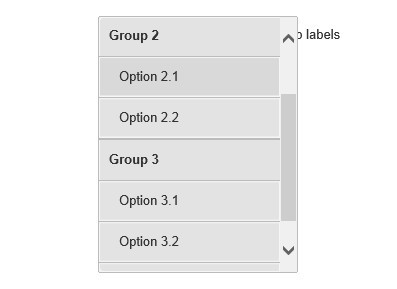
Simple Select is a jQuery based alternative to the regular html select element that allows to fully customize via CSS, options, methods and events.
fullPage is a powerful, multipurpose jQuery & jQuery UI plugin to create a fashion one page fullscreen scrolling website with snapping functionality.
TextfxAPI is a jQuery plugin worked with jQuery transit script that allows you to apply awesome animations on the text using CSS3 transitions and transforms.
Photofy is a fancy jQuery image/photo gallery plugin that automatically & randomly shuffle and swap images at a given interval.
jQFader is a minimal jQuery animation plugin used to fade in/out Html elements sequentially or randomly at a certain speed.
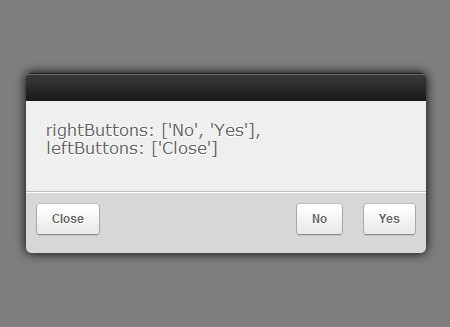
ClassyPopup is a small yet highly configuration jQuery plugin that popups alert & dialog windows to display important messages for your website/app.
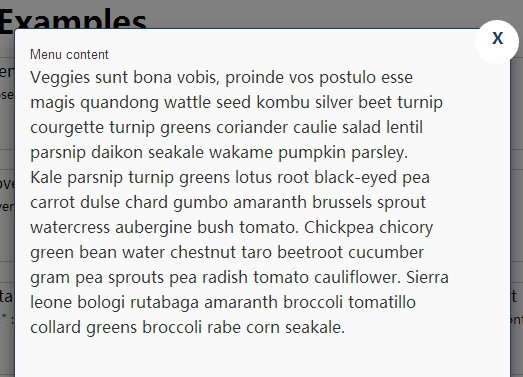
flexModal is a jQuery plugin for creating responsive & flexible modal box that supports any Html contents like text, iFrame, Video, etc.
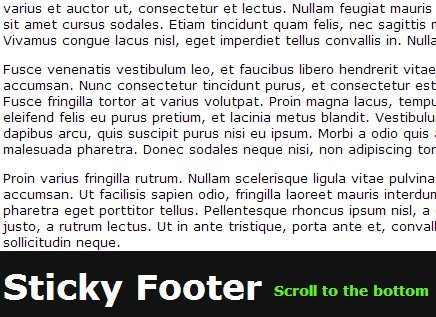
Sticky Footer Bar is a simple lightweight jQuery plugin helps you stick your footer bar to the bottom of the web page as you scroll down.
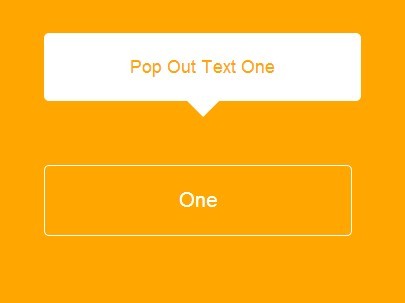
Pop is an easy and quick jQuery script that popups a simple clean tooltip box appending to any Html elements, with a basic CSS3 transition effect.
btSlider is a really simple jQuery plugin that provides an easiest way to create an auto-play image slider/slideshow with fade in/out effects.