Minimal Clean Popup Box Plugin For jQuery - popup.js
| File Size: | 4.78 KB |
|---|---|
| Views Total: | 990 |
| Last Update: | |
| Publish Date: | |
| Official Website: | Go to website |
| License: | MIT |
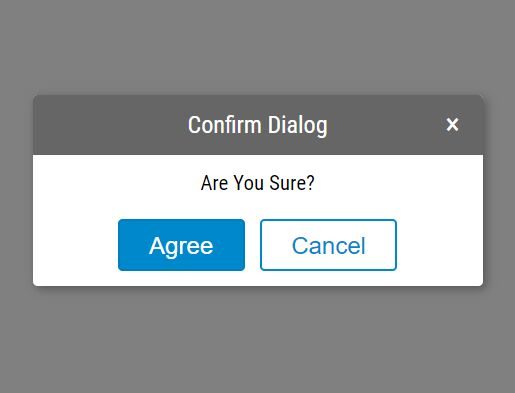
Yet another jQuery based JavaScript pop box replacement that helps you create minimal, clean, customizable, cross-browser alert and confirmation dialog boxes on the website.
More features:
- Allows to close manually or automatically.
- Confirm & cancel callback functions.
- Fully customizable popup appearance.
How to use it:
1. Include the jQuery Popup plugin's stylesheet and JavaScript on the page which has jQuery library included.
<link rel="stylesheet" href="./css/popup.css">
<script src="https://code.jquery.com/jquery-1.12.4.min.js"
        integrity="sha384-nvAa0+6Qg9clwYCGGPpDQLVpLNn0fRaROjHqs13t4Ggj3Ez50XnGQqc/r8MhnRDZ"
        crossorigin="anonymous">
</script>
<script src="./js/popup.js"></script>
2. Create a default alert box that always stay on the screen until you click the close button.
Popup({
  'type': 'info',
  'title': 'Alert',
  'text': 'An alert dialog'
});
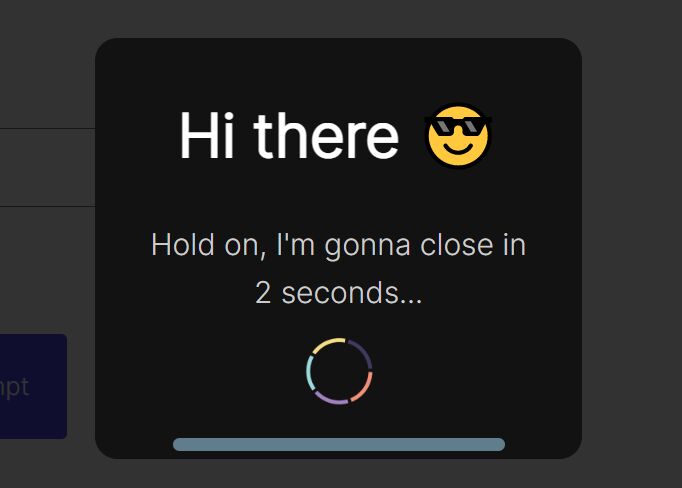
3. Create a temporary alert box that automatically dismisses after a timeout you specify (2 seoncds in this example).
Popup({
  'type': 'info',
  'title': 'Alert',
  'text': 'An alert dialog',
  'autohide': true,
  'showtime': 2000 // 2 seconcds
});
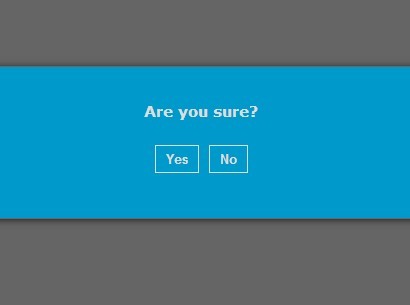
4. Create a confirmation dialog box with confirm and cancel callbacks.
Popup({
  'type': 'submit',
  'title': 'Confirm Dialog',
  'text': 'A confirm dialog',
  'cancelbutton': true,
  'closeCallBack': function(){
    alert('canceled')
  },
  'submitCallBack': function(){
    alert('confirmed')
  }
})
5. Adjust the styles of your dialog popup by overriding the following settings.
Popup({

  // popup box
  'width': 'auto',
  'height': 'auto',
  'color': '#fff',
  'bgcolor': '#666',

  // confirm button
  'submitvalue': 'Okey',
  'submitcolor': '#fff',
  'submitbgcolor': '#ff3333',
  'submitbordercolor': '#ff0000',

  // cancel button
  'cancelvalue': 'Cancel',
  'cancelcolor': '#333',
  'cancelbgcolor': '#fff',
  'cancelbordercolor': '#ccc'

})
This awesome jQuery plugin is developed by liaojunhongyue. For more Advanced Usages, please check the demo page or visit the official website.