Simple jQuery Plugin For Showing Modal Overlay - mloverlay
| File Size: | Unknown |
|---|---|
| Views Total: | 819 |
| Last Update: | |
| Publish Date: | |
| Official Website: | Go to website |
| License: | MIT |
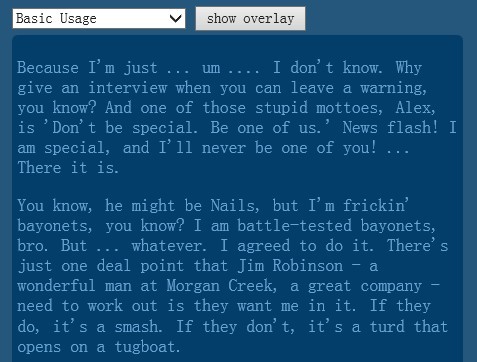
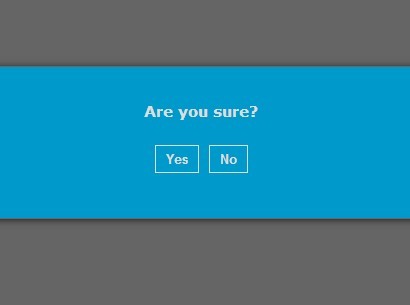
mloverlay is a lightweight jQuery plugin for creating modal less overlays with various close triggers on your web page.
Features:
- Extensible through callbacks to make anything (gallery slideshow's, video-conferencing, ajax, etc.) possible
- Highly customizable via html and css
- Multiple instances on one page
- Translator/i18n friendly - No hardcoded English strings
- Support of various close triggers (toggle overlay, button, outside click, escape key)
- Support of ignored elements that should not close the overlay
Basic Usage:
1. Include the jQuery javascript library and jQuery mloverlay script on the web page
<script type="text/javascript" src="http://ajax.googleapis.com/ajax/libs/jquery/1.10.2/jquery.min.js"></script>
<script type="text/javascript" src="jquery.mloverlay.js"></script>
2. Create a container for the overlay
<div id="overlay">
</div>
3. Style the overlay container
#overlay {
position: absolute;
display: none;
width: 400px;
padding: 5px;
color: #66A3D2;
background-color: #033E6B;
border-radius: 5px;
}
4. Create a button to trigger the overlay
<button id='clickme'>click me</button>
5. Initialize your overlay
$('#overlay').mlOverlay({saveState: true, trigger: '#clickme'});
This awesome jQuery plugin is developed by Mythli. For more Advanced Usages, please check the demo page or visit the official website.