Dynamic Multi-level Context Menu Plugin with jQuery - Context.js
| File Size: | 9.9 KB |
|---|---|
| Views Total: | 3240 |
| Last Update: | |
| Publish Date: | |
| Official Website: | Go to website |
| License: | MIT |
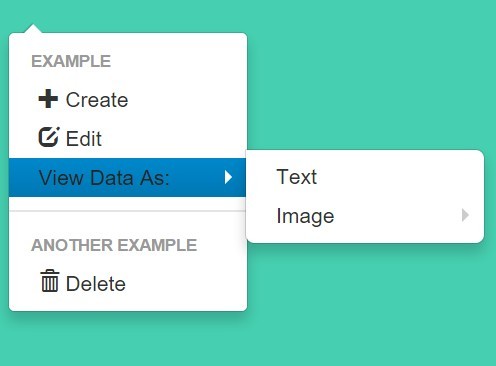
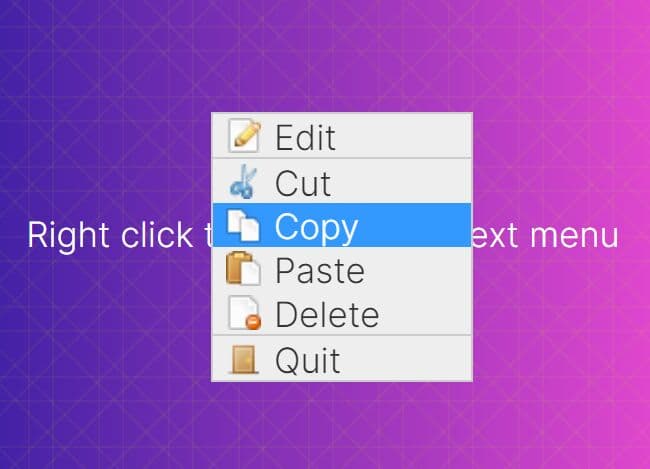
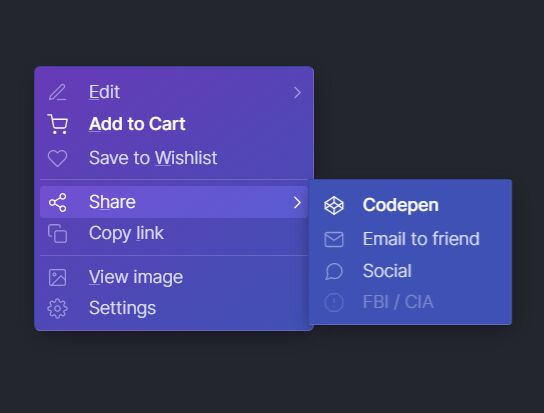
Context.js is a lightweight, flexible, Bootstrap-compatible jQuery right click context menu plugin that features infinite depth, dynamic menu creation / deletion and smart space detection.
More example:
Basic usage:
1. Include the stylesheet context.standalone.css in the head section for basic menu styles.
<link rel="stylesheet" href="context.standalone.css">
2. Include the JavaScript file context.js just before the closing body tag.
<script src="//code.jquery.com/jquery-1.11.3.min.js"></script>
<script src="context.js"></script>
3. Initialize the context menu plugin with default options.
context.init();
4. Add your menu items to the context menu and then attach it to the body.
context.attach('body', [
  {header: 'Context Menu'}, // header
  {text: 'Menu 1', subMenu: [
    {header: 'Sub Menu'},
    {text: 'Sub Mnu 1', href: '#', target:'_blank', action: function(e){
     // do something
    }}
  ]},
  {divider: true},  // divider
]);
5. Customization options.
context.init({

  // menu fadeIn speed
  fadeSpeed: 100,
  filter: function ($obj) {
    // Modify $obj, Do not return
  },

  // string or boolean
  // auto = auto position
  above: 'auto',
  left: 'auto',

  // disable brower-based context menu
  preventDoubleContext: true,

  // true = context menu will have less padding
  compress: false

});
This awesome jQuery plugin is developed by jakiestfu. For more Advanced Usages, please check the demo page or visit the official website.