Fullscreen Slide Down Navigation Plugin With jQuery - Overly.js
| File Size: | 46.7 KB |
|---|---|
| Views Total: | 3562 |
| Last Update: | |
| Publish Date: | |
| Official Website: | Go to website |
| License: | MIT |
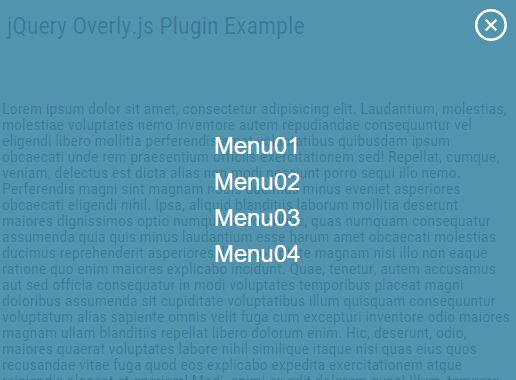
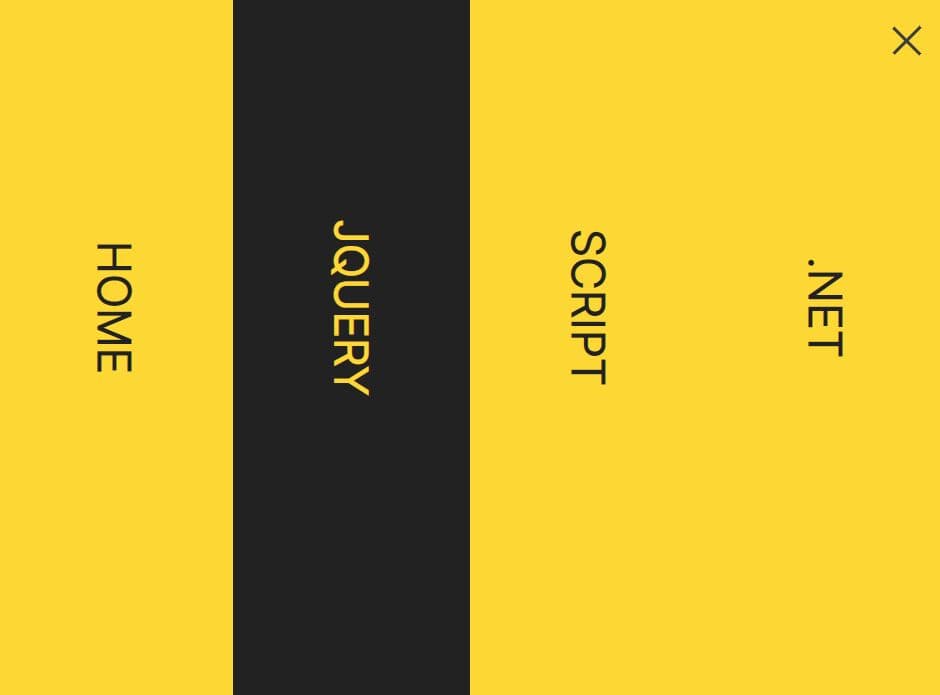
Overly.js is a jQuery site navigation plugin that slides down a fullscreen menu overlaying the whole page when toggled.
How to use it:
1. Put the jQuery Overly.js plugin's style sheet in the head section of the document.
<link rel="stylesheet" href="jquery.overly.css">
2. Add menu items to the fullscreen navigation.
<div id="overly_menu">
  <ul>
    <li><a href="#">menu01</a></li>
    <li><a href="#">menu02</a></li>
    <li><a href="#">menu03</a></li>
    <li><a href="#">menu04</a></li>
  </ul>
</div>
3. Create toggle elements to open / close the fullscreen navigation.
<img src="open.png" id="overly_open">
<img src="close.png" id="overly_close">
4. Put jQuery library and the jQuery Overly.js plugin's script at the end of the document.
<script src="//code.jquery.com/jquery-2.2.0.min.js"></script>
<script src="jquery.overly.js"></script>
5. Enable the fullscreen navigation.
$('#overly_menu').Overly_menu();
6. Default customization options.
$('#overly_menu').Overly_menu({

  // animation speed in ms
  'speed': 300,

  // background color
  'color' : 'rgba(0, 0, 0, 0.8)',

  // opacity from 0 to 1
  'opacity': '0.8',

  // 'list' or 'flex'
  'style': 'list',

  // font-size or underline
  'hover': 'font-size'

});
Change log:
2016-02-27
- add transition and hover option
2016-02-19
- add hover options
This awesome jQuery plugin is developed by sottar. For more Advanced Usages, please check the demo page or visit the official website.