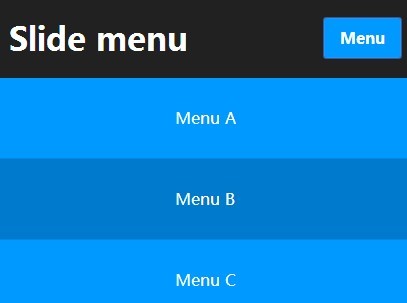
Responsive jQuery Multi-Level Slide Menu - navgoco
| File Size: | 88.6 KB |
|---|---|
| Views Total: | 11344 |
| Last Update: | |
| Publish Date: | |
| Official Website: | Go to website |
| License: | MIT |
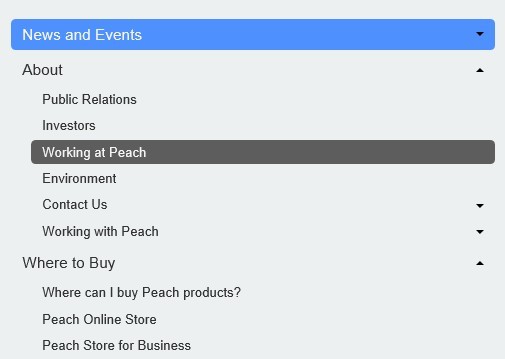
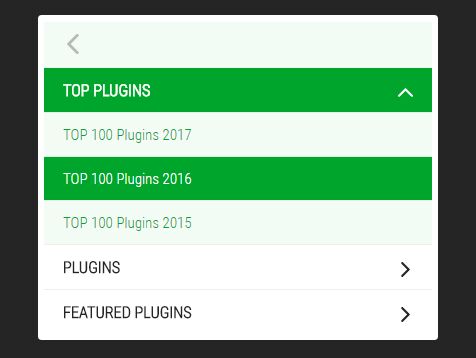
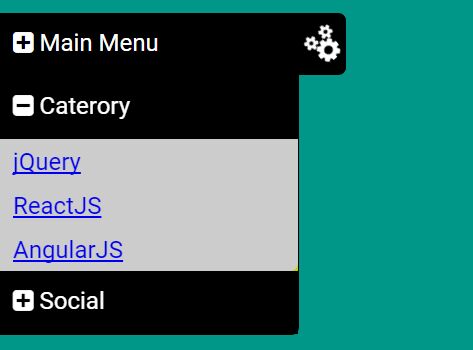
navgoco is a lightweight and responsive jQuery plugin for creating a vertical multi-level slide Menu with smooth accordion effect and session storage support.
How to use it:
1. Include jQuery library on the page
<script src="http://ajax.googleapis.com/ajax/libs/jquery/1.10.1/jquery.min.js"></script>
2. Include jQuery Cookie Plugin to provide session storage support that will remember sub-menus visible state between sessions
<script src="jquery.cookie.js"></script>
3. Include jQuery navgoco Plugin files on the page
<script type="text/javascript" src="jquery.navgoco.js"></script>
<link rel="stylesheet" type="text/css" href=".jquery.navgoco.css" media="screen" />
4. Create a container for the slide menu
<ul id="demo" class="nav">
</ul>
5. The javascript
<script type="text/javascript">
$(document).ready(function() {
var demoMenu = arrayToUl(links);
// Remember state demo
$("#demo").append(demoMenu);
$('#demo li').first().addClass('active');
// Initialize navgoco with default options
$("#demo").navgoco({
caret: '<span class="caret"></span>',
accordion: false,
openClass: 'open',
save: true,
cookie: {
name: 'navgoco',
expires: false,
path: '/'
},
slide: {
duration: 400,
easing: 'swing'
}
});

});

var links = {
"News and Events": [
"Hot News",
"RSS Feeds",
"Peach Events",
"User Groups"
],
"About": {
"Contact Us": [
"Support and Service",
"Product Feedback",
"Website Feedback"],
"0": "Public Relations",
"1": "Investors",
"2": "Working at Peach",
"3": "Environment",
"Working with Peach": [
"Procurement",
"Supplier Responsibility"
]
},
"Where to Buy": [
"Where can I buy Peach products?",
"Peach Online Store",
"Peach Store for Business",
"Peach Store for Education",
"Peach Online Store Country Selector",
"Peach Retail",
"Find a Reseller",
"Peach Financial Services", "Peach Rebates"
]
};

function arrayToUl(data) {
var html = '';
for (var key in data) {
html += '<li>';
var isInt = (parseInt(key) == key);
var label = isInt ? data[key] : key;
html += '<a href="#">' + label + '</a>';
if (!isInt) {
html += '<ul>';
html += arrayToUl(data[key]);
html += '</ul>';
}
html += '<li>';
}
return html;
}
</script>
Change log:
v0.2.1 (2014-04-12)
- Bugfixes.
v0.2.0 (2014-03-09)
- Added ability for clickable parent menu items
v0.1.5 (2013-09-08)
- Added callback methods: onClickBefore, onClickAfter, onToggleBefore, onToggleAfter
- Updated readme & demo.
v0.1.4 (2013-09-01)
- Improve accordion mode to close sub-menus when clicking menu links without children.
- Updated readme to correct a false statement.
- Updated qunit tests, fixtures & demo.
v0.1.2 (2013-07-09)
- Updated toggle procedure to open parent sub-menus
- Added code documentation
- Added qunit tests
v0.1.1 (2013-07-08)
- Replaced public methods expand|collapse with new **toggle**
- Replaced `.data()` uses with `.attr('data-xxxx)`
- Added method destroy to clear instances and unbind events
- Added comments header to minified version
- Added banner image to project
- Code cleanup
- Updated demo
This awesome jQuery plugin is developed by tefra. For more Advanced Usages, please check the demo page or visit the official website.