jQuery Plugin To Connect HTML Elements with Lines - HTML SVG Connect
| File Size: | 9.4 KB |
|---|---|
| Views Total: | 19012 |
| Last Update: | |
| Publish Date: | |
| Official Website: | Go to website |
| License: | MIT |
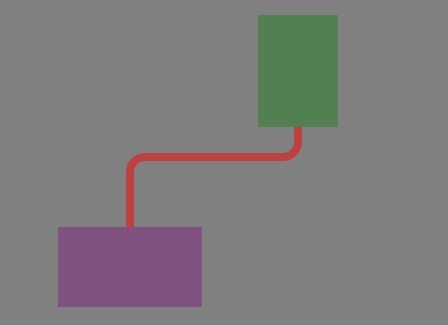
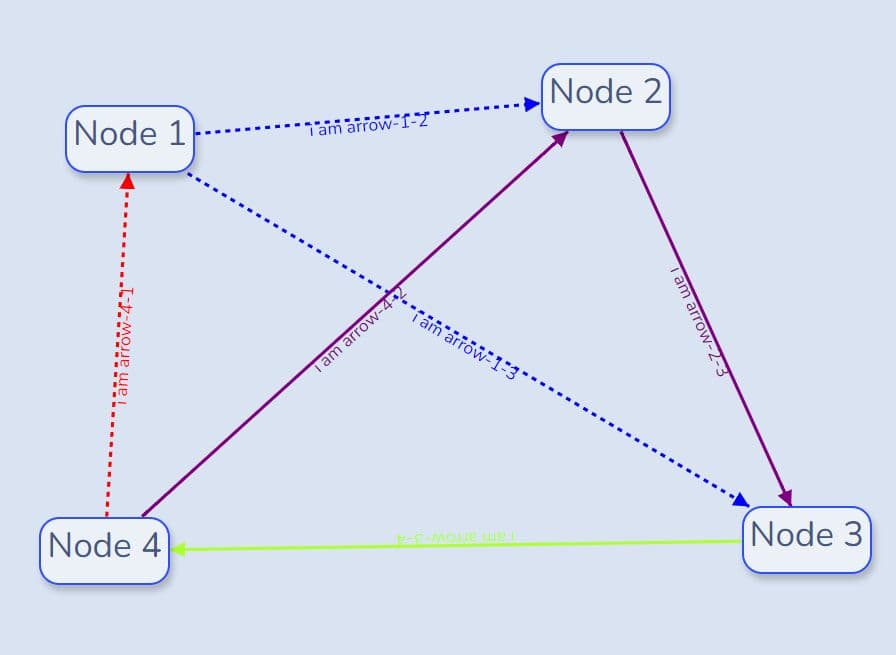
Just another jQuery plugin for visualizing the connection between two block elements with an elegant, customizable, responsive SVG line.
See also:
- jQuery Plugin To Connect Two Html Elements with A Line
- Add Connecting Lines Between Block Elements - Connections
- jQuery plugin To Visualize Connections Between Elements - jqSimpleConnect
How to use it:
1. Make sure both the jQuery HTML SVG Connect and jQuery JavaScript library are included on the webpage.
<script src="jquery.min.js"></script>
<script src="jquery.html-svg-connect.js"></script>
2. Call the plugin on the element containing the block elements you want to connect with a SVG path.
<div id="svgContainer"></div>
<div id="el-a"></div>
<div id="el-b"></div>
$("#svgContainer").HTMLSVGconnect({
  paths: [
    { start: "#el-1", end: "#el2"}
  ]
});
3. Options with default values. You can override any of these values during initialization.
// color of the SVG line
stroke: "#000000",

// thickness in px of the SVG line
strokeWidth: 12,

// Whether the path begins/ends from the side of the element or from the top/bottom.
// horizontal | vertical | auto
orientation: "auto",

// Array of objects with properties "start" & "end" that
// define the selectors of the elements to connect:
// i.e., {start: "#purple", end: "#green"}.
// Optional properties:
//  "stroke": [color],
//  "strokeWidth": [px],
//  "orientation": [horizontal|vertical|auto (default)]
paths: []
Changelog:
2018-07-11
- Fixed IE crash because missing function declarations
2018-05-03
- Small re-ordering of lines.
2017-04-19
2017-04-18
- Draw paths for dynamic content
This awesome jQuery plugin is developed by a115. For more Advanced Usages, please check the demo page or visit the official website.