Simple Flexible jQuery Date Picker Plugin - DatePickr
| File Size: | 17.9 KB |
|---|---|
| Views Total: | 5890 |
| Last Update: | |
| Publish Date: | |
| Official Website: | Go to website |
| License: | MIT |
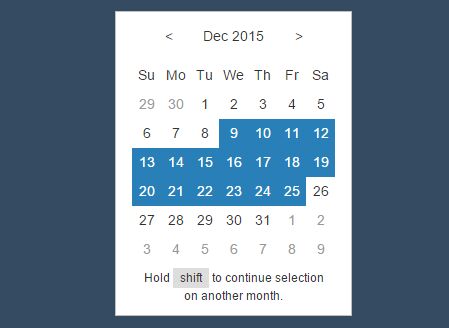
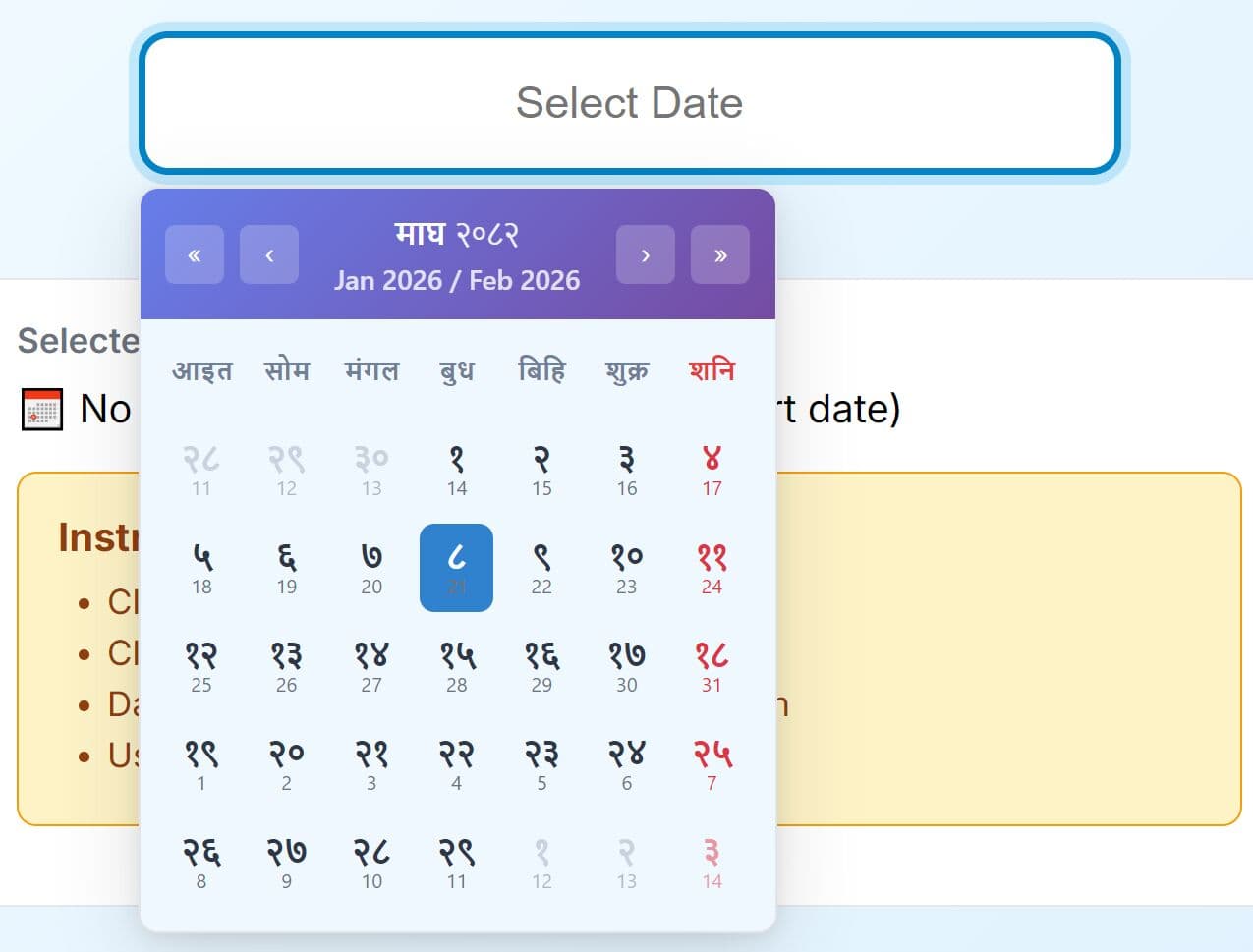
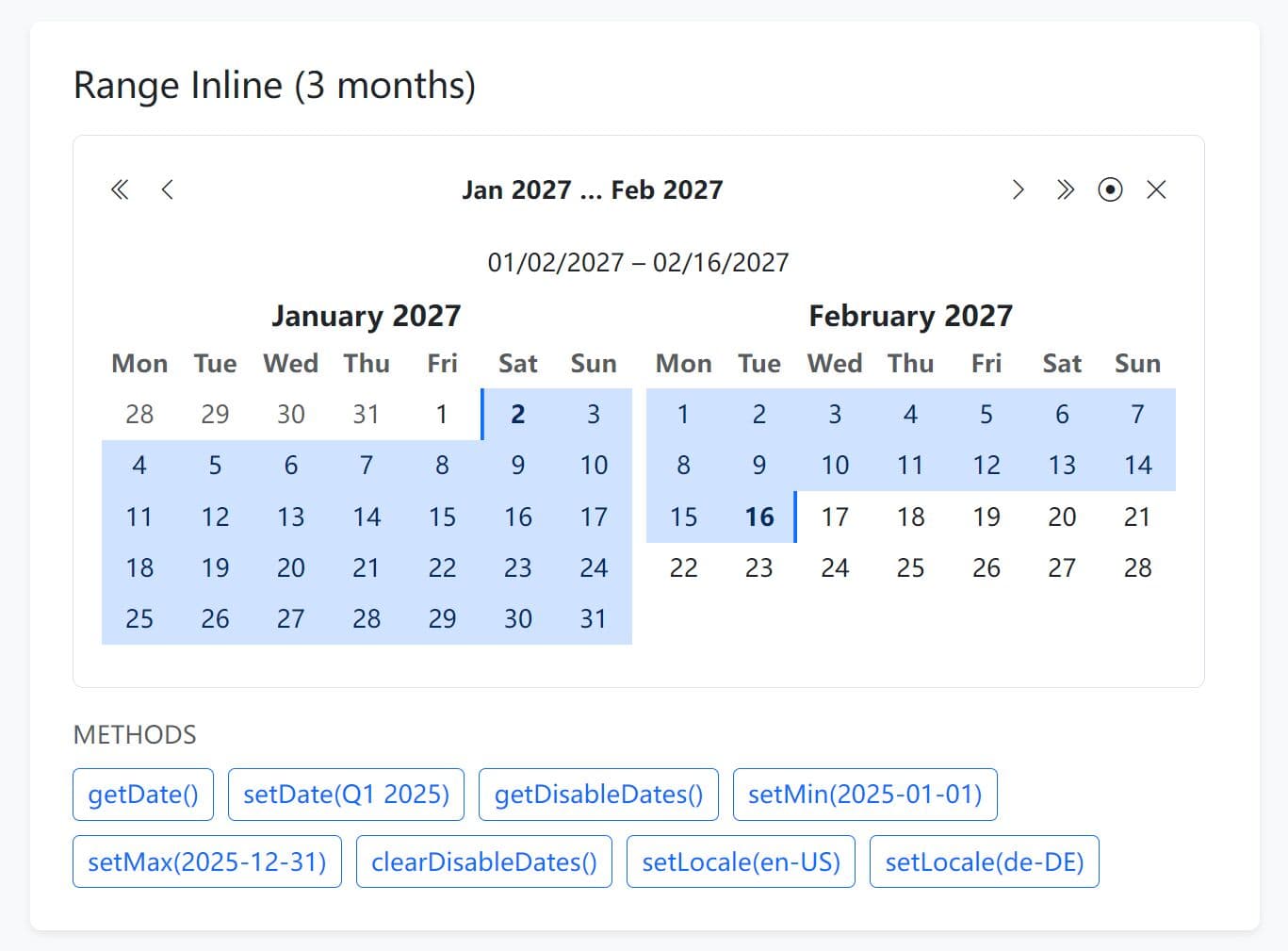
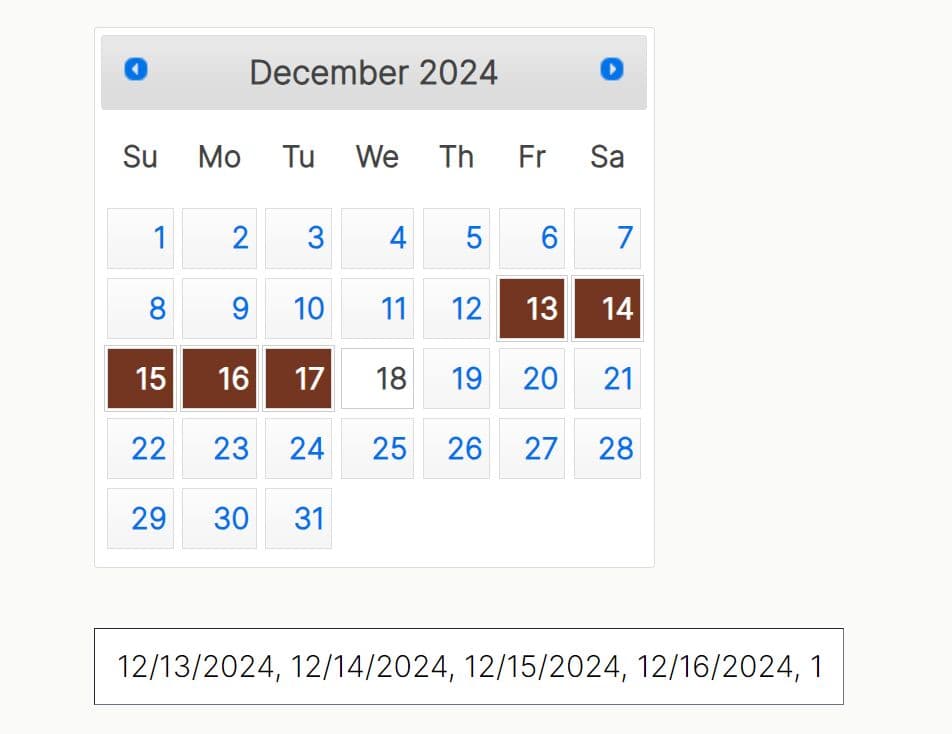
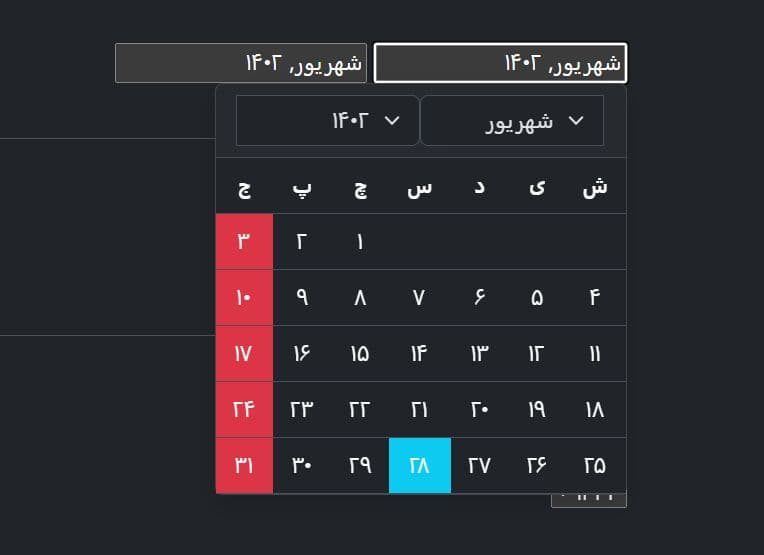
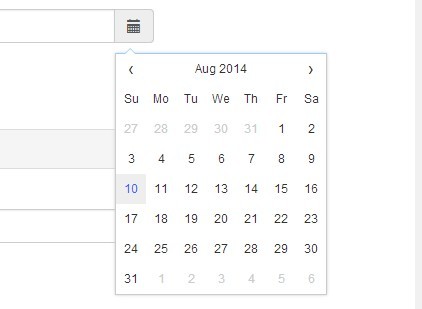
DatePickr is a simple yet feature rich date picker plugin for creating both inline and input-triggered calendars capable of selecting single / multiple dates and/or date ranges.
More features:
- Allows to select a date range via mouse drag.
- Custom calendar positions.
- Allows to specify max / min dates.
- Very easy to implement.
- Works on any html elements like div and input field.
How to use it:
1. Load the latest jQuery library and the jQuery DatePickr plugin's files in your webpage.
<script src="//code.jquery.com/jquery.min.js"></script>
<script src="js/datepickr.min.js"></script>
<link rel="stylesheet" href="css/datepickr.min.css">
2. Create a basic inline calendar date picker.
<div id="demo"></div>
$("#demo").DatePickr();
3. Create a draggable date range picker.
$("#demo").DatePickr({
  draggable: true
});
4. All default options.
$("#demo").DatePickr({

  // min date
  datemin: "1 Jan 1995",

  // max date
  datemax: "31 Dec 2035",

  // enable draggagle date range selecting
  draggable: false,

  // show drag note
  showDragNote: true,

  // text for drag note
  dragNoteText: "Hold <kbd>shift</kbd> to continue selection on another month.",

  // key code for drag
  dragKey: 16,

  // callback events
  onChange: function(){},
  onHide: function(){},
  onShow: function(){},
  onBeforeMonthChange: function(){},
  onMonthChange: function(){},

  // calendar's position
  position: "bottom"

});
5. You can also initialize the plugin automatically and pass the options via data-option attributes as follow.
<div id="demo"
     data-datepickr
     data-draggable>
</div>
This awesome jQuery plugin is developed by RapidtSoftware. For more Advanced Usages, please check the demo page or visit the official website.