Responsive Fluid Flickr Gallery with jQuery - Nice Gallery
| File Size: | 1.16 MB |
|---|---|
| Views Total: | 19566 |
| Last Update: | |
| Publish Date: | |
| Official Website: | Go to website |
| License: | MIT |

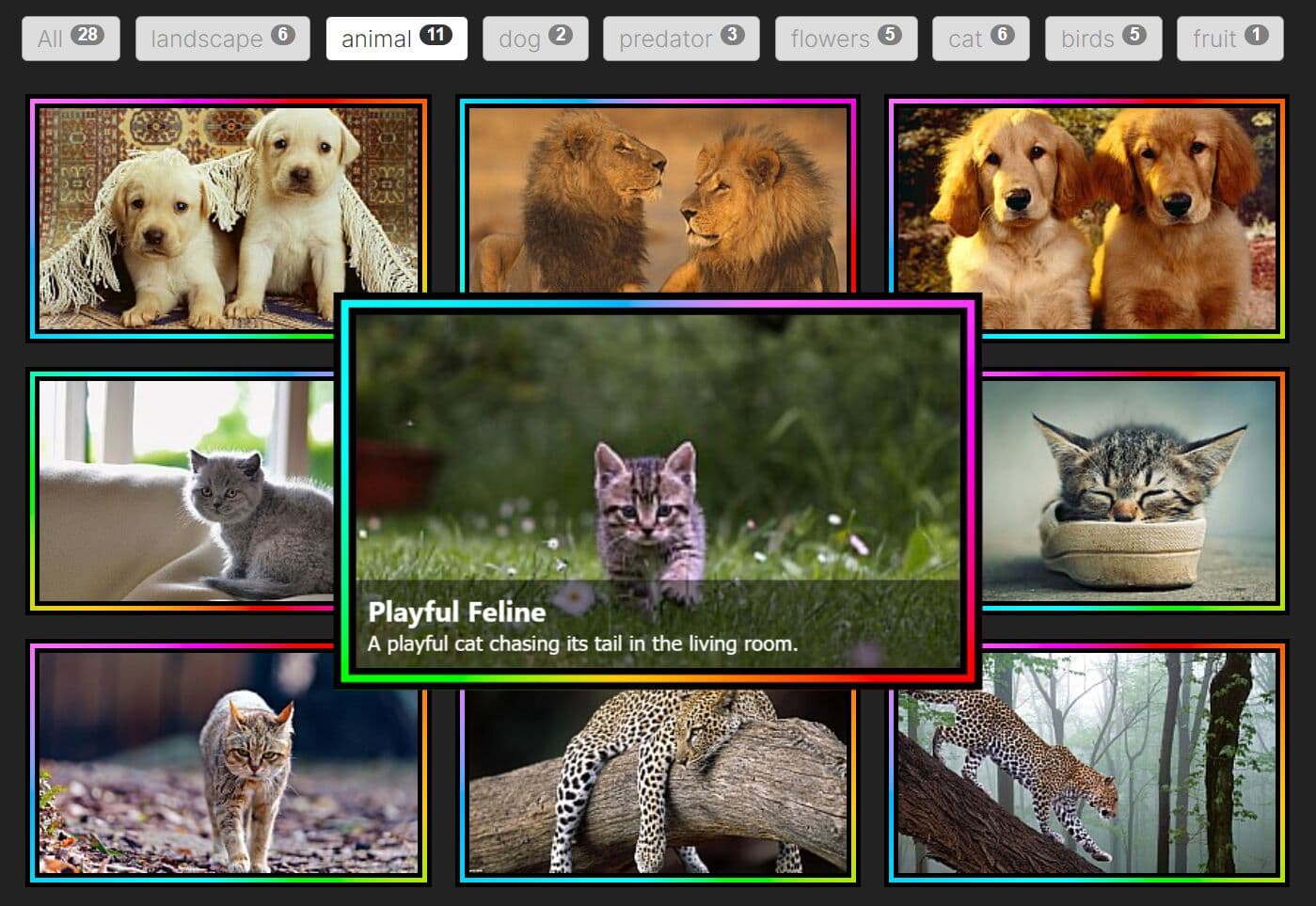
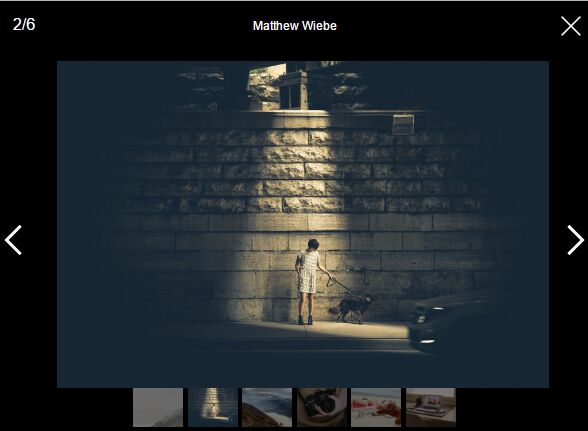
Nice Gallery Flickr is a jQuery plugin that uses Flickr API to retrieve and display your Flickr photos in a responsive, flexible, fluid gallery grid with cool caption hover effects. Allows to pull photos from any user & photoset.
How to use it:
1. Load the necessary jQuery & jQuery UI in the document.
<script src="//code.jquery.com/jquery-1.11.2.min.js"></script>
<script src="//code.jquery.com/ui/1.11.4/jquery-ui.min.js"></script>
2. Load the jQuery Nice Gallery Flickr plugin's files in the document.
<script src="js/FlickrAPI.js"></script>
<script src="js/Flickr.Gallery.min.js"></script>
<link rel="stylesheet" href="gallery.css">
3. The gallery structure.
<div class="content">

  <!-- gallery STRUCTURE -->
  <div class="niceGallery" id="gallery">
        <!-- HERE IS PLACE FOR PHOTOS -->
  </div>
  <!-- end gallery STRUCTURE -->

</div>
4. Call the plugin to generate a default Flickr gallery.
$(document).ready(function (){
  $("#gallery").flickrGallery({
    // OPTIONS
  });
});
5. Full plugin options.
//FLICKR API KEY
Key: 'dd7e89c7f0c07a951c30b34d7a013486',
//Secret
Secret: 'd792124bcd9f09bb',
//FLICKR user ID
User: '130110901@N08',
//Flickr PhotoSet ID
PhotoSet: '72157650384280721',
/*-- VIEWBOX SETTINGS --*/
Speed   : 400,    //Speed of animations
navigation  : 1,    //(true) Navigation (arrows)
keyboard  : 1,    //(true) Keyboard navigation
numberEl  : 1     //(true) Number elements
This awesome jQuery plugin is developed by LukaszCzerwinski. For more Advanced Usages, please check the demo page or visit the official website.