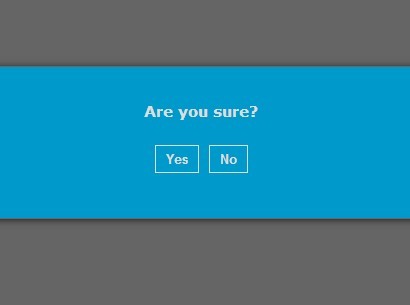
Simplest jQuery Modal Window Plugin - rsModal
| File Size: | 4.73 KB |
|---|---|
| Views Total: | 1062 |
| Last Update: | |
| Publish Date: | |
| Official Website: | Go to website |
| License: | MIT |

rsModal is a minimal jQuery modal window plugin that works with any Html content and requires no images, CSS or other dependencies.
How to use it:
1. Load jQuery library and the jQuery rsModal plugin in the document.
<script src="//ajax.googleapis.com/ajax/libs/jquery/1.11.2/jquery.min.js"></script>
<script src="jquery.rsModal.js"></script>
2. Create content to be embedded into the modal window.
<div id="modalcontent" class="modal">
  Modal content here
</div>
3. Hide the modal window on page load.
.modal {
  display: none;
}
4. Create a button to trigger the modal content (OPTIONAL).
<button class="myModal">Open Modal</button>
5. The JavaScript to enable the modal plugin.
$('.myModal').click(function(){
  $('.modal').rsModal();
});
6. Customization options..
$('.myModal').click(function(){
  $('.modal').rsModal({
  background  : '#FFF',
  height    : '323px',
  width     : "500px",
  top     : "50%",
  left    : "50%",
  marginL   : '-250px',
  marginT   : '-161px',
  title     : 'rsModal'
  });
});
Change log:
2016-07-07
- JS update
2015-03-05
- Click event for closing modal down
This awesome jQuery plugin is developed by rorystandley. For more Advanced Usages, please check the demo page or visit the official website.