Easy Mobile-Friendly jQuery Responsive Menu Plugin - Reaktion.js
| File Size: | 14.3 KB |
|---|---|
| Views Total: | 6651 |
| Last Update: | |
| Publish Date: | |
| Official Website: | Go to website |
| License: | MIT |

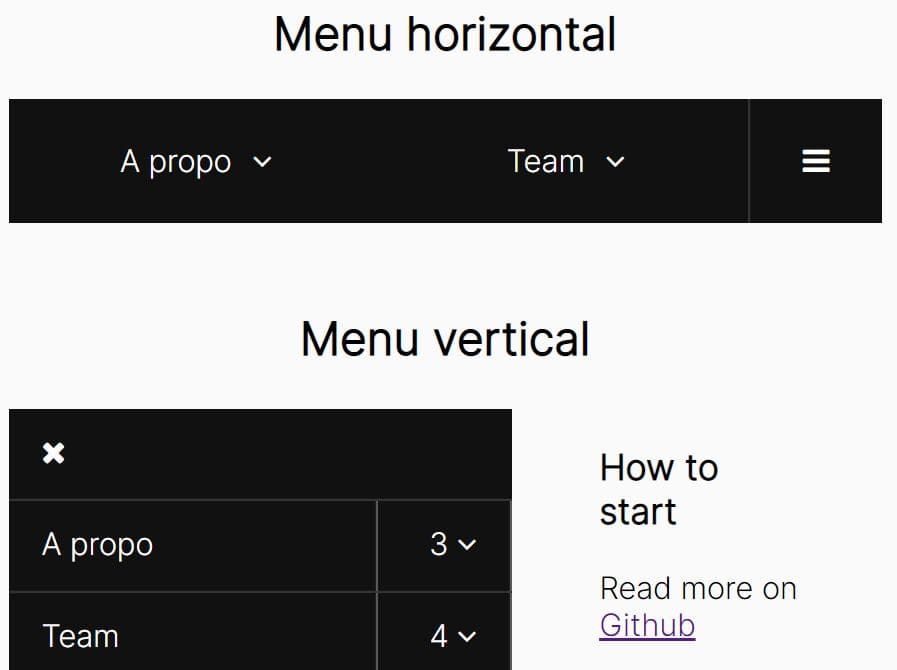
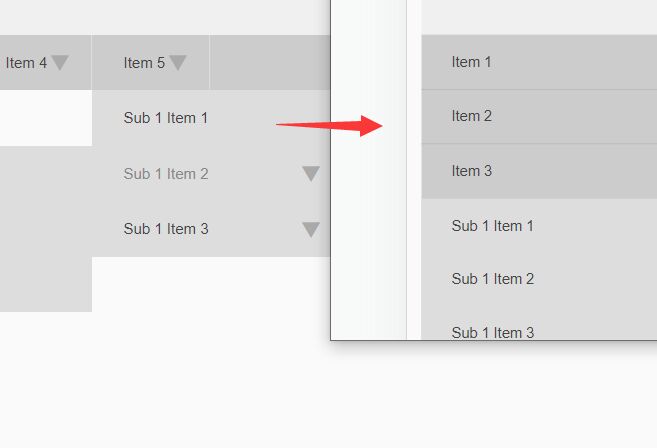
Just another jQuery responsive menu plugin that turns the regular navigation menu into a mobile-friendly toggle menu when the screen size reaches a predefined breakpoint.
How to use it:
1. Include jQuery library and the jQuery Reaktion.js plugin's CSS & script in your web page.
<link rel="stylesheet" href="http://netdna.bootstrapcdn.com/font-awesome/4.0.3/css/font-awesome.min.css" >
2. Include Font Awesome icon font for navigation icons.
<link rel="stylesheet" href="//netdna.bootstrapcdn.com/font-awesome/4.2.0/css/font-awesome.min.css">
3. Create a regular navigation menu from a nested Html list.
<div class="nav">
  <ul>
    <li><a href="#">Home</a></li>
    <li><a href="#">Work</a>
      <ul>
        <li><a href="#">Recent Work</a></li>
        <li><a href="#">Case Studies</a></li>
        <li><a href="#">Archives</a></li>
      </ul>
    </li>
    <li><a href="#">About</a></li>
    <li><a href="#">Services</a>
      <ul>
        <li><a href="#">Web Design</a></li>
        <li><a href="#">Web Development</a></li>
        <li><a href="#">eCommerce</a></li>
        <li><a href="#">Graphic Design</a></li>
      </ul>
    </li>
    <li><a href="#">Blog</a></li>
    <li><a href="#">Contact</a></li>
  </ul>
</div>
4. Call the plugin on the parent element and done. With default options, the navigation menu will be turned into a toggle menu once the screen size is smaller that 768px.
$('.nav').reaktion();
5. Full options to customize the responsive menu.
/* $('.nav').reaktion({
     OPTIONS
   });
*/


// custom breakpoint
breakPoint: 768,

// the icon for the toggle button
navIcon: '<i class="fa fa-bars"></i>',

// shows the sub menu arrows
arrows: true,

// the icon for the sub menu arrows
arrowIcon: '<i class="fa fa-chevron-down"></i>',

// the arrows are the only element that will toggle the sub menus
arrowsToggleOnly: true,

// animate the mobile menu on reveal
animate: true,

// slide or fade
effect: 'slide',

// animation speed
speed: 300,

// animate when opening the sub menus
animateSubNav: true,

// slide or fade
subNavEffect: 'slide',

// animation speed
subNavSpeed: 300,

// executed whenever the menu is opened
onOpen: function(){},

// executed whenever the menu is closed
onClose: function(){}
This awesome jQuery plugin is developed by ryantbrown. For more Advanced Usages, please check the demo page or visit the official website.