Lightweight jQuery Context Menu Plugin with Callback Support
| File Size: | 44.8 KB |
|---|---|
| Views Total: | 1052 |
| Last Update: | |
| Publish Date: | |
| Official Website: | Go to website |
| License: | MIT |
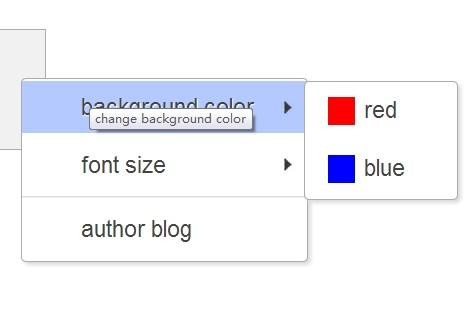
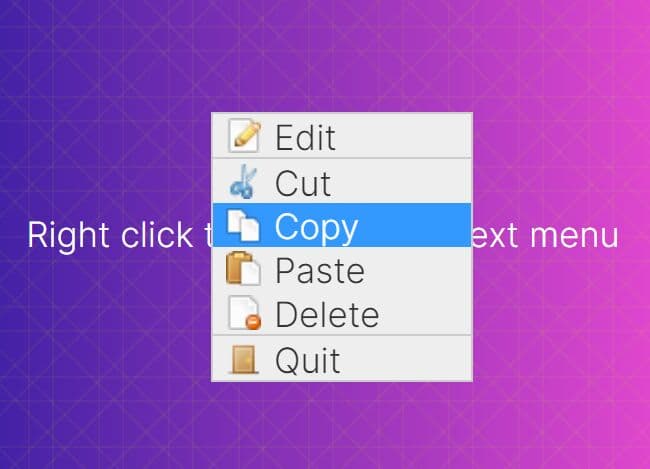
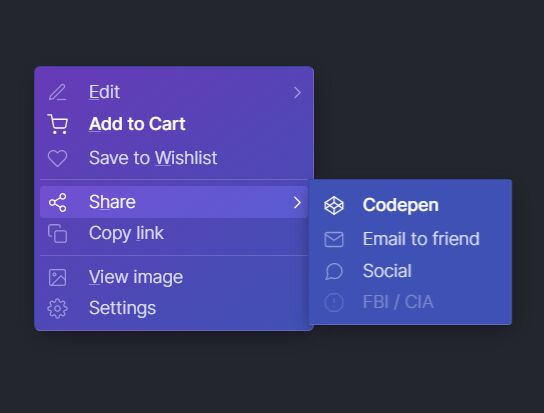
Contextmenu is a simple, cross-browser jQuery plugin that creates a right-click context menu appending to any html elements, with callback support.
How to use it:
1. Add the required contextmenu.min.css to your html page.
<link rel="stylesheet" href="css/contextmenu.min.css">
2. Create an Html element where you want to append the context menu to.
<div id="demo" class="right-click">
</div>
3. Load the jQuery javascript library and contextmenu.min.js at the bottom of the page.
<script src="http://ajax.googleapis.com/ajax/libs/jquery/1.11.0/jquery.min.js"></script>
<script src="js/contextmenu.min.js"></script>
4. Create the menu items via javascript.
<script>
var $div = $('#demo');

var cm = new ContextMenu({
selector: '.right-click',
items: [{
text: "Item 1",
url: 'https://www.jqueryscript.net/',
title: "Title 1",
target: '_blank',
items: [{
text: "Item 1.1",
url: 'https://www.jqueryscript.net/',
title: "Title 1.1",
target: '_blank'
}, {
text: "Item 1.2",
url: 'https://www.jqueryscript.net/',
title: "Title 1.2",
target: '_blank'
}]
},  'sep', {
text: "Website",
url: 'https://www.jqueryscript.net/',
title: "Go to website",
target: '_blank'
}]
});

</script>
This awesome jQuery plugin is developed by MrPrime. For more Advanced Usages, please check the demo page or visit the official website.