Tab-style Switch Navigation Plugin With jQuery And Velocity - SwitchMenu
| File Size: | 10.8 KB |
|---|---|
| Views Total: | 1559 |
| Last Update: | |
| Publish Date: | |
| Official Website: | Go to website |
| License: | MIT |
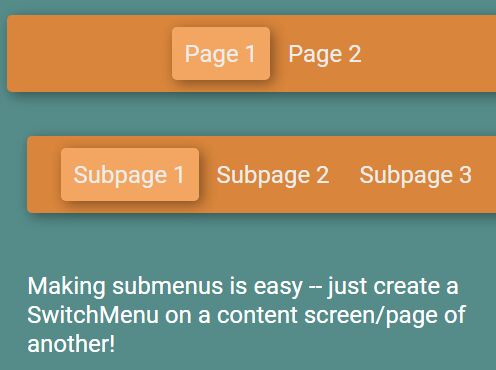
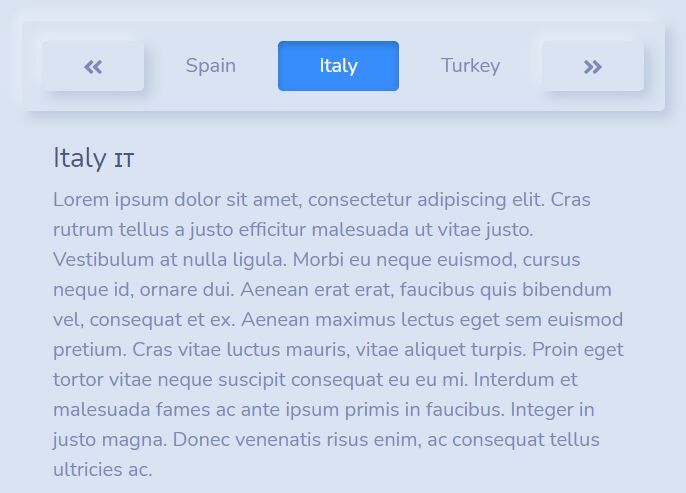
SwitchMenu is a jQuery plugin to create tab-style nested switch menus which can be used to switch between web pages and/or content sections. It uses the HTML5 history API to add your switch navigation to your browser's history so that your users are able to navigate through pages/contents with forward and back buttons.
How to use it:
1. Load the latest jQuery library and the jQuery SwitchMenu plugin's script in your html document.
<script src="//code.jquery.com/jquery-3.2.1.min.js"></script>
<script src="switchmenu_jquery.js"></script>
2. If you want to use velocity.js library for the smooth switch animations instead of the native jQuery animate() method:
<script src="jquery.min.js"></script>
<script src="velocity.min.js"></script>
<script src="velocity.ui.min.js"></script>
<script src="switchmenu_velocity.js"></script>
3. Create the switch menu and matched content sections.
<div id="myMenu">
  <a href="#page1">Page 1</a>
  <a href="#page2">Page 2</a>
  <a href="#page3">Page 3</a>
  ...
</div>

<div id="page1">
  Content 1
</div>

<div id="page2">
  Content 2
</div>

<div id="page3">
  Content 3
</div>

...
4. Activate the switch menu:
new SwitchMenu('#myMenu', ['#page1', '#page2', '#page3']);
5. The plugin also supports nested switch menus:
new SwitchMenu('#myMenu', ['#page1', '#page2']);
new SwitchMenu('#mySubMenu', ['#subpage1', '#subpage2', '#subpage3']);
new SwitchMenu('#myOtherSubMenu', ['#subpage4', '#subpage5', '#subpage6']);
6. Default options for the switchmenu_jquery.js:
{
  scrollTarget: 'both',
  scrollDuration: 500,
  outSpeed: 500,
  inSpeed: 500
}
7. Default options for the switchmenu_velocity.js:
{
  scrollTarget: 'none',
  scrollDuration: 500,
  outAnimation: 'transition.slideLeftBigOut',
  inAnimation: 'transition.slideRightBigIn',
  outSpeed: 500,
  inSpeed: 500,
  startFunc: null,
  endFunc: null
}
This awesome jQuery plugin is developed by jwrunge. For more Advanced Usages, please check the demo page or visit the official website.