jQuery Plugin To Spy Scrolling Events - ScrollWatch
| File Size: | 9.31 KB |
|---|---|
| Views Total: | 3399 |
| Last Update: | |
| Publish Date: | |
| Official Website: | Go to website |
| License: | MIT |
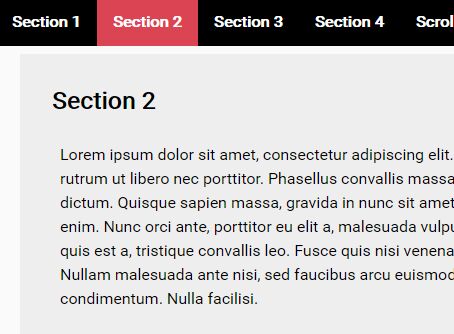
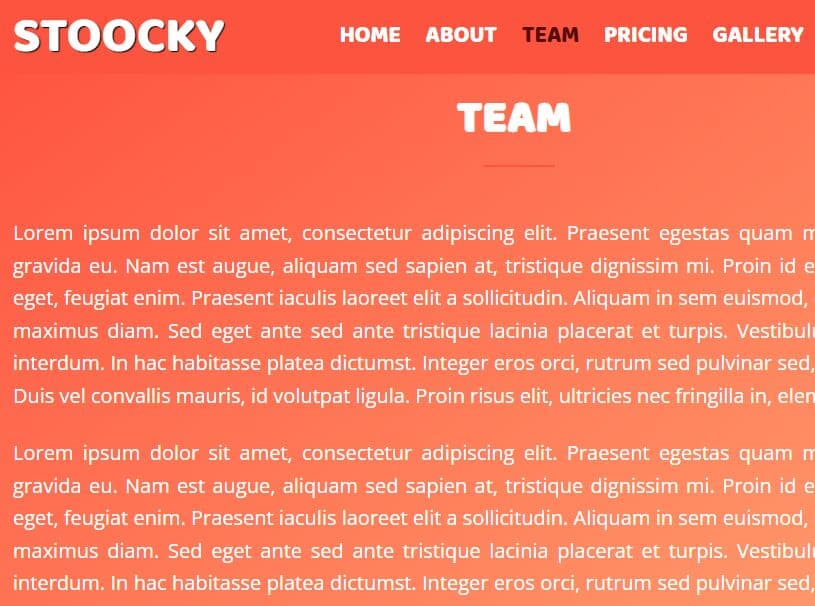
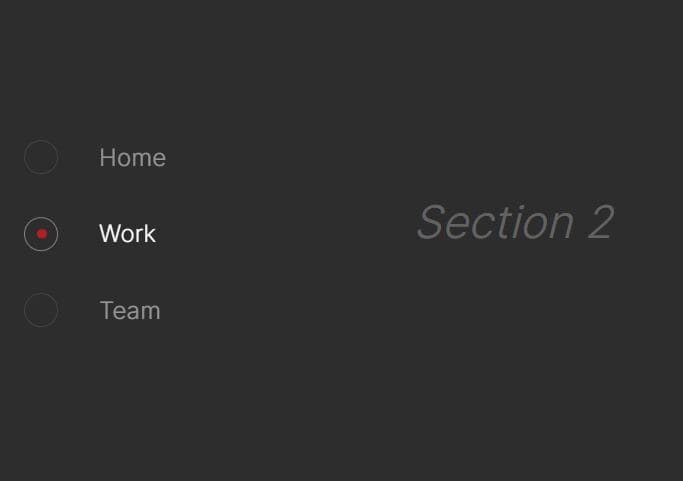
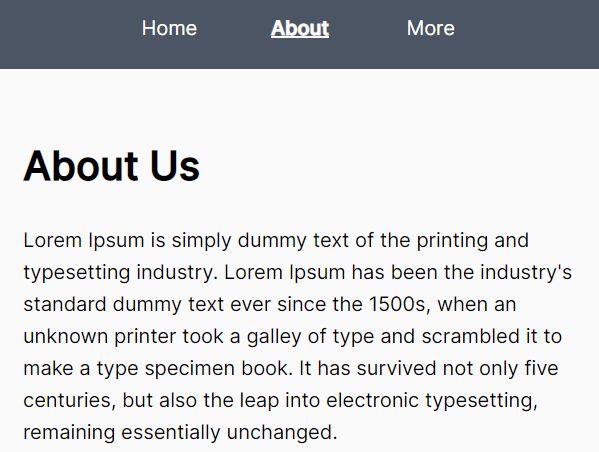
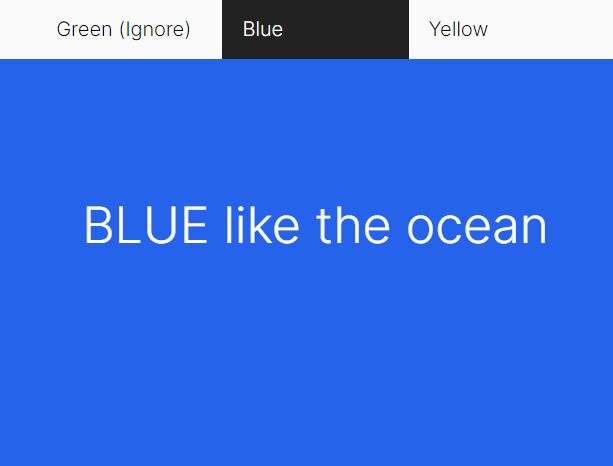
ScrollWatch is a robust and customizable jQuery scrollspy plugin that determines active page sections you're looking at and highlights the corresponding nav links on vertical page scrolling.
Works both with the scrollable container and the whole document.
How to use it:
1. Include both jQuery library and the jQuery ScrollWatch plugin right before the closing body tag.
<script src="//code.jquery.com/jquery.min.js"></script>
<script src="src/scrollwatch.js"></script>
2. Attach the ScrollWatch to given sections.
// selections: selector or an array of elements
// callback: function to invoke when the focus changes
// options: option array
$(sections).scrollWatch(callback, options)
3. Assign an 'Active' class to nav links as you scroll down the webpage.
// $(sections).scrollWatchMapTo(items, activeClass, options)
$('section').scrollWatchMapTo('ul.menu > li', null, {
  resolutionMode: 'focus-line',
  viewMarginTop: 53
});
<ul class="menu">
  <li><a href="#s1">Section 1</a></li>
  <li><a href="#s2">Section 2/a></li>
  <li><a href="#s3">Section 3</a></li>
  ...
</ul>
4. All possible customization options.
{

  // DOM element to spy scrolling events
  scroller: null,

  // True: the callback is invoked only when the active section changes
  // False: the callback is invoked on every pulse (e.g. on scroll and resize).
  throttle: true,

  // height - section that is occupying the largest portion of the view is chosen
  // focus-line - section that is directly intersecting or is closest to the focus line is chosen
  // custom - use a custom resolver
  // none - no resolution is performed (all candidates will be passed to the callback)
  resolutionMode: 'height',

  // Function to invoke when a focus candidate resolution is needed.
  // It must choose and return a single focus object.
  resolver: null,

  // in pixels
  topDownWeight: 0,
  viewMarginTop: 0,
  viewMarginBottom: 0,
  stickyOffsetTop: 5,
  stickyOffsetBottom: 5,

  // When enabled, the space between two sections is considered a part of the first section.
  // Useful when there are large gaps between sections.
  clamp: false,

  // Percentage of the view height that determines position of the focus line
  focusRatio: 0.38196601125010515,

  // Offset added to position of the focus line position after focusRatio is applied
  focusOffset: 0,

  // Debug mode
  debugFocusLine: false

}
Changelog:
v2.2.0 (2021-11-28)
- Fix fallback
- Add "clamp" option
This awesome jQuery plugin is developed by Shira-3749. For more Advanced Usages, please check the demo page or visit the official website.