Confirm User Intentions Using Bootstrap 4 Modal - Bootstrap Confirm
| File Size: | 76.1 KB |
|---|---|
| Views Total: | 2311 |
| Last Update: | |
| Publish Date: | |
| Official Website: | Go to website |
| License: | MIT |
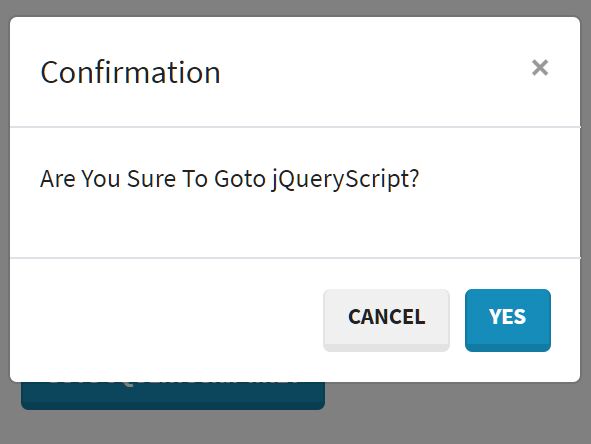
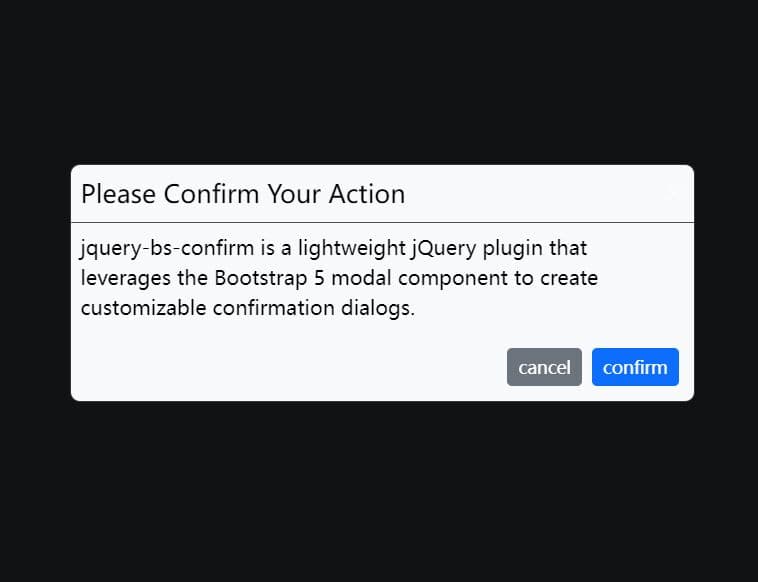
Yet another Bootstrap 4 confirm plugin which displays a custom confirmation dialog when the users are about to visit another link and/or submit the HTML form.
Based on jQuery and Bootstrap 4 modal component.
See also:
How to use it:
1. Include the JavaScript file bootstrap-confirm.js on the web page which has both jQuery library and Bootstrap framework loaded.
<script src="/path/to/jquery.slim.min.js" ></script>
<script src="/path/to/bootstrap.min.js"></script>
<script src="/path/to/bootstrap-confirm.js"></script>
2. Display a confirm dialog when the user clicks on a link within the document. In this example, we're going to use the data-toggle attribute to automatically initialize the plugin.
<a href="https://jqueryscript.net" class="btn btn-primary" data-toggle="confirm">
  Goto jQueryScript.net
</a>
3. Display a confirm dialog when the user submit an HTML form.
<form id="form-example">
  <div class="form-group">
    <input type="text" class="form-control" placeholder="Username" name="name">
  </div>
  <div class="form-group">
    <button class="btn btn-primary">Submit</button>
  </div>
</form>
$('#form-example').confirm({
  // options here
})
4. Customize the confirm dialog by passing the following options to the confirm function.
$('#form-example').confirm({

  // dialog title
  title: 'Confirmation',

  // dialog content
  text: 'Are you sure want to do the action?',

  // shows the confirm dialog on init
  ask: false,

  // confirm/cancel text
  btnConfirm: 'Yes',
  btnCancel: 'Cancel'

  // Bootstrap button type
  btnType: 'primary'

})
5. Or via data-option attributes:
<a href="https://jqueryscript.net" class="btn btn-primary" data-toggle="confirm" data-btn-confirm="Confirm!">
  Goto jQueryScript.net
</a>
This awesome jQuery plugin is developed by iqbalfn. For more Advanced Usages, please check the demo page or visit the official website.