Minimal Dark & Light Mode Toggler For Bootstrap 4
| File Size: | 5.74 KB |
|---|---|
| Views Total: | 622 |
| Last Update: | |
| Publish Date: | |
| Official Website: | Go to website |
| License: | MIT |
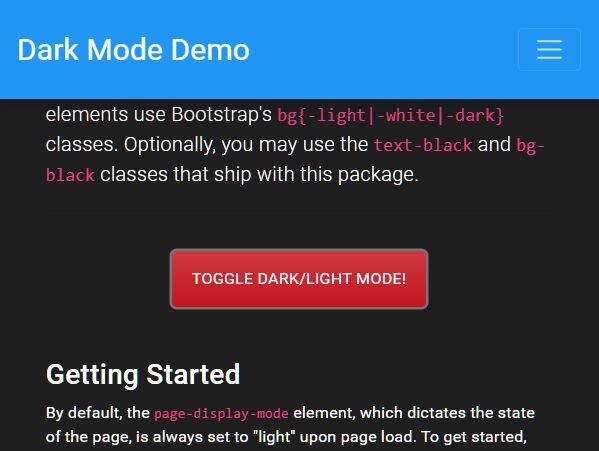
Just another Bootstrap 4 Dark Mode plugin that allows the visitor to toggle between Dark Mode and Light Mode using the Bootstrap's color utility classes.
How to use it:
1. Load the dark-mode.css and dark-mode.js into your Bootstrap project.
<!-- Bootstrap Dark Mode CSS -->
<link rel="stylesheet" href="/path/to/cdn/bootstrap.min.css" />
<!-- Bootstrap Dark Mode CSS -->
<link rel="stylesheet" href="/path/to/public/css/dark-mode.css" />

<!-- Optional JavaScript -->
<!-- jQuery first, then Popper.js, then Bootstrap JS -->
<script src="/path/to/cdn/jquery.slim.min.js"></script>
<script src="/path/to/cdn/popper.min.js"></script>
<script src="/path/to/cdn/bootstrap.min.js"></script>

<!-- Dark Mode JS -->
<script src="public/js/dark_mode.js"></script>
2. Create a button to toggle between dark & light mode.
<button class="btn btn-danger"
        type="button"
        onclick="toggleDisplayMode()">
        Toggle Dark/Light Mode!
</button>
3. Override the default color scheme.
.bg-black {
  background-color: #1f1f1f;
}

.text-black {
  color: #1f1f1f;
}
This awesome jQuery plugin is developed by danielflachica. For more Advanced Usages, please check the demo page or visit the official website.