Detect Swipe Direction And Trigger Certain Events - Swipe.js
| File Size: | 4.78 KB |
|---|---|
| Views Total: | 6067 |
| Last Update: | |
| Publish Date: | |
| Official Website: | Go to website |
| License: | MIT |
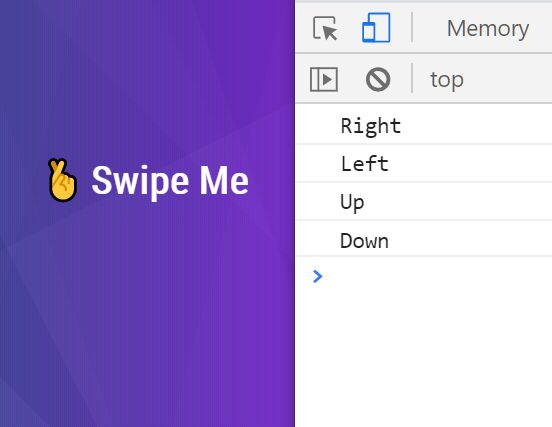
Swipe.js is a lightweight jQuery plugin that detects finger swipe events on touch devices and trigger custom events as you swiped-left, swiped-right, swiped-up and swiped-down on an element.
See Also:
- Detect Touch Swipe Direction In JavaScript – touchSweep
- Detect Finger Swipe Events With JavaScript – swiped-events
- Capture Touch Swipe Events On Web App – Swipy
How to use it:
1. Download and put the main JavaScript file swipe.js after loading the latest jQuery library.
<script src="/path/to/cdn/jquery.min.js"></script>
<script src="/path/to/js/swipe.js"></script>
2. Apply the plugin to the element on which you wish to detect the swipe direction.
<div id="demo">
  Your Content Here
</div>
$("#demo").onSwipe();
3. Do something according to the swipe direction.
$("#demo").onSwipe(function(results){

  if(results.up == true)
    alert("Up")

  if(results.right == true)
    alert("Right")

  if(results.down == true)
    alert("Down")

  if(results.left == true)
    alert("Left")

});
This awesome jQuery plugin is developed by dsheedes. For more Advanced Usages, please check the demo page or visit the official website.